
Who is responsible for a vulnerability in your Apple tech? How should tech companies advertise cybersecurity features they sell to you? A new case has been filed in California that seeks to answer those questions. The case claims that Apple iCloud is leaking your IP address and is technically based on a vulnerability recently discovered.
If the California court rules against Apple, this case will become a clear historical first and will establish precedent for software liability responsibilities and how security services are marketed. Let’s dive in.
Rickman v. Apple: The tech giant is being sued for misleading advertising
Case number 5:2026cv08218 was filed on August 6 in the US District Court for the Northern District of California. The case, RICKMAN v. Apple Inc., was filed by Clarkson Law Firm, a firm that has already won a $250 million case against Apple for misleading advertising when Apple marketed AI features for the iPhone 16 Pro that were never delivered.
The case documents show that the plaintiff, Edward Rickman (apparently an everyday Apple consumer represented by Ryan J. Clarkson from Clarkson Law Firm), says he subscribed to iCloud Plus believing that iCloud Private Relay would hide his IP address and hide his Safari browsing activity.
It did not, the case says.
“Instead, Apple delivered a system that recreates through its own credential service the precise harm Apple told the world it had made impossible,” the case document reads, as reported by CNET.
Apple delivered a system that recreates through its own credential service the precise harm Apple told the world it had made impossible.
Case 5:2026cv08218
Besides monetary compensation and attorneys’ fees, this case also seeks an injunction against Apple that would require it to change its business practices to mitigate the risk of consumer deception.
iCloud Private Relay, only available for premium iCloud Plus users, costs between $0.99 and $60 per month.
“Apple built its entire brand on the promise that it would protect its users’ privacy when no other company would,” Tim Giordano, a partner at Clarkson Law Firm, said in a statement published by CNET.
“For Apple’s iCloud users to now learn that for years, they were paying Apple a premium for a protection that simply didn’t work, exposing them to the very tracking, profiling and targeting Apple warned them about, is an outrageous violation and betrayal of consumer trust and law,” said Giordano.
Did Apple share misleading information in its ads?
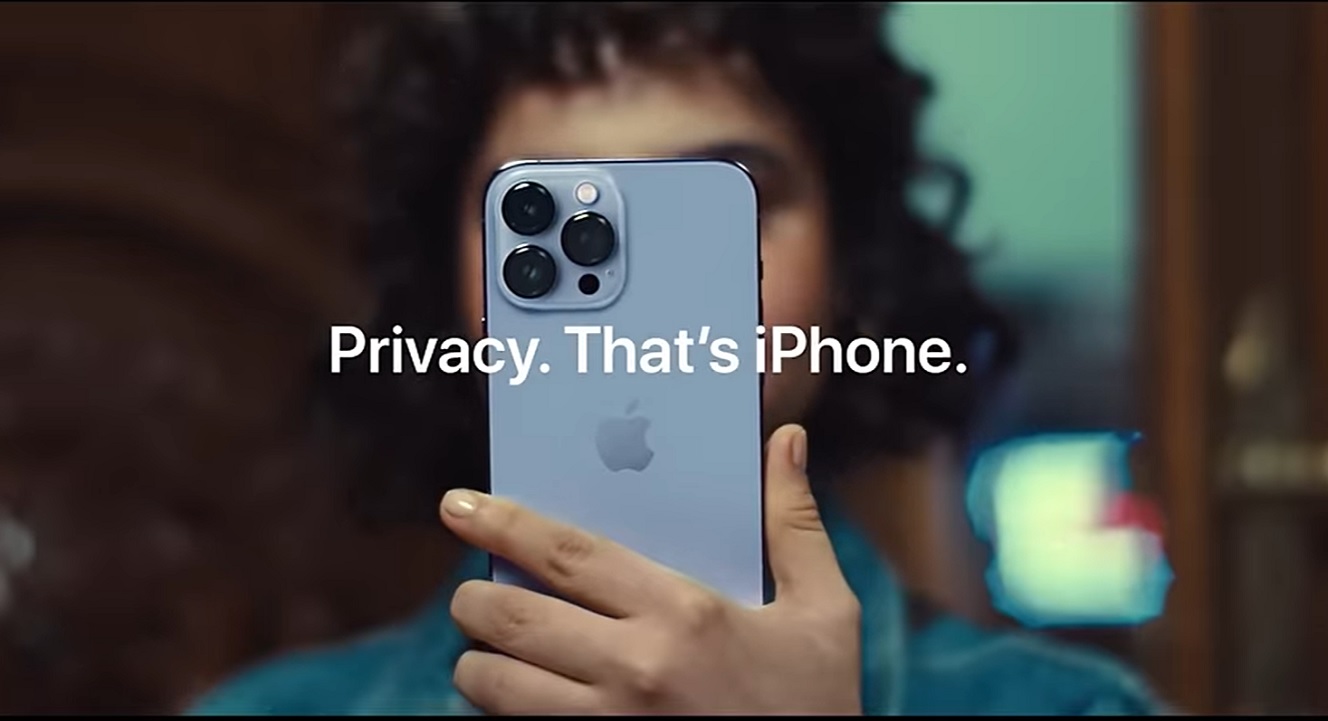
Let’s watch an ad from Apple to see how the company known for its bold creative advertising takes on the issue of trackers, profiling, and targeting, and how it sells Apple security features.
While Clarkson Law Firm argues that Apple aired a misleading advertisement, the technical explanation for why your IP is leaking if you are using iCloud Private Relay, designed to do the exact opposite, involves a technical vulnerability recently discovered by Mysk researchers. Experts break it down.
“Your IP address can show a general indication of your location, which is the main privacy concern here,” said Aimee Simpson, Director of Product Marketing at Huntress.
Beyond that, this weakness doesn’t create vulnerabilities or cause device failures, Simpson said. “It’s mainly a misalignment between Apple promising higher security and the feature they deliver not working as well as intended.”
“Users shouldn’t need to understand the ins and outs of this system to be able to put their confidence in the safety features designed to protect them,” said Simpson.
So, is your IP being leaked by iCloud Private Relay? Here’s the answer.
If you have iCloud Private Relay and want to know if it is leaking your IP, Mysk researchers set up a free website where you can check exactly that. The website will answer whether your IP is leaking, and the full technical report from Mysk, which experts we talked to will break down below, will answer technically why.
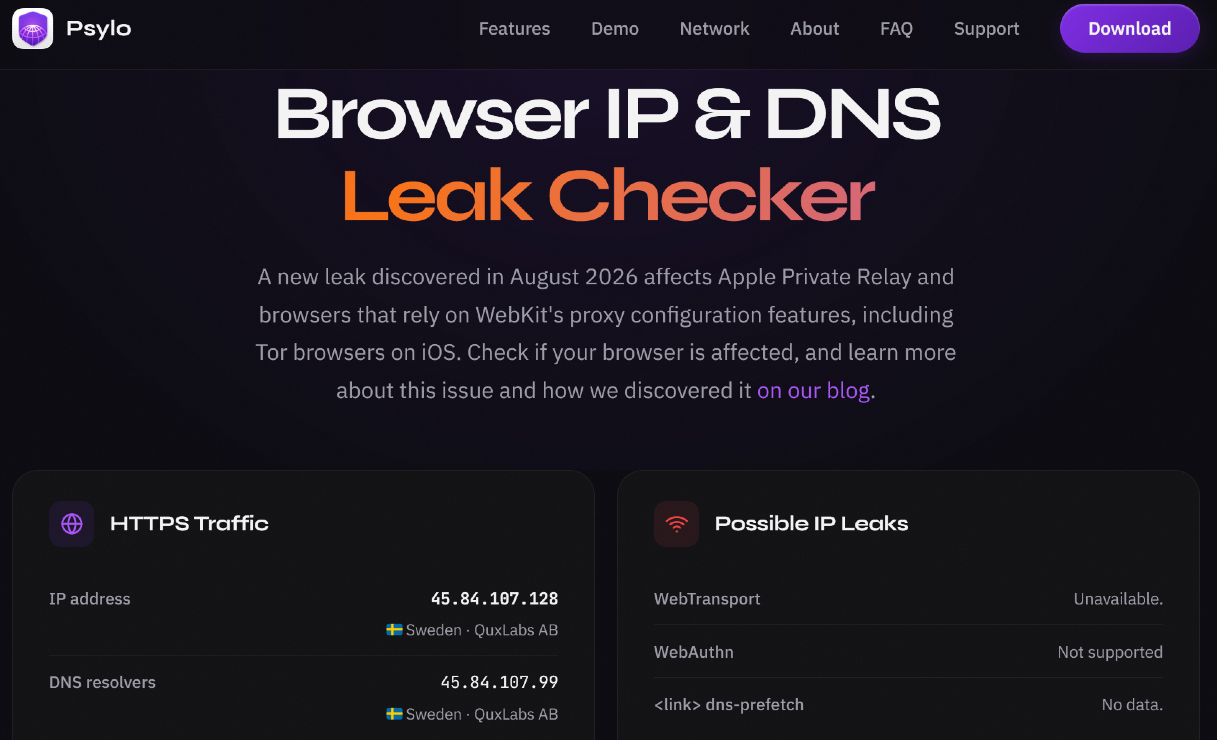
“Private Relay is meant to hide a user’s original IP address whenever they browse using Safari web browser,” Mudita Khurana, formerly of Meta and current Staff Security Engineer at Airbnb, told us.
The concern, Khurana explained, is that some WebKit features may send traffic directly from the device instead of through the relay. This, in turn, could leak the user’s original IP address. WebKit is the core engine of your Safari browser and other browsers working on your Apple devices.
“In other words, these features will allow a website or third-party script to see the user’s real IP address, which can further reveal their approximate location and let the websites track their activity,” said Khurana.
The problem with iCloud Private Relay
Mysk researchers, developers of the private browser Pyslo, began investigating WebKit vulnerabilities after a Pyslo user noticed DNS leaks when visiting only certain websites. Mysk researchers found 3 WebKit features that send some traffic outside the relay route; these vulnerabilities affected not just Pyslo users but also those using Apple’s iCloud Private Relay, Mysk said.
Khurana explained the 3 WebKit features leaking IPs:
- WebAuthn-related origin requests: “This is connected to passkeys,” said Khurana. When a website uses a passkey-related feature, the phone’s credential service may fetch a small validation file directly from the device. Since that request avoids Private Relay, the website hosting that file can see the device’s real IP address, said Khurana.
- WebTransport: “This is a web technology for fast, ongoing communication between a website and a browser, often useful for real-time apps,” Khurana said. It may open a direct connection from the device, again allowing the receiving server to see the real IP.
- DNS prefetching: “A browser sometimes looks up a website address before the user clicks it to make pages load faster,” Khurana said. If that lookup uses the device’s ordinary DNS route, the user’s DNS provider can see the requested domain and the device’s normal network information. This is mainly a DNS-privacy leak; it is different from a website directly receiving the user’s real IP, Khurana added.
The California case, Khurana said, is focused on the first vulnerability: WebAuthn Related Origin Requests, whenever passkeys are involved.
“Other than providing a clear technical explanation of which traffic Private Relay currently protects and does not protect, Apple should also patch all direct connection paths and provide an update for identified affected iOS versions,” Khurana said. “They should also consider running independent regression tests before describing the feature as privacy-protecting.”
When security tools are advertised as “absolute”
Because there are thousands of vulnerabilities discovered in the wild and patched every year — leaks, hacks, and an ever-rising number of cyberattacks — advertising cybersecurity tools as “absolute” is certainly not the way to go. So, how should you treat cybersecurity advertisements?
Let’s watch another ad from Apple depicting data brokers auctioning your personal data and iPhone’s privacy features working to… mitigate the issue.
“The first thing I would tell users is that privacy technology is rarely absolute,” Trevor Horwitz, CISO and Founder at TrustNet, told us.
Tools that hide an IP address, encrypt traffic, or relay communications can significantly reduce exposure, but modern devices and browsers are complicated, said Horwitz.
There are many different protocols, services, and background processes communicating over the network, and a privacy control may not handle every one of those connections in exactly the same way, he explained.
An IP address by itself usually does not identify someone personally, but it can reveal their approximate location and becomes much more useful when combined with other information.
“From a cybersecurity standpoint, that is why IP exposure matters,” said Horwitz.
How do you keep your IP and data private online?
There are several things you can do to keep your IP private and limit the amount of data you share over your network.
Security updates patch vulnerabilities; you might want to get those.
“On the user front, they should install Apple security updates as soon as they are available and understand that Private Relay has a specific scope and does not provide full anonymity,” Khurana from Airbnb said.
Get a VPN if you want to hide your IP
“If users are especially worried, then they can resort to other layers of security, like a VPN, in the meantime,” said Simpson from Huntress.
Do not panic, but use additional protections
“I would not recommend that average users panic or stop using privacy features because researchers discover a potential limitation,” Horwitz from TrustNet told us.
“I would keep devices and browsers updated, understand what a privacy service actually protects, and use additional protections such as a reputable VPN when there is a stronger need for anonymity,” Horwitz said.
Get Moonlock. Vulnerabilities and safe browsing are two of the app’s main focuses.
Vulnerabilities and safe browsing are the two main focus points of the Moonlock security app.
To offer a line of defense against vulnerabilities that have not yet been patched by vendors, Moonlock’s in-house team of researchers collaborates with the broader cybersecurity community to keep Moonlock’s app malware and threat database updated. Real-Time Protection and the Malware Scanner run on this updated database to keep your Mac safe from newly discovered threats.

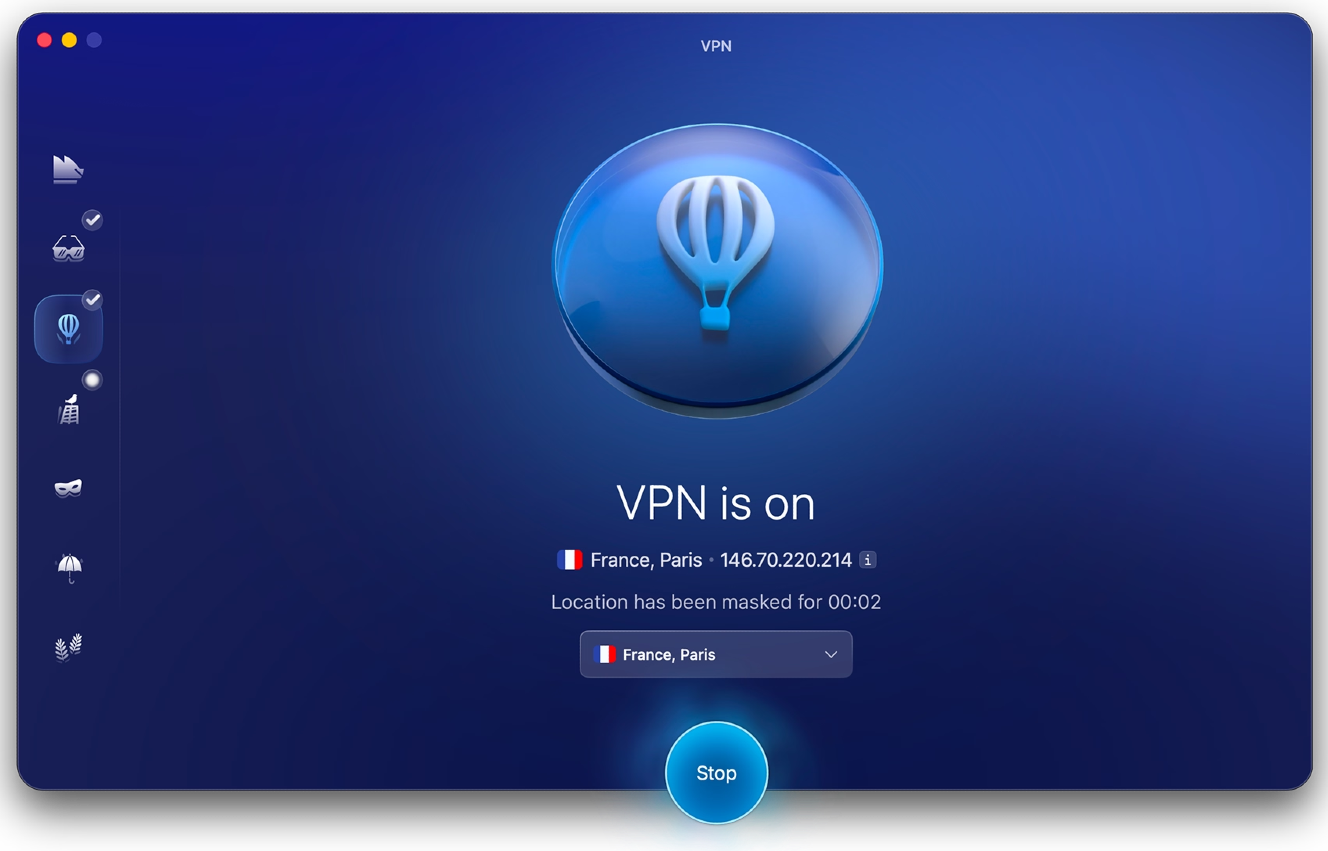
When it comes to safe browsing, the Moonlock app ships with a built-in VPN that will hide your IP and enhance your security. For added layers of security, System Protection can scan your Mac system settings and walk you through how to tighten them, and the Security Advisor tool can help you build safe digital habits at your own pace. Meanwhile, the Scam Detector can check for scams and phishing in any email or text in just a couple of clicks.
Check out and test-drive Moonlock for free for 7 days. See how it feels on your end.
Final thoughts
It doesn’t take an Apple Genius to know that when recommending or advertising cybersecurity tools to users, claiming they are 100% safe or making inflated promises when it comes to their features is wrong. No software or tech is 100% safe.
As the number of vulnerabilities continues to skyrocket, driven by threat actors using AI tools to find vulnerabilities and exploits way faster than security teams can patch them, and as adware, potentially unwanted programs (PUPs), scams, leaks, and cyberattacks continue to proliferate, you might feel stuck between a rock and a hard place. Understanding the entire environment, from risks to threats to security vendors, can help us all make better, more informed decisions.
As Horwitz from TrustNet told us, privacy features need continuous testing, clear documentation, rapid remediation when weaknesses are discovered, and transparency about their limitations.
“Ultimately, users are placing trust in these controls,” Horwitz said. “That trust depends on the technology doing what users reasonably believe it does, and on companies being clear when there are exceptions.”
This is an independent publication, and it has not been authorized, sponsored, or otherwise approved by Apple Inc. Mac and iCloud are trademarks of Apple Inc.