

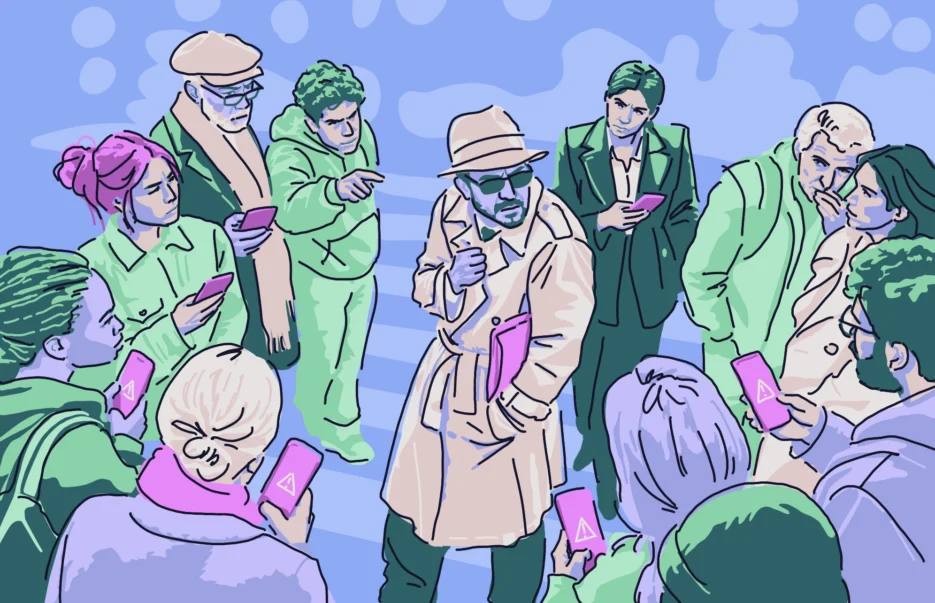
In the past few days (late October 2026), Apple users have been getting spyware warning notifications. The spyware notifications, coming from Apple itself, are becoming increasingly common every year. In this new wave, users were targeted in 110 countries, according to reports.
If you have received an Apple spyware notification or are concerned about why the company is issuing so many, this report walks you through it. We cover what is happening, what we know, and the state of spyware. Most importantly, we cover what you can do about it.
The uncomfortable truth of iPhone spyware: Who is being targeted?
The uncomfortable truth, for users and for Apple, is that zero-click spyware is becoming increasingly common. In these cyberattacks, there is nothing to download, nothing to click on. You are simply scrolling online when an ad loads, and your iPhone is breached.
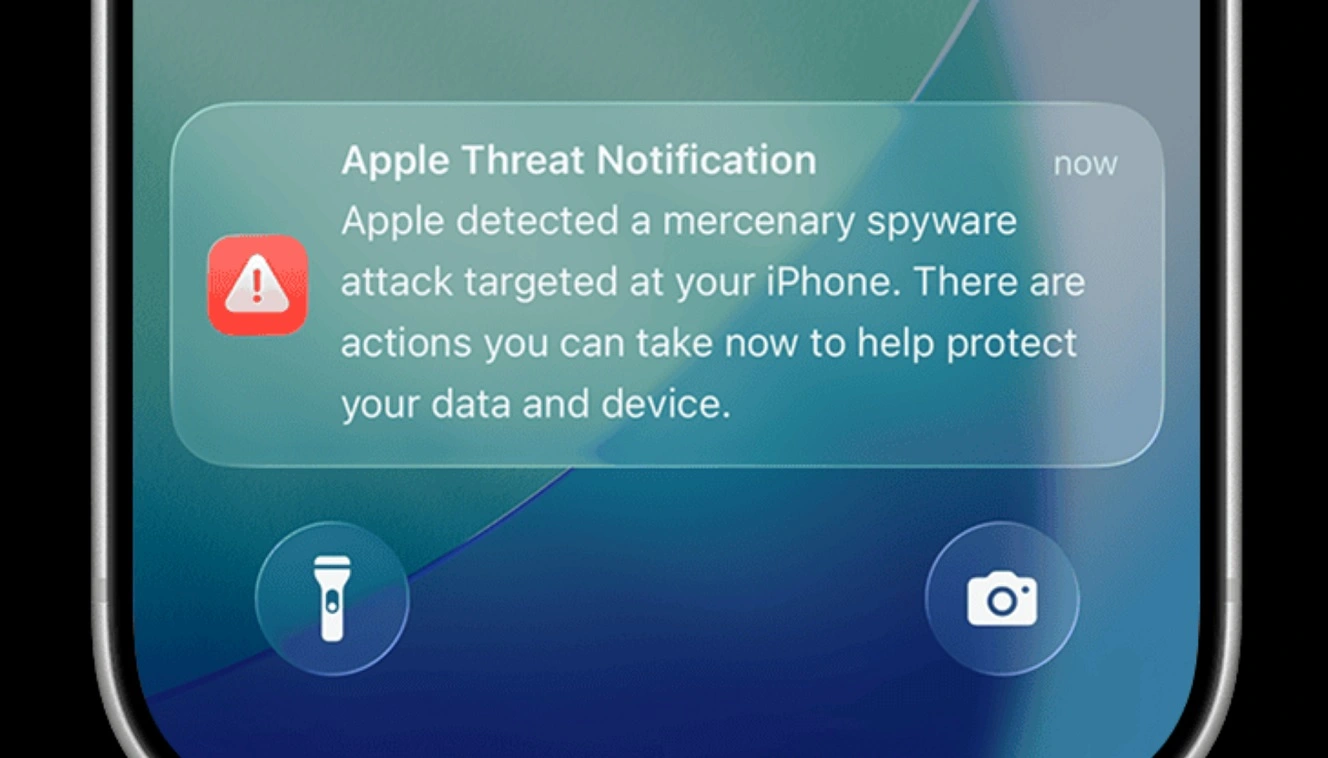
Spyware is used by nation-state threat actors, threat groups for surveillance, and cybercriminals who use it to steal crypto. And this type of malware spreads wide and far.
Previously, spyware was reserved to target high-value users in government, defense, and critical industries like energy and advanced tech. Industry developers, journalists, human rights activists, and government opposition individuals or groups were also potential targets.
Today, however, with the source code of Dark Coruna leaked online, the threat landscape has shifted. Spyware is also being used by cybercriminals who copy nation-state threat actors’ techniques. Their goals are very different, but the malware capabilities are the same.
What we know so far about the new spyware threat notification warning
On October 31, Costin Raiu, former director of Kaspersky Lab’s Global Research and Analysis Team and current cybersecurity researcher, based in Bucharest, Romania, shared a post on X. Raiu was the first to report a new wave of Apple spyware threat notifications.
Raiu said users in 99 countries had been notified about a new spyware campaign. A couple of days later, in early November, media like TechSpot and CyberScoop picked up the story. Reports indicated that Apple had confirmed the new wave of spyware threat notifications sent to 110 countries, but offered no evidence of Apple’s confirmation. Some media confused Raiu for an Apple spokesman, quoting him and mistakenly linking him directly as an Apple source, saying “the company (Apple) said.” In fact, it was Raiu who said it.
Despite this confusion, other media, including the Financial Times and TechCrunch, confirmed that a new wave of spyware notifications was happening, reporting that the German federal cybersecurity office (BSI) said in a note that members of Germany’s parliament and “other unnamed notable individuals” had received a spyware threat notification warning from Apple. Beyond Germany, TechCrunch reported that a Beirut-based filmmaker, Radwan Mortada, also received a threat notification on his iPhone.
These 2 cases would confirm that notifications were sent to users in at least 2 of the 99 or 110 countries reported: Germany and Lebanon. Quick scans on social media and Reddit show no posts from average users indicating that they received this new wave of notifications.
To date, Apple has yet to officially confirm the new wave of spyware threat notifications as well.
This all might read as a bit confusing. It might appear to signal that this new wave of spyware is only targeting specific high-level users. However, it does not mean that the average iPhone user isn’t being targeted by spyware, nor that average users aren’t part of the new notification wave. If you did receive a threat notification from Apple, follow the company’s official guidelines and steps to secure your device.
Two weeks after AdFection and DeadTag’s iPhone exploit crew
This news breaks just days after 2 significant spyware investigations were shared with the public. One of those investigated, AdFection, used a platform that turned the global ad system into a pipeline for spyware. This allowed threat actors to target users selectively. AdFection went after high-level users in government, tech, energy, and other critical sectors.

Citizen Lab, the organization known for blowing the cover off Pegasus, was behind the detailed investigation on AdFection, a report that is likely being used by law enforcement and justice authorities who usually follow up on Citizen Lab’s reports.
The Citizen Lab report notes that Al Jazeera devices were infected with Candiru’s spyware. The Beirut-based documentary maker, who TechCrunch reported received a threat notification in this new wave of warnings, streams his documentary on Al Jazeera. He is the director and co-producer of The Trap (Al-Masida) (warning: this link leads to sensitive images), a documentary found on Al Jazeera 360.
AdFection campaigns targeted users in the Middle East, Europe, the United States, and Central and South America.
The other zero-click spyware campaign that broke news in the past few days went in a completely different direction. In this campaign, a crew of bad actors, known as the iPhone exploit crew, used a dark web platform called DeadTag to run malicious ads on legitimate sites and redirect users to sites that zero-click-loaded Coruna and Dark Sword spyware, customized to steal their crypto. The iPhone exploit crew also hacked hundreds of stores on PrestaShop, a France-based e-commerce platform.
Spyware pivots away from traditional phishing to dark web ad malvertising toolkits
What is noteworthy about both of these spyware campaigns, and innovative, is that both used different ad platforms that abuse the online global advertising system, allowing bad actors to create not only malicious zero-click ads but also spearphishing malvertising. In other words, they can selectively target specific groups of users and individuals.
Because previous spyware campaigns were usually distributed via phishing SMS and emails, this pivot to dark web ad toolkits is notable.
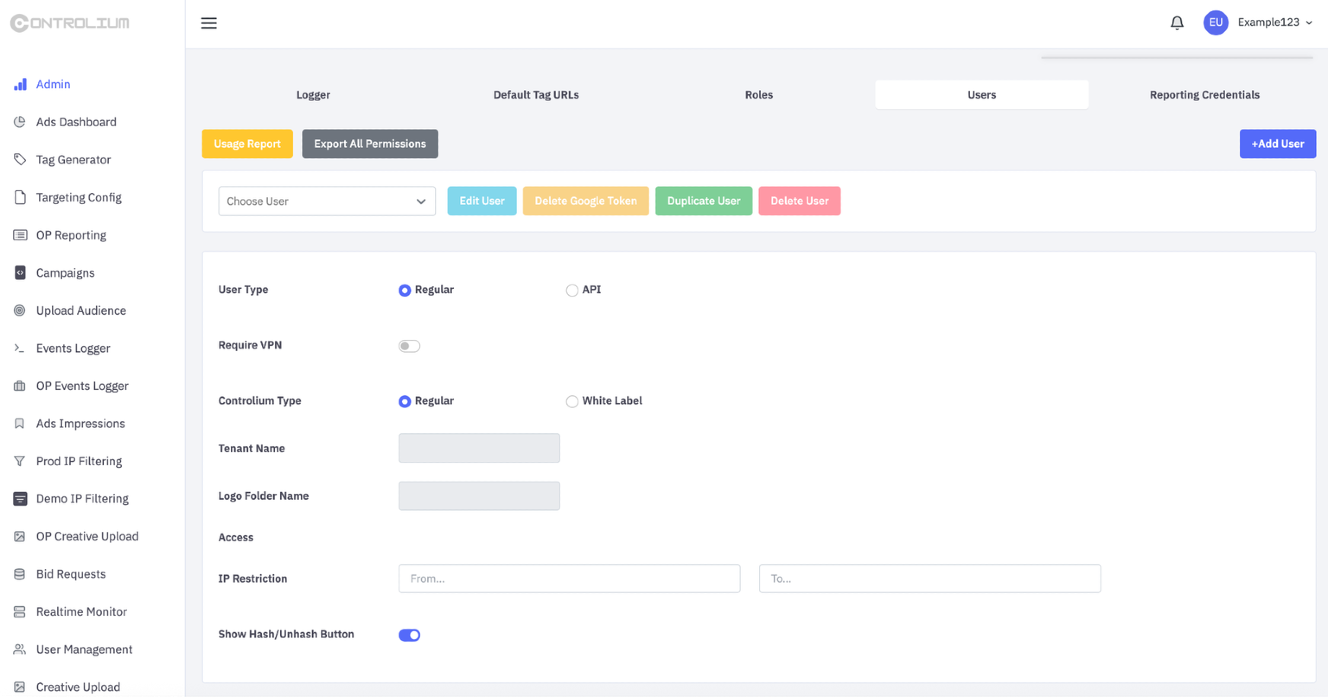
DeadTag uses abandoned tags left by legitimate websites. Meanwhile, AdFection actors used a platform called Controlium to bid on ads through a registered and approved vendor who passed checks from Google and the advertising industry association IAB Europe.
So, what’s the bottom line? Both campaigns are using the online ad system and creating malvertising toolkits that can target users instead of using the traditional spyware delivery techniques that relied on SMS with links, cloned apps, or classic email phishing scams. This represents a significant shift in attack patterns.
How zero-click spyware breaches your iPhone
The way zero-click spyware breaches your iPhone is the main reason why Apple keeps issuing new security patches and threat notifications. Spyware developers are on the cutting edge of vulnerability discovery. They are skilled and resourceful, and they’re constantly looking for weaknesses in your iPhone. Lately, they’ve become focused on vulnerabilities inside your browser.
These vulnerabilities are used by spyware malware to break the browser sandbox, an isolated environment that Apple builds for everything that loads on your browser. Once spyware malware breaks away from browser sandbox constraints, it accesses your memory and can execute code.
Incredibly, breaking the sandbox of your iPhone browser can be done simply by loading a malicious ad coded to do this. Spyware developers find these vulnerabilities and launch spyware attacks. Then Apple comes in and patches up these vulnerabilities and issues updates. The loop repeats itself indefinitely, with spyware developers finding new vulnerabilities and Apple developing new patches. This goes on and on and on. And it’s the reason there is no one-and-done fix for spyware.
Because spyware uses technical vulnerabilities, a zero-day exploit that leverages code vulnerabilities is something Apple must address. This contrasts heavily with other types of malware like macOS stealers, which Apple does not address at all. Apple calls this type of malware “social engineering,” stating that it can only breach your device if you are tricked into installing it. Thus, stealer security patches for Apple devices are never rolled out, although the company did introduce new features like a Terminal ClickFix warning.
Experts say cybercriminals are using spyware instead of stealers because spyware can “guarantee” a breach for every target. A stealer, on the other hand, needs to trick users into installing it for the attack to be successful. Therefore, experts say, cybercriminals think of spyware as malware worth investing in, because its zero-click “guaranteed-breach” drives up the payoff of a threat campaign.
How to stay safe from iPhone spyware
While spyware can breach an iPhone simply by loading an ad in your browser without requiring you to do anything at all, there are still things you can do to stay safe.
If you got a notification, follow Apple’s guidelines and enable Lockdown Mode
If you’ve received a notification from Apple that you are being targeted by spyware, follow the information Apple is providing to you in that message.
To enable Lockdown Mode on your iPhone, go to:
Settings > Privacy & Security > Block Mode > Enable Block Mode > Activate & Restart.
The German government said targeted users should keep the blocking mode enabled permanently, “even on a new device, and install future updates immediately.” Block Mode makes new attacks more difficult. However, it does not remove an existing infection, the German government noted. You should also secure your devices, reset your accounts, and change your passwords. It’s also a good idea to do a full reset and use MFA and biometrics, the German government said.
Get the latest Apple updates
Apple issues security updates that patch zero-day vulnerabilities that threat actors use to breach your device with spyware. Make sure all your devices are up to date, and enable automatic updates. These will not protect you from future exploits, but they do patch vulnerabilities used by threat actors and cybercriminals today.
Use privacy-first, secure browsers and ad blockers
Privacy-first browsers like DuckDuckGo or Tor will block and flag malicious activity. This includes scripts that load from web pages and ads. Using ad blockers and a privacy-first browser is not a 100% defense against spyware, but it does give you a significant cybersecurity and privacy edge when online browsing.
Secure your crypto
Spyware malware has been modified in some campaigns for hit-and-run crypto heists. No matter who you are, secure your crypto. Make sure your wallet has MFA enabled and use biometrics.
Get Moonlock. It builds layers of Mac defense.
Most people link their iPhones to their Macs. The Moonlock antivirus for Mac can help you build layers of defense that will help you mitigate the risk of threats like spyware and other Mac malware.
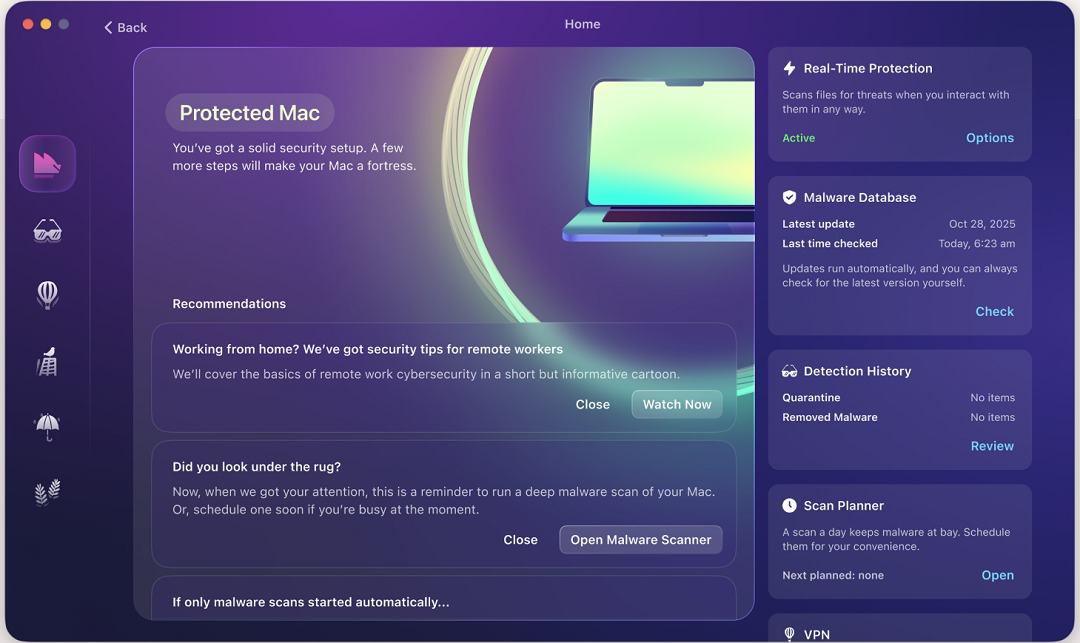
Once installed, you can run a full scan using the Malware Scanner. Real-Time Protection will run in the background, checking everything from emails to browser files to terminal commands for malware signatures. Both of these features work on a constantly updated malware and threat database. This offers you protection against old and new threats even before patches are issued.
If Moonlock finds malware or a threat, it will let you know what it is and why it is dangerous. It will then guide you on how to remove it completely from your Mac via Quarantine.
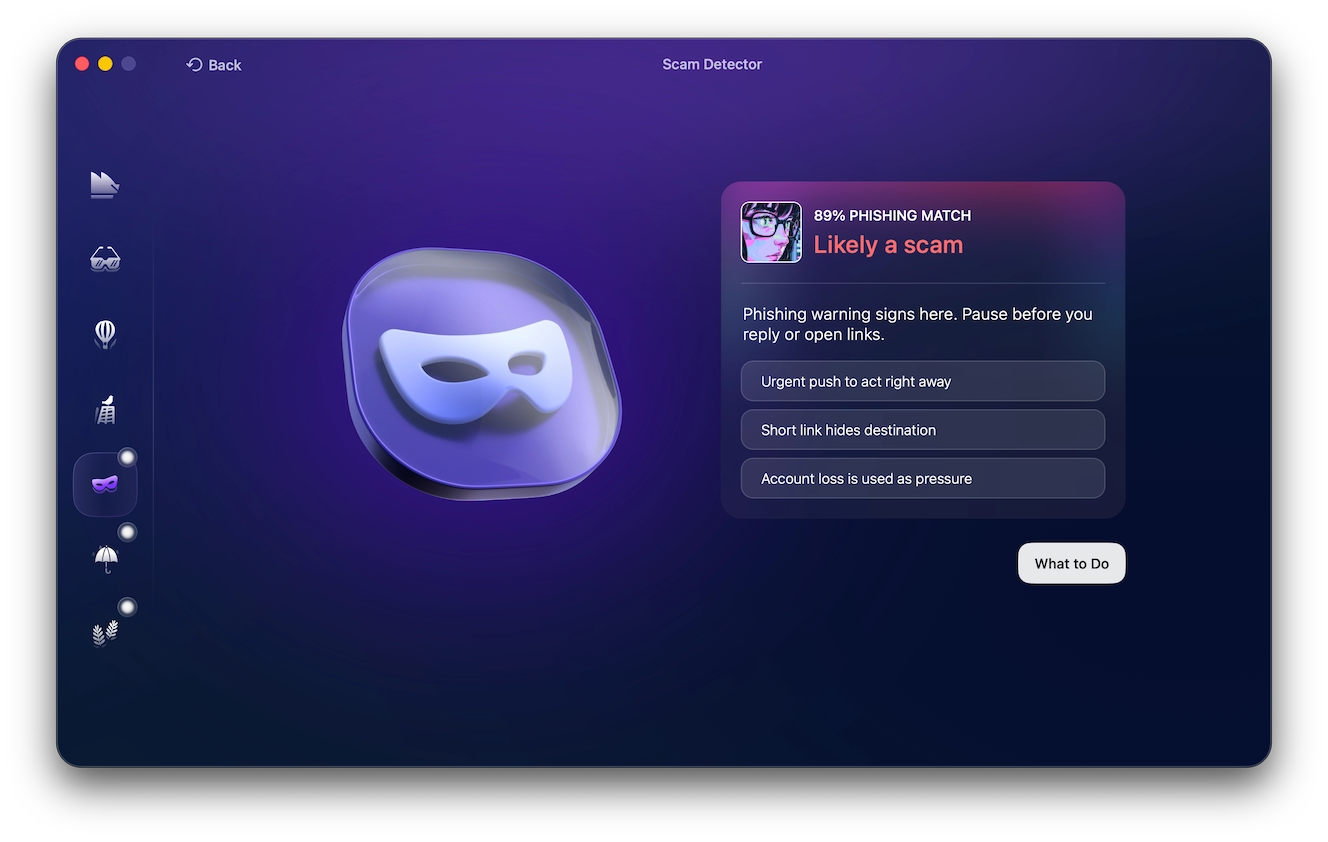
The Moonlock app also ships with a built-in VPN for safe browsing. Plus, the Network Inspector can block servers in specific countries where you are worried about how your data is handled there. Other features include the Scam Detector, which you can use to flag phishing and scams in any email or text, and Moonlock’s Security Advisor, which helps you build safe digital habits in your own time. And System Protection can scan your Mac’s system settings and guide you on how to turn them up.
You can check out and test-drive Moonlock for free for 7 days.
Final thoughts
As spyware becomes more available for different threat groups, there are several things you can do to stay safe. While Apple issues threat notifications and develops patches and cybersecurity researchers and authorities follow up, you can take action by strengthening your awareness and your security tech stack. Keep up with cybersecurity news to get the latest on your Mac security and lead a calmer, safer digital experience.
This is an independent publication, and it has not been authorized, sponsored, or otherwise approved by Apple Inc. Mac, macOS, and iPhone are trademarks of Apple Inc.