The FBI is warning users that North Korean threat actors are using malicious QR codes to steal usernames and passwords from known sites. The threat actor behind this campaign is connected to Lazarus and other North Korean threat actors who actively go after Mac users. This is what we know and how to keep safe.
North Korean hackers are targeting NGOs, think tanks, and academia
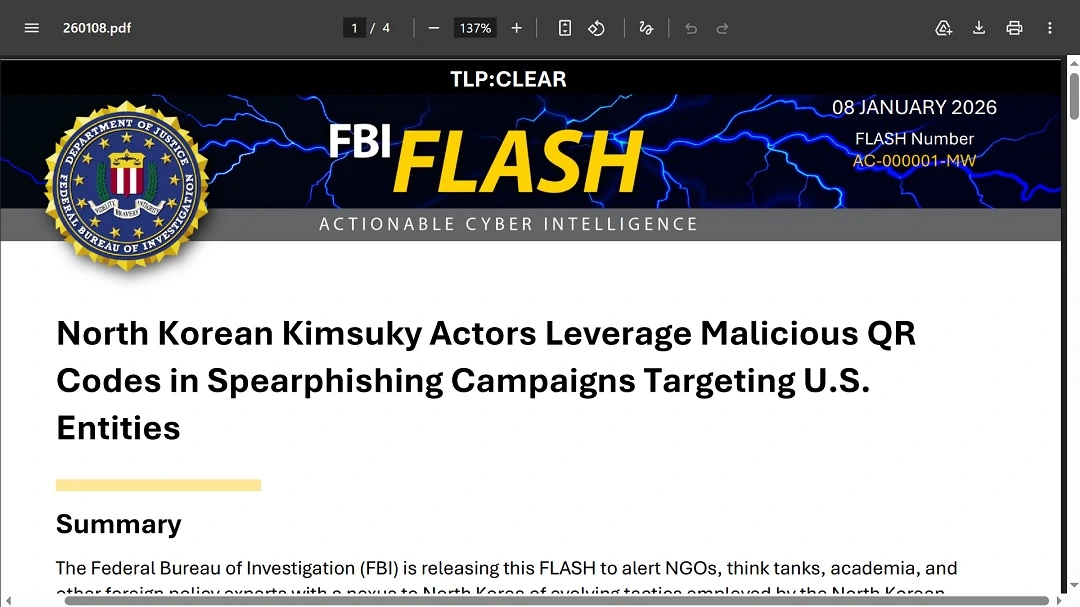
On January 9, the FBI issued a Flash alert for NGOs, think tanks, academia, and other foreign policy experts “with a nexus to North Korea.” The alert warns that Kimsuky, a state-sponsored hacker group, is targeting this specific category of organizations and individuals with QR codes that redirect them to credential-harvesting sites. The QRs are being delivered via email spear-phishing.
Why should Mac users care?
While the media reports that this new threat is linked to Android-targeting malware, the campaign is going after user data from online cloud accounts, putting different types of users at risk. Furthermore, the tactic could spill over to normal end users if copied by other North Korean state-sponsored hackers like Lazarus, known for targeting macOS developers.
Kimsuky, also known as Velvet Chollima, Black Banshee, THALLIUM, and Emerald Sleet, a North Korean state-backed hacker group and advanced persistent threat, has historically targeted South Korean think tanks, the industrial sector, and nuclear power operators.
If you work in any of the above-mentioned industries, do not scan QR codes without taking special precautions.
How does the new Kimsuky QR attack work?
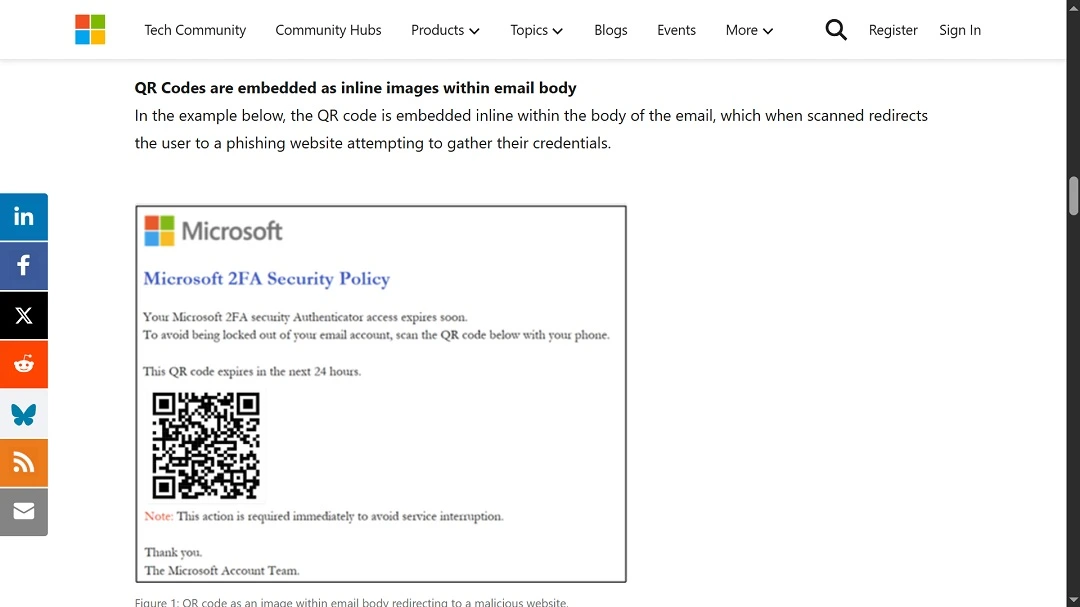
QR cyberattacks are known as Quishing. In this specific case, threat actors embedded malicious URLs inside the QR codes. Those who scan them are redirected to malicious sites that steal credentials.
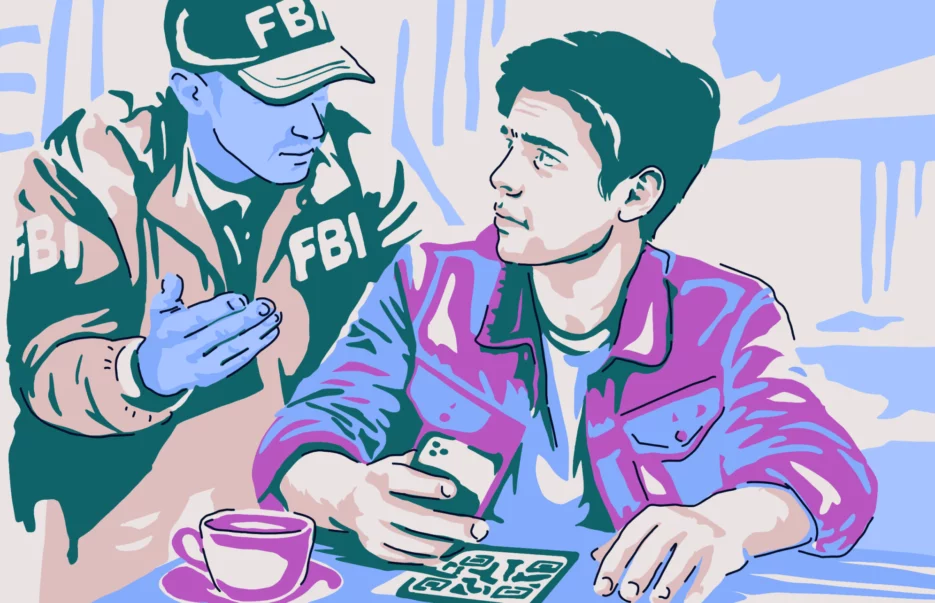
According to the FBI, these QR codes come as email attachments or graphics embedded in the body of the email. The QR codes are evading URL inspection and sandboxing, which means that normal email security tools are not flagging these emails as malicious.
The QR codes are also evading corporate security tools. When someone at the office gets this email, they may use their mobile device to scan the QR code on the computer. This leaves any cybersecurity tool running on your work or enterprise desktop or laptop out of the infection loop.
The FBI said threat actors use these QR codes “to force victims to pivot from their corporate endpoint to a mobile device, bypassing traditional email security controls.”
Good advice: Do not use your personal phone for work things.
What happens after you scan a malicious QR code?
The FBI explained that after scanning one of the QR codes used in this campaign, users are routed through attacker-controlled redirects that collect device and identity information. This includes data and attributes such as user-agent, operating system, your IP address, and screen size.
This data is collected to present mobile-optimized credential harvesting pages. Basically, the attackers want the site that will steal your passwords to look good so as not to raise any suspicion.
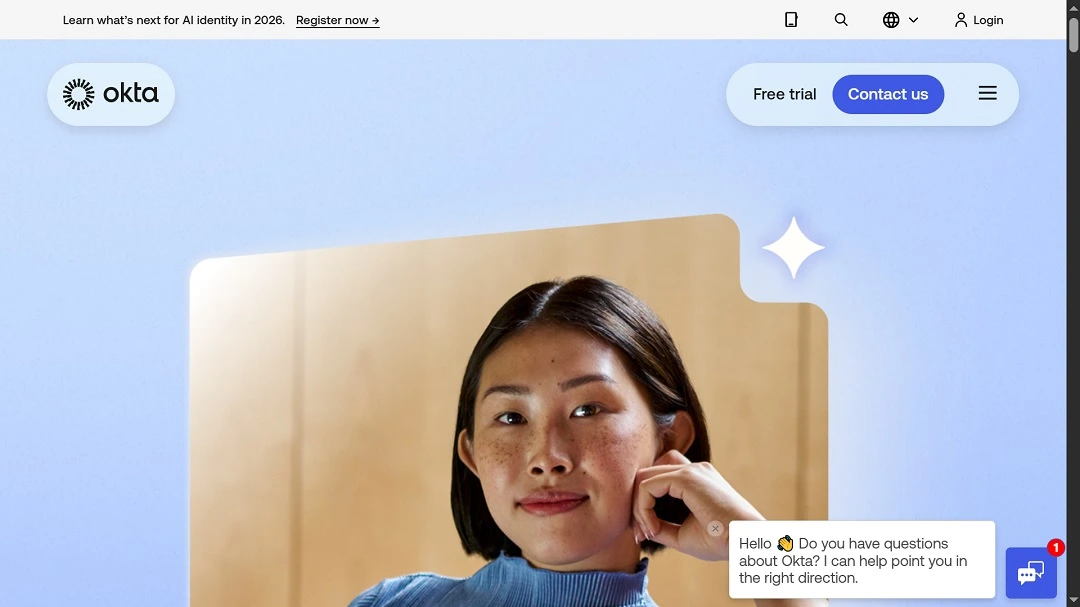
The FBI said that these fake phishing or credential-harvesting sites are impersonating known brands such as Microsoft, Okta, or VPN portals. The hackers are using session token theft and replay, which allows them to bypass multi-factor authentication and steal cloud identities without triggering MFA alerts.
How to keep safe from malicious QR codes
Let’s dive into how to stay safe from malicious QR codes, how the tech works, and what you can do to avoid scanning codes you shouldn’t scan.
Not all QR codes are bad: Know which ones not to scan
QR codes were invented in 1994 by Masahiro Hara, a Japanese engineer working for Toyota’s subsidiary Denso Wave. Hara made the technology freely available so anyone could use it, hoping it would become a universal and widely adopted technology, which it did. Today, QR codes are used for digital operations around the world.
Unfortunately, as with most innovative technologies, QR codes are abused by threat actors. So, how can you know which QR code is inherently dangerous? Being aware, staying cautious, and verifying the link that a QR code leads to are essential, just as you would with emails or websites you visit.
Get Moonlock: Apple-checked anti-malware you can trust
QR codes are used not only by North Korean hackers but by a wide range of scammers and cybercriminals in all sorts of campaigns. They are delivered straight to your Mac via email. They can also be found in public places like Wi-Fi connections, restaurants, and airports, and can target iOS and other mobile device operating systems.
The Moonlock antivirus app, notarized by Apple, is designed to catch any malware file trying to infect your Mac. It also comes with a built-in VPN for secure connection and offers unique, human-centered, and simple-to-use features that can help you increase your Mac security posture in just a couple of clicks.
You can check out Moonlock with a 7-day free trial.
What you do after scanning a QR code matters: Here’s why
The big problem with malicious QR codes that include a URL redirect is not the QR code itself; it’s what happens after you scan it.
These QR codes will take you to a website, either seamlessly or by presenting you with a link to click on. Unless you know and trust the person or the organization that is presenting you with the QR code, do not visit the website.
If you scan a QR code and end up on a website you have never seen before, and if this site asks for your credentials, do not type in your username and password—no matter who they say they are.
Final thoughts
North Korean state-supported hackers have historically, and rather relentlessly, targeted macOS users. While this campaign is spear-phishing only a very specific population group linked to foreign policy and does not affect the average Mac user, learning how QR codes can work, for good and for bad, is helpful.
Stay safe, and only scan the good ones.
This is an independent publication, and it has not been authorized, sponsored, or otherwise approved by Apple Inc. Mac and macOS are trademarks of Apple Inc.