
Apple has rolled out a series of security updates, urging all users to update their devices. Two of the vulnerabilities patched by Apple have been exploited in the wild by threat actors and are linked to the Predator spyware. The updates are not just for iOS devices but for macOS, Safari, and other Apple devices as well. Read on to learn what the news is all about.
Apple security patches linked to spyware and sophisticated threat actors, impacting all end users
On December 12, Apple released several security patches for iOS, macOS, Safari, and other devices. In our recent report on Predator spyware, we talked about a new zero-day exploitation chain that abused Safari and Chrome. The spyware adapted with a new technique that leveraged online digital ad environments to deliver the malware.

Strengthen your Mac’s malware defenses
While spyware like Predator usually only targets high-profile individuals such as politicians, human rights activists, and journalists, we noted in our report that every end user is affected by the malware. This is because Apple rolls out security patches to remediate spyware issues, and these patches affect all end users, targeted or not.
The 2 vulnerabilities we will focus on in this report are those linked to spyware: vulnerabilities CVE-2025-43529 and CVE-2025-14174. As mentioned, security patches for these vulnerabilities require users to update their iPhones, iPads, and Macs as well.
What is a use-after-free exploit? And how does it affect your Mac?
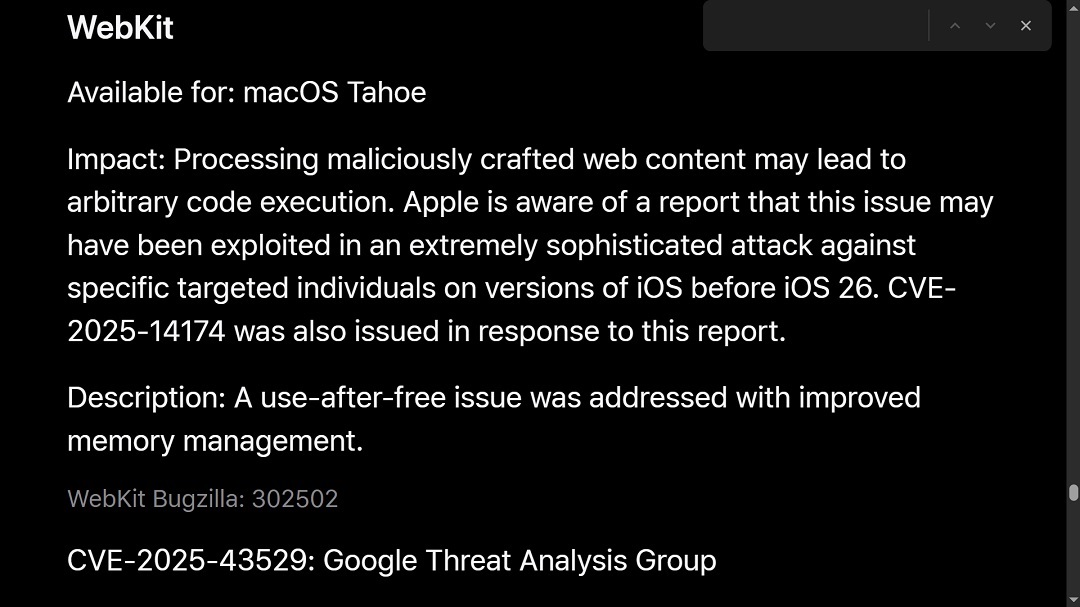
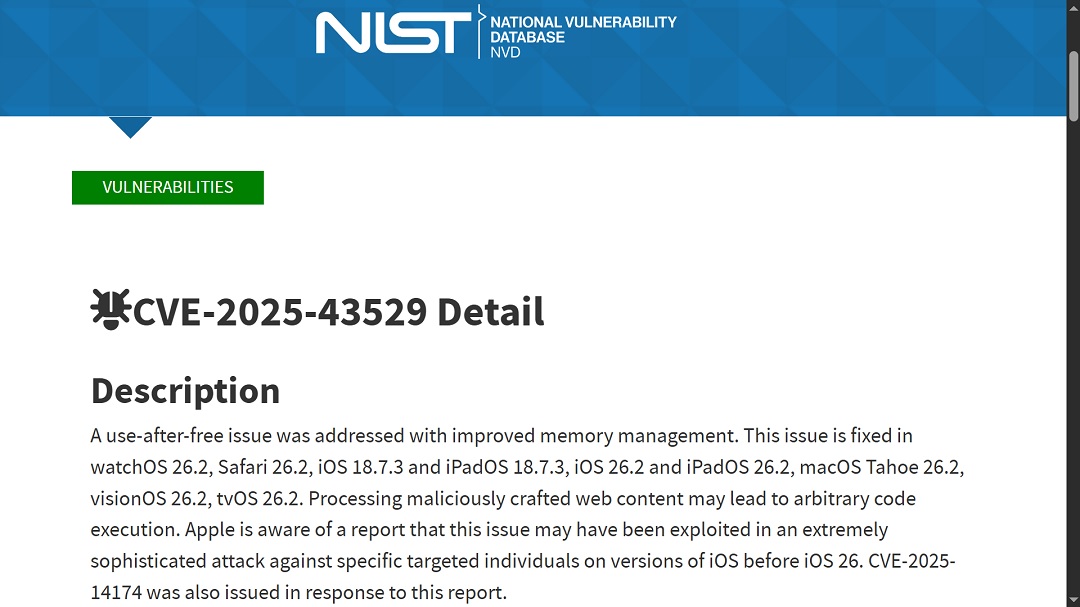
The National Vulnerability Database (NIST) describes the vulnerability CVE-2025-43529 as a “use-after-free” issue with improved memory management.
Cybercriminals and advanced threat actors often exploit memory management vulnerabilities. For example, in a buffer overflow exploit, an attacker forces a program to write more data than a memory buffer can hold. This causes an overwrite to the adjacent memory and can potentially redirect program execution to run malicious code.
In a use‑after‑free exploit, an attacker triggers a program to access memory that has already been freed and then reuses that memory with attacker-controlled data, allowing them to manipulate execution flow.
Memory vulnerabilities are dangerous because they can be used to execute code inside sandboxed or isolated environments and, in sophisticated attacks, to break out of those environments and gain access to sensitive device resources.
CVE-2025-43529, linked to Predator spyware mentioned in Google’s Threat Intelligence report, apparently used a use-after-free exploit, manipulating memory management and breaking isolations by using highly sophisticated online malicious content that users interacted with.
“Processing maliciously crafted web content may lead to arbitrary code execution,” Apple’s security update disclosure stated.
WebKit is your Apple browser engine: Here’s how it works and how attackers abuse it
The other vulnerability that was exploited in the wild (meaning that it was actually used by threat actors to breach iPhone users) is CVE-2025-43531. This vulnerability was likely used in combination with the use-after-free exploit.
In other words, threat actors exploited both weaknesses in the Apple systems to breach devices, and the company is issuing separate patches for each one.
CVE-2025-43531 is similar to CVE-2025-43529, a WebKit vulnerability. It affects Safari on iOS and macOS.
WebKit is an open-source browser engine, mandatory for all Apple devices except in regions like the EU, where laws like the Digital Markets Act (DMA) allow—and require—other browser engines.
As a browser engine, WebKit handles most of the heavy lifting that modern browsers do. It runs on your Mac, your iPhone, and other operating systems, like Linux. WebKit manages HTML, CSS, and SVG parsing. It handles fonts and styles, runs and optimizes JavaScript on webpages, manages memory, handles requests, and fetches web resources. It also manages cookies and authentication.
Besides that, and other everyday browser tasks, WebKit also manages your browser security and sandboxing, isolating environments to prevent attacks. Additionally, it controls permissions for your cameras and microphone and is involved in the processing of sensitive information like live geolocation.
Malware that “fingerprints” users and redirects them
The reasons listed above explain why WebKit vulnerabilities are not only appealing to threat actors and cybercriminals but also why they are critical to your privacy and security. Other browsers on your iPhone, like Chrome, Firefox, and Edge, also use WebKit, as well as Safari on your Mac.
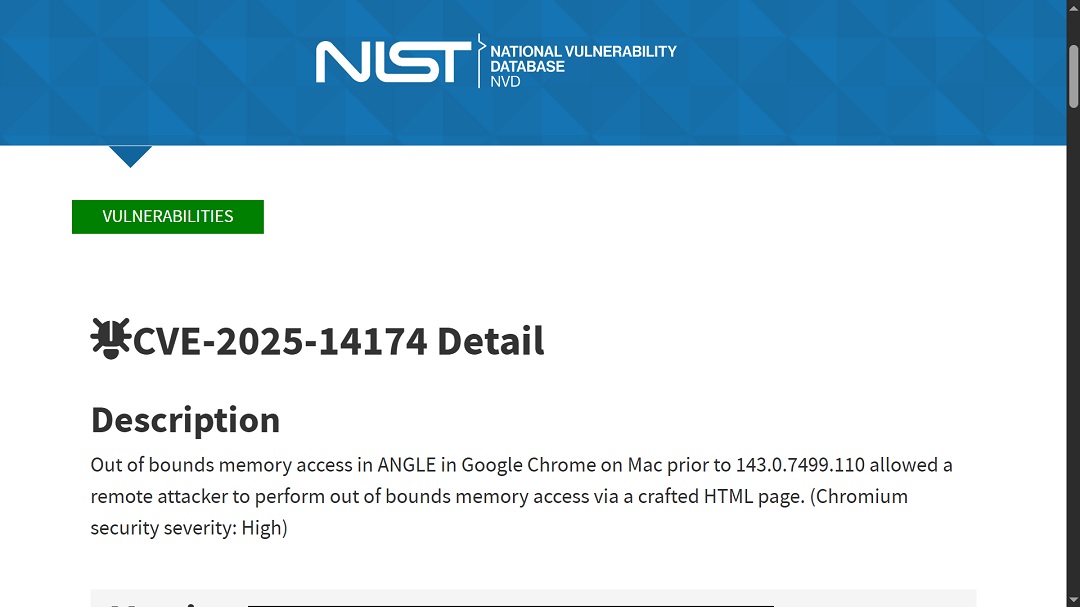
The NIST describes vulnerability CVE-2025-43531 as “out of bounds memory access in ANGLE” in Google Chrome on Mac. This is another type of memory vulnerability. ANGLE stands for Almost Native Graphics Layer Engine. You can think of ANGLE as an engine that renders graphics on browsers like Chrome.
Google Threat Intelligence reported that Predator spyware used malicious advertisements on third-party platforms to “fingerprint users” and redirect them to the spyware’s servers. If these malicious ads included heavy-processing graphics like 3D product demos, interactive mini‑games, heavy canvas with shader effects, or WebGL‑based animations, they would be processed by ANGLE on Chrome. It is unknown if this is the case because neither Apple nor Google disclosed to the public the technical details on how the new techniques used by Predator actually work.
How to stay safe from spyware and iPhone and Mac exploits
There are several ways that any Mac and iPhone user can stay safe from vulnerabilities. Here are 3 simple but effective tips to help you improve your digital safety and privacy.
Keep all your devices updated
Security teams are constantly patching up vulnerabilities that threat actors exploit in the wild, and researchers work around the clock to find new ones before cybercriminals find and use those to launch attacks. Updates are, therefore, critical for your security and involve the work of countless security professionals.
Keep all your Apple devices and other devices, such as your Wi-Fi router, up to date with the latest patches. This will close the doors known to be used by digital threats.
Get Moonlock: an anti-malware app you can trust
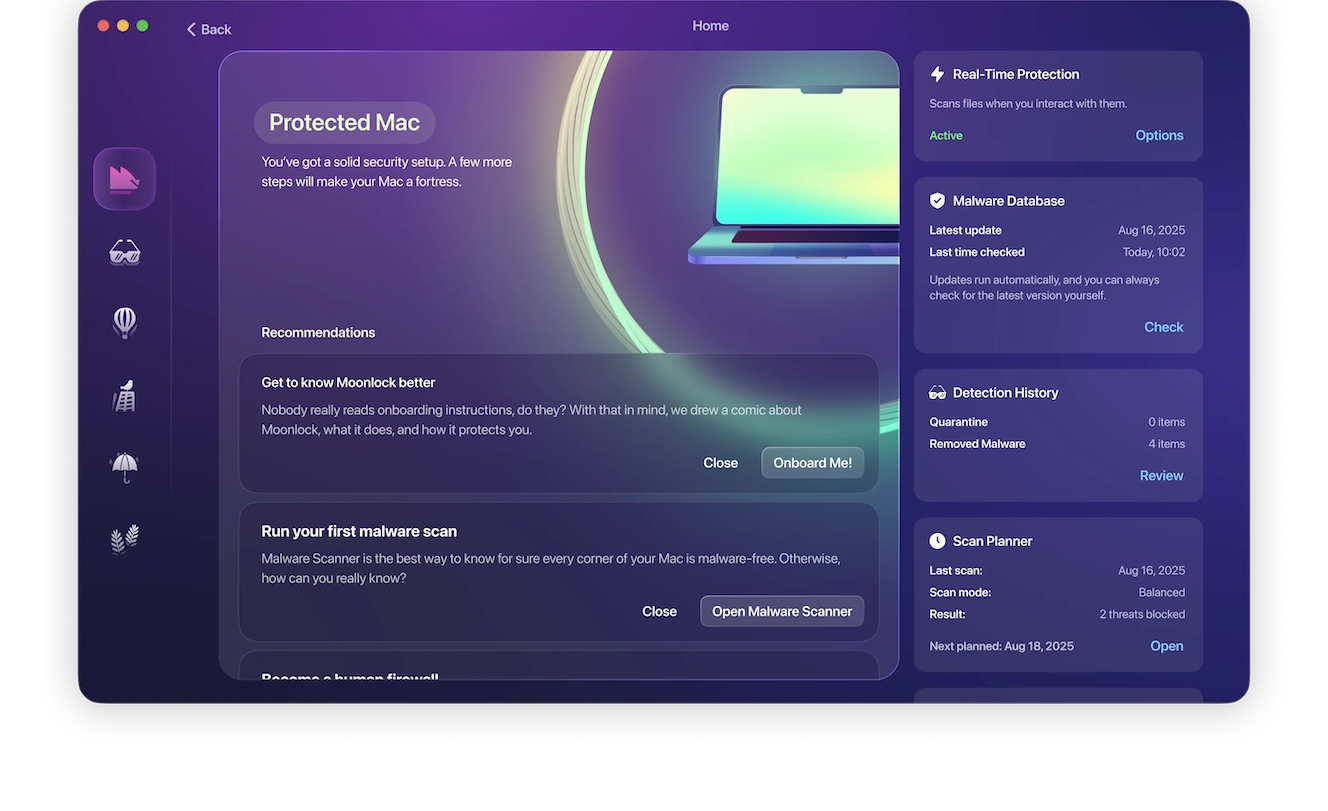
Moonlock is an antivirus app designed to help Apple users feel safe and protected. Besides its anti-malware capabilities, live and scheduled scans, and VPN features, Moonlock also offers a guidebook to your Mac security settings. This means the app will check your security settings and walk you through specific issues that you can tighten up.
The app also offers actionable advice for safer online living through its Security Advisor. Moonlock’s malware database is constantly updated to deal with new malware and the techniques and vulnerabilities they exploit to breach your Mac. You can try Moonlock with a 7-day free trial.
Enable automatic updates on your iPhone and Mac
It’s a good idea to schedule automatic updates on your Apple devices. Check out the official Apple guide, Software Update settings on Mac, and the official page Update iOS on iPhone to learn how.
Use LockDown Mode as a final, but highly effective, resource
Finally, if you think you are being targeted in a sophisticated spyware attack, use Lockdown Mode. Your devices will not work normally, but your digital attack surface will be narrowed significantly, giving you enough time and peace of mind to sort things out calmly.
Final thoughts
Every year, Apple seems to roll out more security patches to remediate vulnerabilities that are either being used by threat actors in live attacks or pose potential risks for users.
As the threat landscape becomes more complex, security patches could increase. While this is not a reason for alarm, it is a good opportunity to do some research beyond the classic “Update your Mac” report. Learn how your device works and look into how security patches improve your privacy and security. While you might not always have the time to read up on advanced technology issues, it’s a good habit to occasionally dive deeper than simply clicking or tapping “Update Now.”
This is an independent publication, and it has not been authorized, sponsored, or otherwise approved by Apple Inc. Mac, iPhone, macOS, and iOS are trademarks of Apple Inc.