
Botnets — thousands and sometimes even millions of infected devices controlled by malware and threat actors — are impacting Mac users. For many years, botnets were mostly Windows and Linux-focused threats, and Mac botnets were extremely rare. Today, that’s no longer the case. Not only are botnets breaching networks where macOS systems operate, but they’re putting users’ data at risk.
In this report, we look into a new online, free tool that can help users know if they are part of an attacker-controlled network. We dive into recent Mac botnet news, and we outline simple but effective actions that users can take to stay safe.
GreyNoise Lab releases free online IP checker
On November 25, GreyNoise Labs announced a new free online IP scanner for anyone to use. The tool allows users to know if their IP is linked to a botnet or suspicious activity flagged as “malicious.”
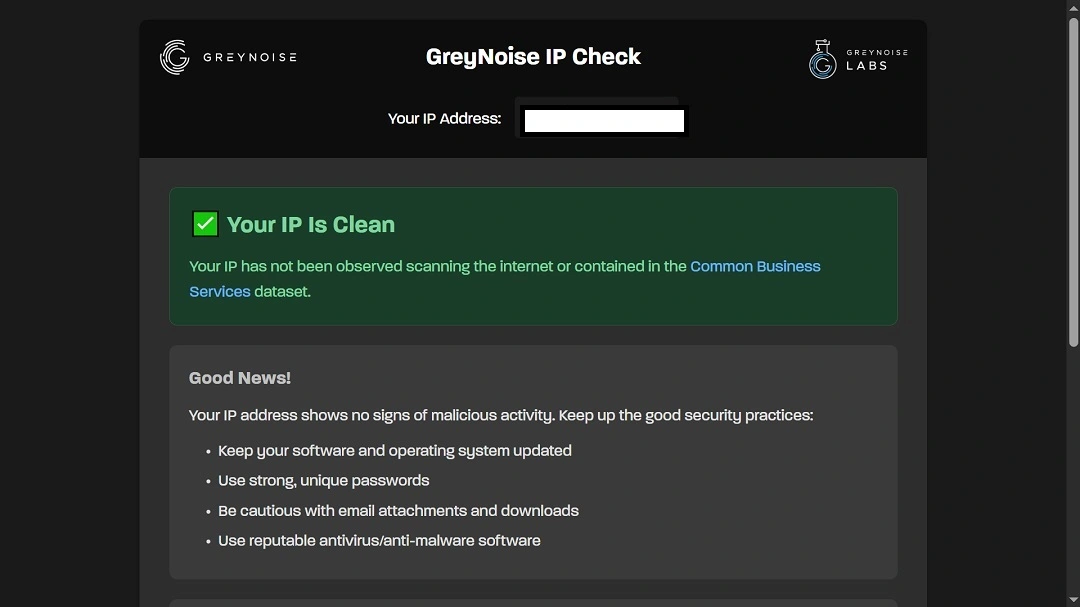
With this tool, GreyNoise Labs sought to answer the question “How do I know if my home network has been compromised?” The question has become increasingly relevant as the impact of botnets in 2025 grows in significance and botnets take aim at macOS operating systems.
“Residential proxy networks have exploded and have been turning home internet connections into exit points for other people’s traffic,” GreyNoise Labs reported.
The company explained that users’ devices will usually be infected by botnet malware when installing low-quality software, suspicious apps, and “nefarious” browser extensions.
The spike in botnet activity and compromised home routers, IoT, and other edge devices led researchers at GreyNoise Lab to develop this tool.

How to remove botnets with Moonlock
How to run a test on Grey Noise
To check if an IP is part of a botnet or flagged as “malicious,” users can go online to the GreyNoise IP Check. The site is free and requires no sign-in. It will automatically return a clean or “malicious” warning for any IP user’s check.
Other botnet and malicious activity IP scanning tools online (free and paid)
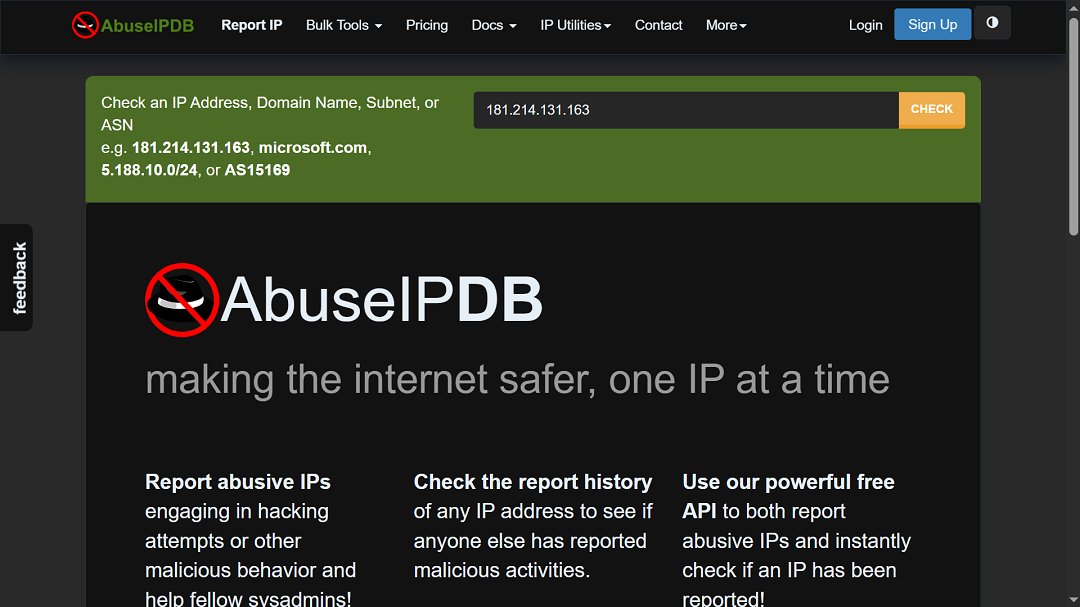
Other online sites, like AbuseIPDP, work in the same way; all users have to do is visit the site, and it will offer its analysis.
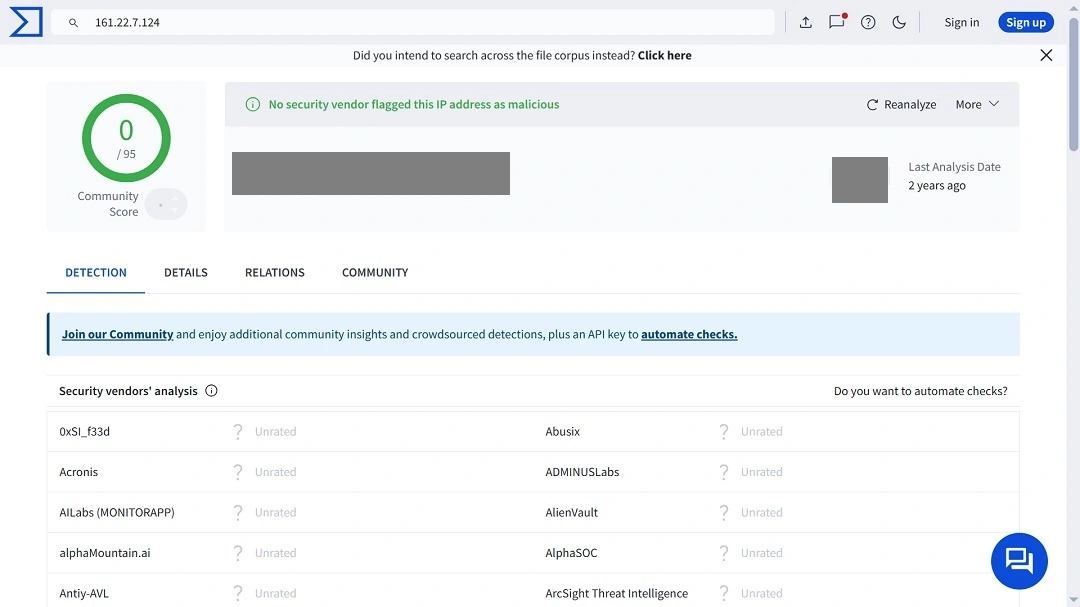
Another popular site to check IPs is VirusTotal, which offers a more technical and professional user interface with detailed reports. The site is used heavily by cybersecurity professionals on a daily basis.
On VirusTotal, users need to paste their IP into the search bar and click Search. The site will offer a detailed report and list any malicious activity linked to the IP.
Other free and paid IP checkers include IPVoid, Talos Intelligence (Cisco), and IPQualityScore (IPQS) Premium, to name just a few.
What happens if I’m using a VPN?
If a user has their VPN on, the results of the IP check will be impacted. Since VPNs let a user use an IP different from the one their device or router has, users need to turn off their VPN before running a check.
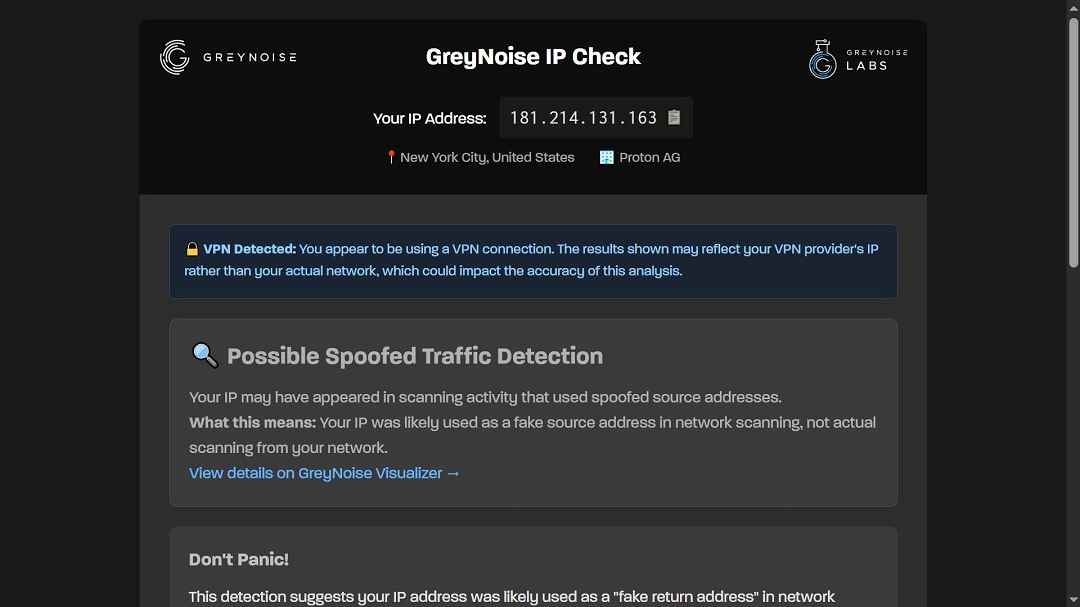
Checking an IP linked to a VPN can also throw false positives. This means that users may get an inaccurate “malicious IP” flag. Because VPN IPs are used by thousands of people or more, and threat actors also abuse VPN infrastructures, it is common for IP scanners to flag VPN IPs as malicious.
As mentioned, users should turn off their VPN and scan their actual device IP (without VPN routing) to ascertain whether their device is, in fact, infected by a botnet.
Understanding “malicious” IP false positives
Besides VPNs, there are several other factors that can contribute to a false positive for an online IP checker. One common example is routers and home Wi-Fi networks. A domestic or work Wi-Fi router will give users an IP address. However, this IP may have been used by other clients before.
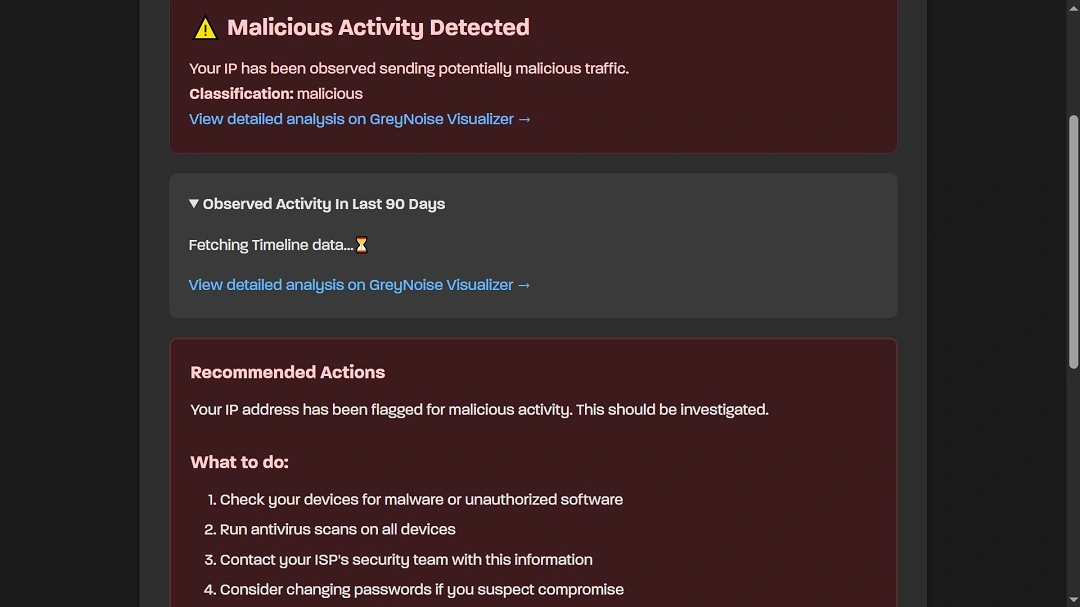
Therefore, if an IP is flagged as “malicious,” and the VPN is turned off, users should turn their Wi-Fi device off for a couple of minutes and then turn it back on. This will force the Wi-Fi router provider to give the user a new IP. Once users reset the router, they can check once again to see if their IP is clean or not.
Why did my IP check result in a false positive?
There are several other non-technical reasons why users might get a false positive on an IP check. These include:
- Low-quality devices, including smart home devices generating traffic activity flagged as malicious
- Foreign-made routers, usually cheaper off-brand models, which can have misconfigurations, hardware-level malware, or other vulnerabilities that confuse IP-checking tools or abused by threat actors and criminals
- Old or outdated databases used by the IP checker, leading to false positives
- Someone else on a shared network (home, office, or a public Wi-Fi spot) causing the flag
- Certain apps or background updates that tend to look “suspicious” to IP scanners
- Internet providers recycling IPs, leading to a user inheriting someone else’s bad history
- Services that are overly strict and label harmless traffic as risky
There are also more technical issues impacting the modern botnet landscape. These sophisticated cases require a deep understanding of how botnets affect IPs, networks, routers, ports, device IPs, Network Address Translation (NAT), Universal Plug and Play (UPnP), the services running through open ports, and other features.
There are no telltale signs for modern botnets
Unlike botnets in the past, those that roam online today can fly under the radar. They do not interfere with the speed of the internet in users’ homes or work environments. Streaming content will not buffer, and devices do not run hot, nor do batteries become rapidly depleted. This is because botnets have been optimized for stealth.
All these factors make it more difficult for end users to know if an IP is part of a botnet.
Recent botnet news and developments that should concern Mac users
Botnet news and development in 2025 are far-reaching, from botnets observed testing for vulnerabilities during the recent Amazon Web Services (AWS) outage to more sophisticated nation-state threats, such as an Iran-backed botnet targeting users in the UK and Scotland.
These botnets impact the average end user, and that includes Mac users.
For example, in April this year, SentinelOne reported that the Activator backdoor macOS botnet malware, also known as Crapyrator, was targeting Mac users and “running rampant through dozens of different cracked copies of popular software.”
This is usually how botnet malware spreads, via fake or trojanized apps or software downloads. The main goal in the Activator threat campaign, according to SentinelOne, was to infect macOS users on a massive scale. This was possibly done to create a macOS botnet or to spread more malware at scale.
The surge in IoT devices presents risks for users
In the case of the ShadowV2 botnet, observed running tests during the global AWS outage, FortiGuard Labs reported that it affected multiple countries around the world and spanned 7 different industries.
While the outage and the botnet test are considered 2 separate events and not linked to each other, the threat actors behind the botnet used it to run known vulnerability exploitation tests at a massive scale, likely for future attacks. The botnet tested vulnerabilities in numerous IoT devices in countries in North America, South America, Europe, Africa, Asia, and Oceania.
This botnet test impacts Mac users because it reveals that threat actors, developing modern botnets like ShadowV2, have moved away from targeting traditional devices like computers to target IoT devices. Internet of Things (IoT) devices include anything from a smart home lamp to a router, a security camera, or even industrial digital edge devices.
The ShadowV2 botnet revealed that IoT devices “remain a weak link in the broader cybersecurity landscape,” FortiGuard Labs researchers said. The company urged users and organizations to keep their IoT devices up to date with the latest security patches.
For Mac users, this means securing not just their Mac but also their smart home devices. These can be breached by threat actors and used in DDoS fake traffic attacks to scam victims, spread fraud, and distribute malware.
The botnet risks linked to the surge in IoT: Mitigation actions and how to stay safe
Recommendations to keep a safe IoT environment include only buying IoT devices from respected brands with strong cybersecurity records, understanding the risks and threats that come with smart home devices and IoT devices, and keeping all devices up to date with the latest security patches.
When buying a smart home or IoT device, it’s also a good idea to check for known vulnerabilities affecting that device at the National Vulnerability Database (NVD), the United States Government’s most widely used public database for vulnerabilities.
macOS malware with backdoors can potentially be used to create botnets
Recently, Malwarebytes researchers reported that a new fake job campaign on LinkedIn, linked to North Korea threat groups, was luring macOS users into downloading a fake software update that could be used as a botnet.
macOS malware and stealers like AMOS and MacSync, which are becoming more prevalent every day, now usually come with a backdoor. Using this backdoor, attackers can control the devices remotely and, in theory, create massive macOS botnets using all the compromised devices.
macOS stealers spread through fake jobs, fake ads, sponsored content, downloads that imitate known software, brand impersonation downloads, public repositories, open-source resources, and much more.
What actions should I take if my Mac is flagged as part of a botnet?
Users who have turned their VPN off and restarted their router, and still get a malicious IP flag on an online free IP checker like GreyNoise, need to take action.
First, do not panic. A red flag on your IP can be triggered by numerous low-risk scenarios. Follow these 5 simple steps to remediate the situation:
- Run a full malware scan using a trusted Mac antivirus like Moonlock: Moonlock allows you to run a deep scan on your Mac and detect common macOS botnet loaders, infostealers, launch agents, and hidden persistence mechanisms.
- Block web traffic to suspicious locations: Moonlock’s Network Inspector lets you block web traffic to countries known for malware attacks.
- Check your Mac for unknown login items, launch agents, and background daemons: Navigate to macOS Settings → General → Login Items, and remove anything you don’t recognize. Also review ~/Library/LaunchAgents/, ~/Library/LaunchDaemons/, and /Library/LaunchDaemons/ for suspicious entries. Botnets often hide in these locations to survive reboots.
- Verify that no unexpected apps, profiles, or extensions are installed: Check for rogue browser extensions, unwanted system configuration profiles under System Settings → Privacy & Security → Profiles. Check any recently installed apps you didn’t authorize, and remove anything suspicious.
- Update macOS, your router, and all connected IoT devices: An outdated router or compromised IoT device can trigger IP flags even if the Mac is clean. Install firmware updates and reset weak device passwords. If the router supports it, disable Universal Plug and Play (UPnP) temporarily and reboot again.
Final thoughts
While getting a “malicious” flag when scanning your IP isn’t something to panic about, it is an opportunity to learn and strengthen security postures.
By getting a solid grasp on user IPs and understanding how they work and how criminals abuse them, users can take effective steps to not only protect their data but also prevent threat actors, criminals, and low-level scammers from using legitimate IPs to spread malware, launch fraud and phishing at scale, and run other criminal operations.
This is an independent publication, and it has not been authorized, sponsored, or otherwise approved by Apple Inc. Mac and macOS are trademarks of Apple Inc.