Chances are, you’ve heard of some of the pirated or cracked software that’s available for macOS. You may have even downloaded and installed some of it yourself at one point or another. Doing so, however, is very dangerous, as it puts you, your hardware, and your data at risk.
Pirated software refers to illegal copies of legitimate programs like Microsoft Word, Photoshop, and Final Cut Pro, etc., often made available to download for free using peer-to-peer (P2P) websites and sharing portals. The software is usually modified so that it doesn’t require a license, thus saving the user money. For example, pirates may obtain trial-period copies of popular software and remove the built-in 30-day limit or other copy-prevention protections.
This 2026 guide will teach you the difference between pirated and cracked software and outline the many reasons why using pirated software is not a good idea.
What is the difference between pirated and cracked software?
Software developers usually code copy protections into their programs. These can include license codes or keys that customers receive when they purchase a piece of software legitimately. Developers might also implement trial versions of their software that expire after a certain amount of time, at which point the user must buy the full version or lose access. The goal of pirated and cracked software is to bypass these protections.
Software piracy includes copying, distributing, or using software without express permission from the software developer or a reseller. Software pirates often obtain legitimate copies of desired software and then turn around and sell or distribute them for free. It is illegal, and the consequences of software piracy include steep fines and even imprisonment, as software piracy violates copyright laws.
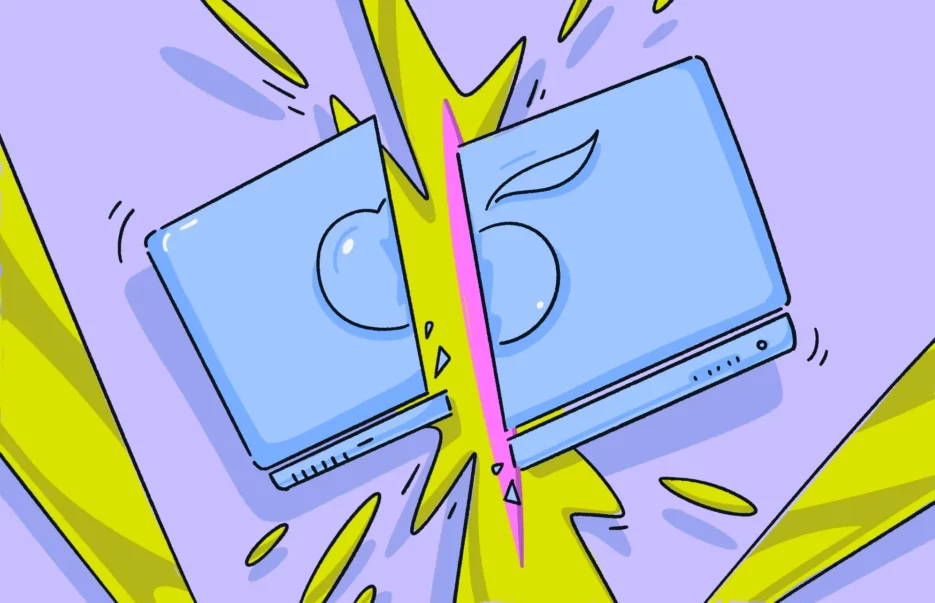
The difference between pirated and cracked software is simple. Pirated software will be a copy but won’t include a software key or license code. The user will have to get that on their own. Cracked software, on the other hand, has been modified to circumvent copy protections.
Bottom line: If you didn’t pay for it, it’s pirated software. If you can use it without a license or code key, it’s cracked.
How software piracy works
There are some variations in how people pirate software:
- Softlifting is when a user purchases software and then shares it with another person. If that other person doesn’t pay for their copy, both parties are guilty of software piracy. Just because you own it doesn’t mean you can copy or share it.
- Hard-disk loading is when someone copies legally purchased software and installs it on a hard disk. That person then sells the hard disk with the software installed for the buyer to use.
- Counterfeiting occurs when a software pirate illegally obtains and resells or shares software for free. This is the most common type of software piracy, and it works because the user gets an extreme discount on an expensive program.
- License overuse is when too many people use the same license. It can happen when software is licensed to a company or school, and more people access and use it than are specified in the license.
- P2P piracy occurs when someone obtains a legal copy of a program and shares it on a peer-to-peer network such as a torrent — the same way hackers share and sell movies, music, operating systems, and apps.
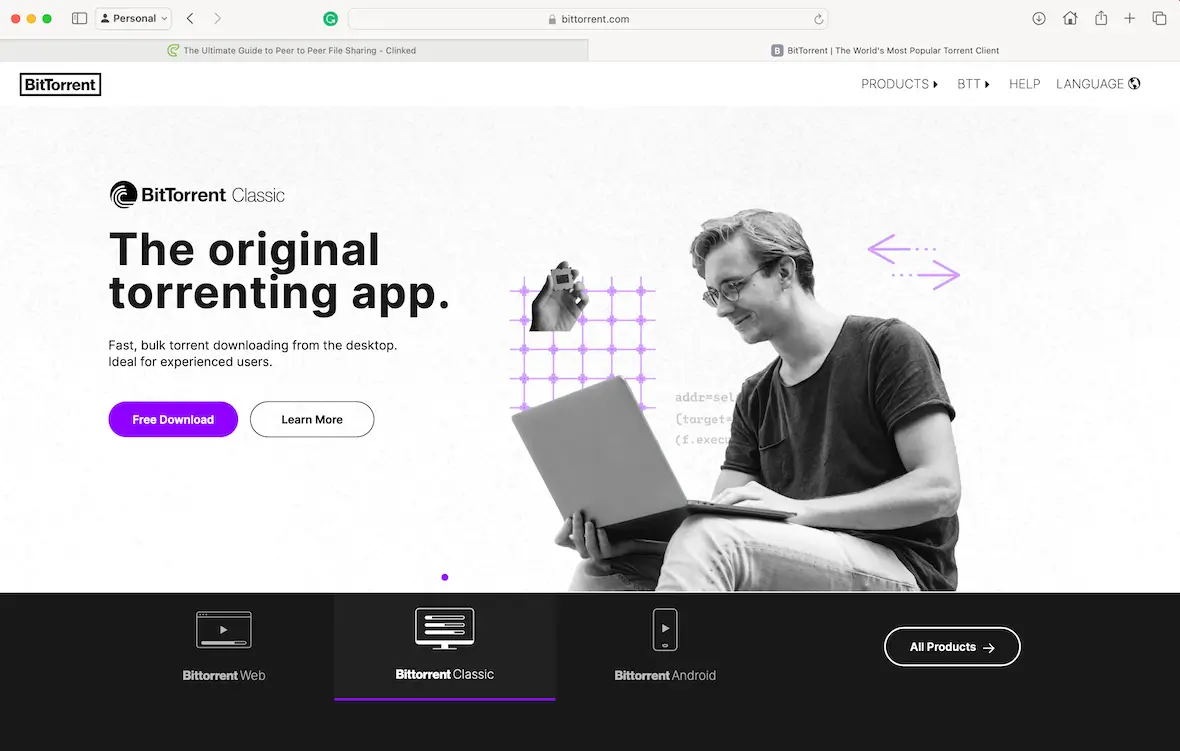
Depending on the country, the consequences of software pirating can vary quite a bit. In some places, copyright infringement means prison time and steep fines.
Can Mac software be cracked?
While Apple continues to have some of the strictest security restrictions, Mac software can still be cracked. Hackers often modify an app’s code in order to bypass licensing systems or trial limitations while keeping the core functionality of the software intact.
The top 5 reasons why you shouldn’t install pirated or cracked programs on your Mac
Ever since the first computer programs were created, there have been people who have found ways to pirate and distribute them to users who wish to avoid paying. However, the practice is illegal and remains very dangerous for users. Here are some reasons why you should never install pirated or cracked apps for Mac.
1. Software piracy is illegal
The first and most obvious reason to avoid using pirated software on your Mac is because it is illegal. Not only is it unlawful to steal and distribute pirated software, but it’s also illegal to use it.
If you didn’t pay for a piece of software, it is basically theft. You could face fines of up to $150,000 for distributing or using pirated software.
2. High risk of malware, spyware, and ransomware
Hackers are notorious for using cracked apps as vehicles to deliver malware or ransomware. Bad actors use free or discounted software as bait. They want you to download and install it so they can infect your device with malware, spyware, adware, or ransomware. Some of these can ruin your computer and cost you thousands of dollars. Others can be disruptive or harvest data for later use.
Much of the cracked software you find on the web is laced with spyware, malware, or, even worse, ransomware. By trying to save a few bucks on software, you could end up with all your files taken hostage by a hacker who demands much more than the original price of the software.
Avoiding common security risks is rarely enough to keep your Mac safe. Malware can sneak into your device through a myriad of ways, many of them legitimate-looking, like email attachments or vulnerabilities in existing software. For that, you need a specialized cybersecurity tool to keep an eye on all possible avenues of attack for you.
Moonlock is a cybersecurity tool made specifically for MacBooks. It keeps a close eye on all device endpoints, scanning them for incoming malware or suspicious data traffic. It even goes so far as to scan individual applications, browser extensions, USB drives, and launchers to detect any threat.
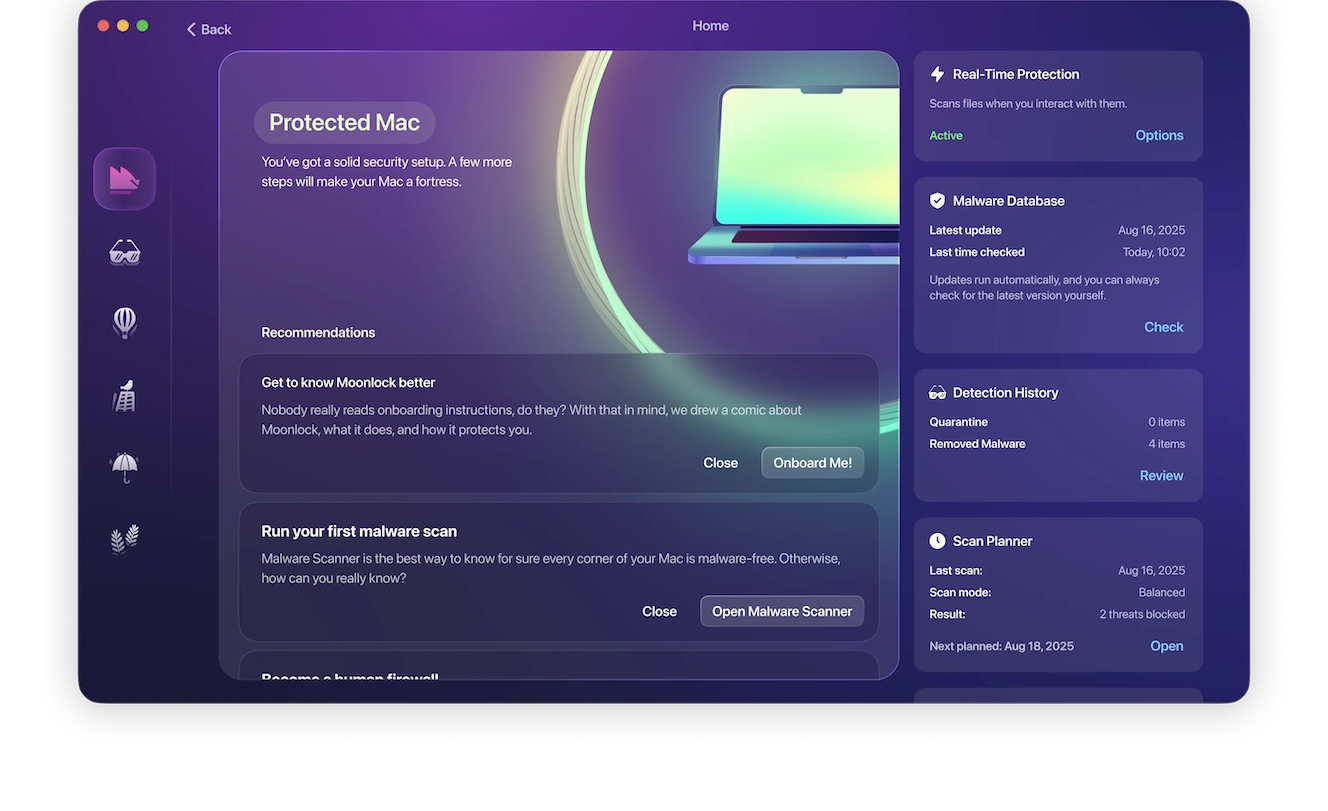
You also don’t need to be a cybersecurity expert to try it yourself; Moonlock does all the work for you, and you can start with a 7-day free trial. With real-time protection, Moonlock runs in the background 24/7 (or however often you’d like), identifying common system exploits and system configurations, and fixes them for you.
3. No updates
Software developers frequently roll out updates to their programs to add new features, patch security vulnerabilities, and fix issues. If you download and use pirated software, you won’t have access to any of those updates. This can leave your Mac vulnerable to attacks through the software if security issues are not properly patched.
4. Possible damage to your Mac
Some pirated software can cause irreparable damage to your Mac. Hackers have many techniques at their disposal, including turning off your cooling system and overheating the computer until it is ruined.
Bad actors can also turn other systems on or off to damage your system beyond repair. As a result, you stand to lose your hardware, software, and all your files.
5. Risk of identity theft
Hidden among the many illegal copies of legitimate software are altered versions that may scan your system for sensitive data like credit card numbers, bank account details, social security numbers, driver’s license IDs, and other personal information to use for identity theft.
How to identify pirated software before downloading
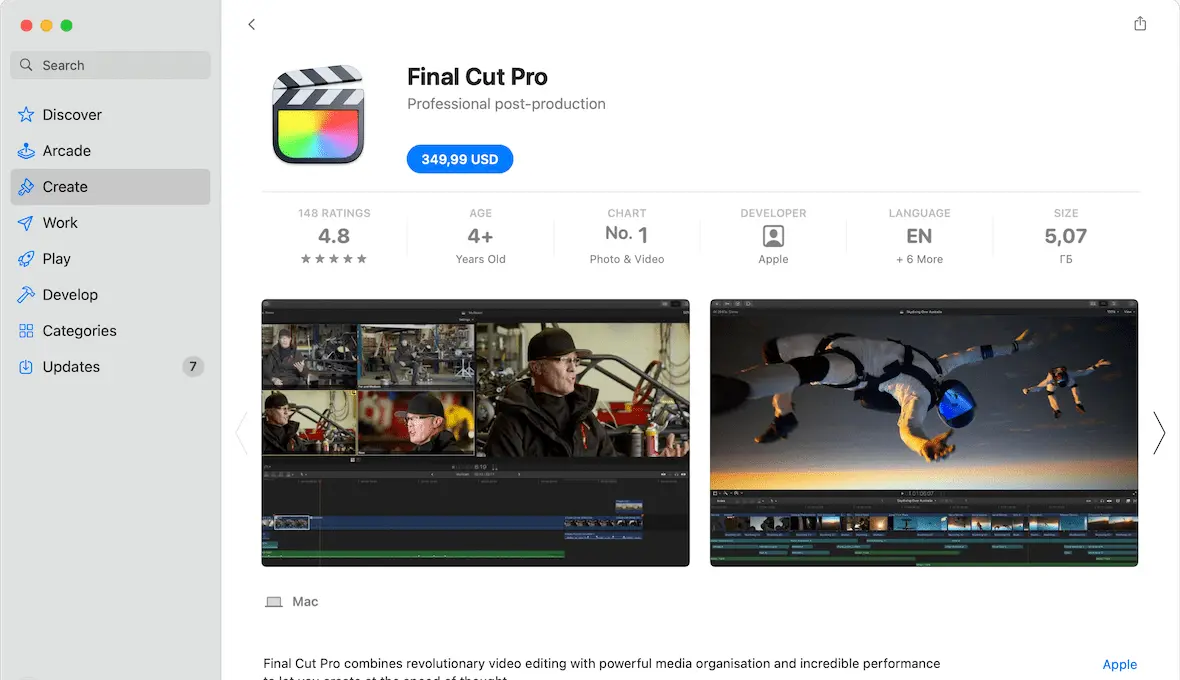
If you are in the habit of downloading a lot of software online, then you need to learn the warning signs of software piracy. Claiming that you didn’t realize something was pirated is not a valid defense you can use in court.
Here are a few tips to identify pirated software:
- The best and easiest way to know if an app is legit is to examine the source. If you are buying it from the Apple App Store or from the company’s official website, then it will be a genuine copy. On the other hand, if you’re downloading it from a torrent website, it is likely a pirated version.
- Next, look at the file name. If it says anything about a “key-gen,” it is a pirated copy. Key-gen stands for key generator and is one way to generate fake serial numbers.
- Scan the software with an antivirus scanner. Pirated software can be a vehicle for malware, whether it’s a virus, spyware, or something intended to use your computer as part of a botnet. Scan the software to see if any red flags pop up. Legitimate software will never contain malware (unless the company is engaged in illegal activity).
Indicators that a Mac app installer has been compromised
Compromised or cracked Mac installers can appear perfectly legitimate on the surface. In fact, it’s how they trick users into installing them. However, there are some warning signs that you can look out for, such as:
- Requiring Terminal commands to activate the app
- Requiring you to disable security features before installation
- Receiving “App is damaged” error messages
- Downloads from torrents or unofficial sites, as mentioned above, carry security risks.
If an installer shows any of these signs, immediately stop the process and delete all related files. To be on the safe side, you should run a malware scan to catch any infection that came with cracked software or apps as early as possible.
Real malware campaigns spread through cracked Mac apps
Cracked apps continue to be some of the most effective ways of getting malware onto users’ devices. That’s because instead of trying to trick users with phishing emails and fake websites, or trying to bypass Apple’s robust security defenses, this type of malware relies on the user granting permission. In fact, users who download cracked software are allowing the malware full access to their Macs.
Not all malware attacks are individual cases; many are organized campaigns engineered to distribute a particular piece of malware to as many devices as possible. Some of the more recent examples of malware spread through cracked Mac apps include:
- Atomic macOS Stealer: AMOS has retained its status as one of the most active families of malware in 2025 and 2026. Victims are tricked into downloading infected .dmg files or copying malicious Terminal commands that allow the malware to bypass the macOS security defenses.
- GitHub repositories and cracked installers: Cybercriminals often take advantage of the open nature of GitHub repositories by infecting them with malicious code. Many of them also spoof legitimate websites where users install otherwise trusted software like VLC Media Player.
- ZuRu-like and trojanized installers: The macOS.ZuRu threat family is common in fake installers, where attackers replace the software’s binaries with malicious code, allowing them to install remote backdoors and command-and-control beacons. Fake cracked installers mimicking popular apps such as Microsoft Office or Photoshop have been widely used to distribute this type of malware. These fake installers, commonly found on torrent sites and warez forums where users seek out pirated software on Mac, are often hard to distinguish from the real thing.
How cracked Mac apps bypass macOS security protections
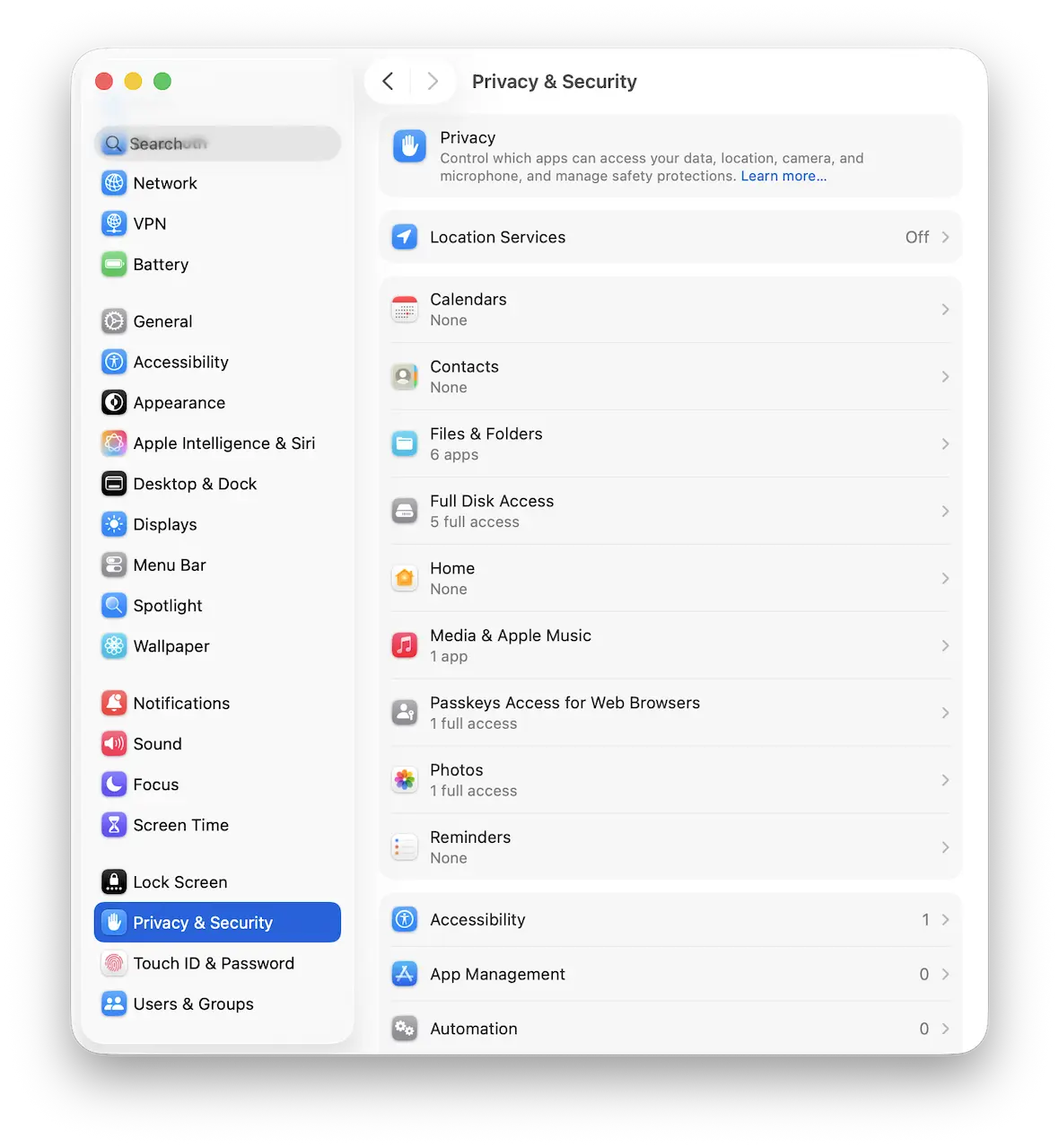
Maliciously cracked apps are able to bypass macOS security protections by manipulating user trust. Many of them require users to disable some standard system protections that would otherwise prevent apps from unverified sources from being installed.
How cracked Mac installation scripts trick users into installing malware
Traditional app launches require the software’s license to be verified by the OS. That’s why many modern cracked applications rely on Terminal-based installation scripts. They urge you to copy and paste commands directly into your Mac’s Terminal. This marks a shift from the older Right-click > Open workaround — where users could simply bypass Gatekeeper with a click — to script-based execution that grants attackers far deeper system access.
This is particularly dangerous because Terminal commands hold admin authority and are automatically run by the system. So even if your actions lead you to installing malware, your device will assume you’re doing it intentionally because you used the Terminal.
In a way, attackers are choosing software and applications because they’re easier to crack than macOS itself. Then the user is essentially hand-delivering the malware past Apple’s security precautions.
Why the “App is damaged” message on Mac is a red flag, not a bug
Receiving a message that says “App is damaged” is how you know Gatekeeper is doing its job at guarding you from malicious software or broken apps that could disrupt your system. While the message is simple on the surface and doesn’t share a lot of information, you can receive it for a variety of reasons, like the software failing code-signing, notarization, or integrity checks.
If you visit a sketchy site, you might notice some “preamble” that’s necessary before you’re able to install the cracked software. Cracked software instructions often tell users to disable System Integrity Protection (SIP) because it’s the layer of macOS that prevents unauthorized modifications to system files – with SIP active, the crack simply won’t work. Commands like
sudo spctl --master-disableremove Gatekeeper functionality entirely, a critical part of your device’s System Integrity Protection (SIP).
What are the consequences of using pirated software?
Many people see the use of pirated software as a victimless crime, but there are many serious consequences to using pirated software.
The company loses money and could go out of business
If the company in question loses a lot of potential revenue to piracy, it could go out of business. This puts people out of jobs and may even set back the entire industry.
Hidden malware can damage your computer and steal your data
As well as wreaking damage to your computer, malware can steal your personal data, leading to your identity being stolen. It can also put spyware on your browser and potentially use your machine as part of a botnet to launch DDoS attacks. Some of these activities are carried out by organized crime groups and terrorists.
An even bigger problem with hidden, or dormant, malware, is that you may not even know your device has been infected while it’s already siphoning your data or using your Mac resources for DDoS attacks or mining for cryptocurrency. With Moonlock’s Malware Scanner, you can schedule scans through the built-in Scan Planner, either for later in the day or on a regular basis.
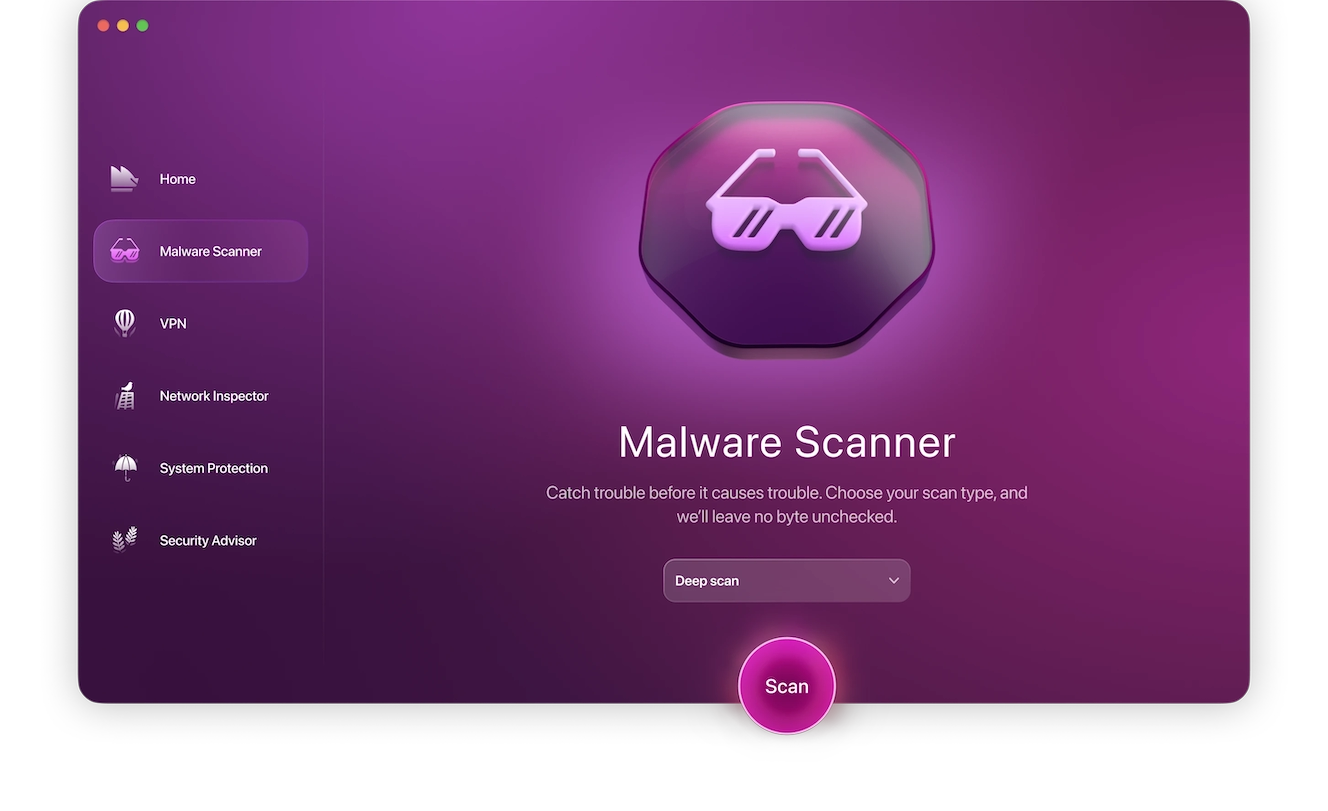
To scan your device right now, follow these steps:
- Sign up for your free trial of Moonlock.
- Open Moonlock, then navigate to the Malware Scanner tab on the left side.
- From the drop-down menu, select whether you’d like to run a Quick, Balanced, or Deep scan.
- Click Scan.
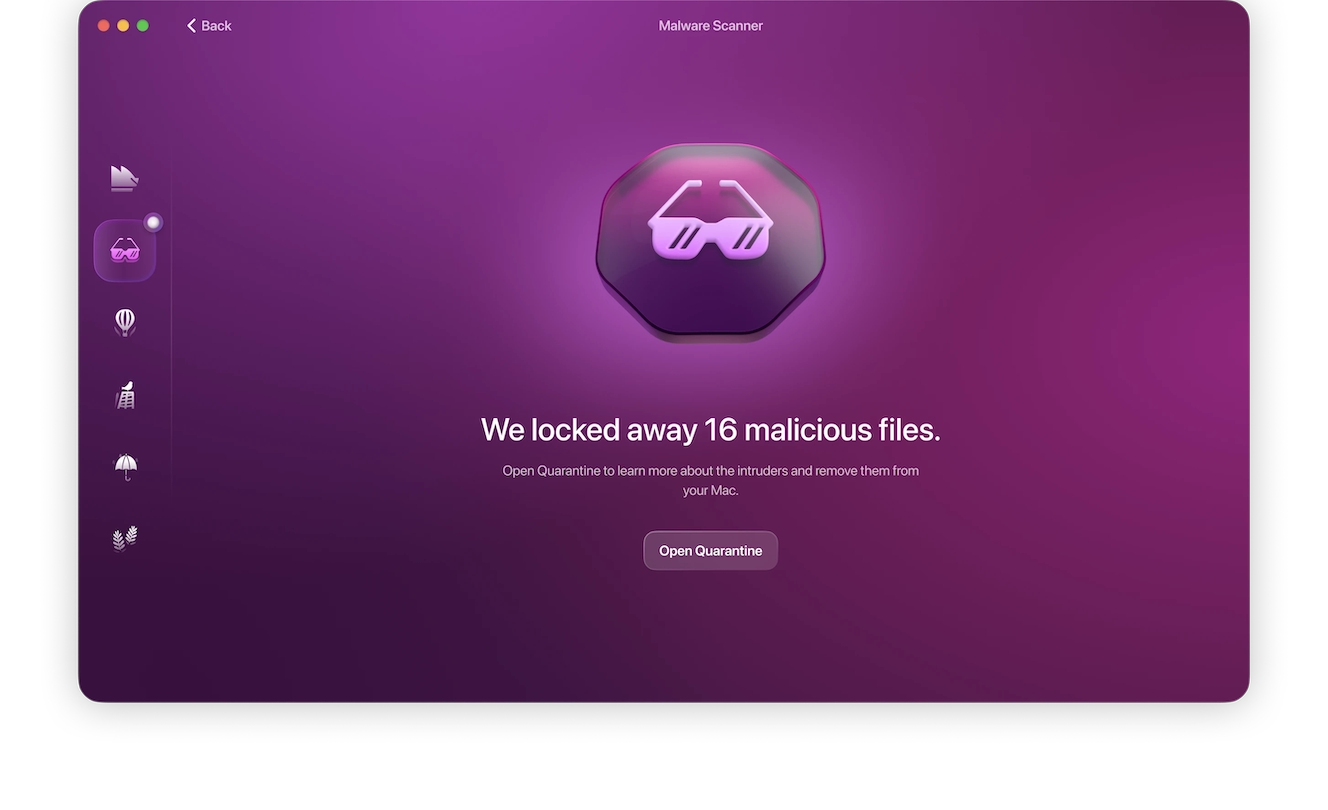
- Upon finding malware, Moonlock will lock it up in Quarantine, where it won’t be able to interact with the rest of your device, until it deletes it entirely.
You may be prosecuted and fined
Many companies are cracking down on file sharers and those who use software that they know is stolen. Using techniques such as tracing your IP address, they can find you and may choose to prosecute you.
The fines you will be facing if this happens will vastly exceed the cost of simply buying legitimate software. They could also have serious long-term consequences, especially if you can’t afford to pay.
Legal consequences of using cracked Mac apps
While laws vary by country and region, the use of cracked applications is illegal in most locations, as it violates copyright laws and licensing agreements. Normally, it’s the distributors of cracked apps that receive the most penalties, but downloading and installing cracked software as an individual user can get you in a lot of trouble.
Companies are beginning to crack down on the illegal use of their software, employing techniques like IP tracking and telemetry to detect illegal use, especially in workplaces, schools, and universities. The fines often far exceed the software’s subscription or purchasing price, making the legal option your only good option, not to mention the added stress of having to remove potential malware from your Mac.
Choose free and open-source alternatives instead of pirated Mac apps
If cost is an issue, especially when you need to purchase or subscribe to multiple applications, you can opt for applications with freemium options or open-source software. These are both perfectly legal and safe ways to get free apps or software for your Mac without pirating them.
For example, LibreOffice is a productivity and office suite tool, GIMP or Krita can be used for photo editing, and VLC Media Player is an option for video and audio playback.
Downloading pirated software may feel like striking the deal of the century, but it’s not worth the hassle and headaches you may experience from doing so. Do yourself a favor and always invest in a legitimate license to receive free updates and all the features you are entitled to enjoy as the legal owner of a piece of software.
Our advice is to always purchase software legally from a trusted source to keep your Mac safe and running well. Only install apps from the App Store or other legitimate companies. Stay away from third-party installers or download sites. Finally, read and accept the end-user license agreement. It will clearly spell out how to use the software and the penalties for violating the rules.
This is an independent publication, and it has not been authorized, sponsored, or otherwise approved by Apple Inc. Mac and macOS are trademarks of Apple Inc.