


Grok’s security team is having an agitating couple of weeks. Recently, the app, along with ChatGPT, was abused by bad actors to spread macOS malware. Grok was also recently put in the spotlight for allegedly generating, as The New York Times reported, “Sexualized Images of Real People, Fueling Outrage.”
Now, to add more trouble to the AI brand led by Elon Musk, researchers have identified a fake Grok app that behaves just like the real thing. The problem is that it sets up shop on your Mac to mine crypto. Let’s dive in to explore how this new Mac threat works and how to avoid it.
Mosyle finds a sophisticated Grok app with low ambitions
Recently, Mosyle, the Apple-focused security company, shared details on 9to5mac about an app that is pretending to be Grok to use your Mac to mine crypto. The culprit behind this app went through a lot of trouble to breach macOS security. Once inside, the malicious forgery installs a crypto miner, making it a rarity among the Mac malware that we usually report on.

Beyond what Mosyle shared with 9to5mac, the company did not release any other public information on this threat, as far as we know.
The security research team of Mosyle said that this new Mac-targeting threat was, at the time of their investigation, undetected by all major anti-malware engines. This means that the threat is flying right past most anti-malware apps without raising any alarm whatsoever.
We did a search on VirusTotal for the website that was distributing this fake Grok app and found that only one anti-malware engine was detecting the threat.

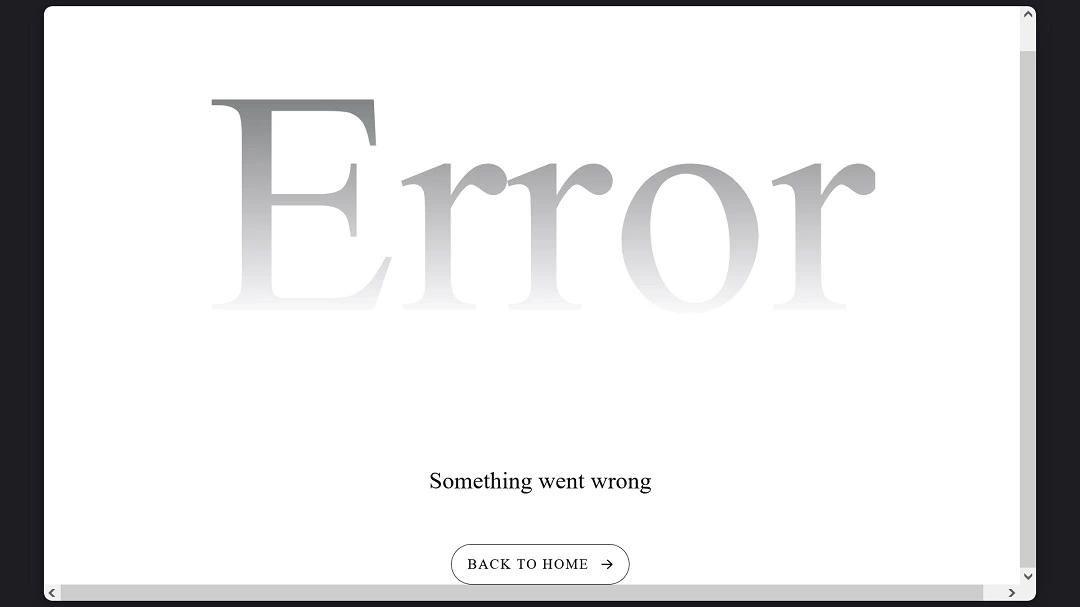
Checking the site, we found that the infrastructure of this fake Grok app is apparently still online. However, an error page appears after the website finishes loading. This could mean that threat actors are migrating the fake Grok app from the flagged domain, xaillc[.]com, to other unknown sites and that this campaign is not over yet.
Meet SimpleStealth. Here’s how it works and what you need to know.
Moslye dubbed this new Mac threat “SimpleStealth.” SimpleStealth works in the following way:
- Mac users are directed to a seemingly credible fake Grok site.
- Users download this fake Grok app.
- The Grok app immediately asks the user for the system password as “routine setup.”
- The fake Grok bypasses macOS security, including Gatekeeper.
- Once inside the system, the malware app runs silently in the background.
- The app mines for crypto using your Mac without your knowledge.
While impersonating software and apps to trick users into downloading and installing malware isn’t uncommon, it is noteworthy that this fake Grok app appears to be fully AI functional.
How this threat behaves like a Mac stealer
Mac users who have been following cybersecurity news on stealers are one step ahead of this threat. The bad actors are using techniques similar to those used by macOS stealers. By now, these strategies should be familiar to Mac users.
To recap, stealers are known to spread via website downloads on sites designed to impersonate popular brands. Another thing this new macOS malware has in common with stealers is that it goes straight for your system password with the pretense that it needs it for installation.
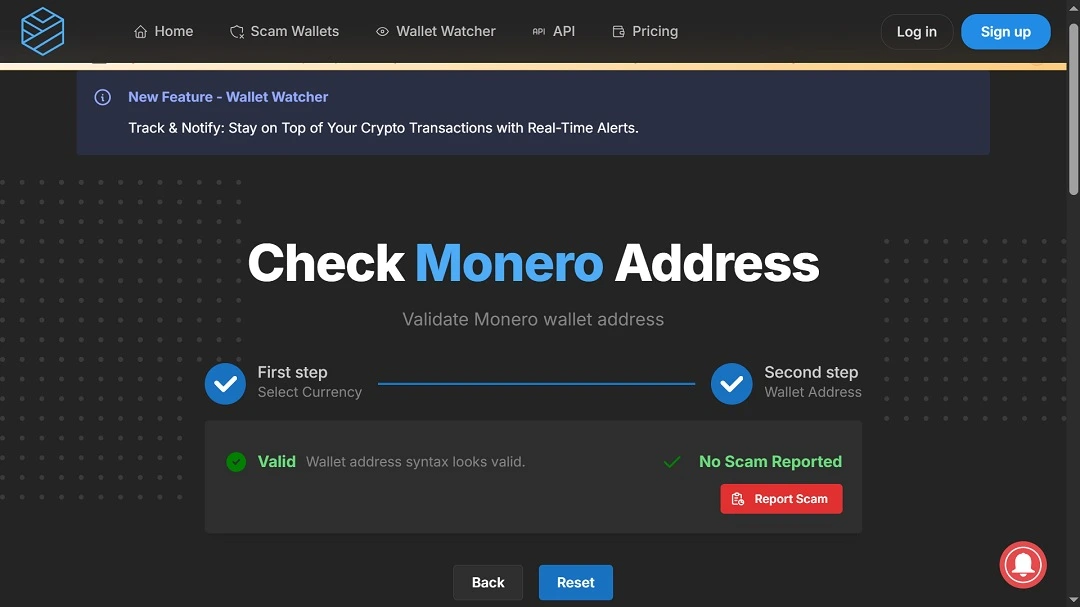
All that trouble to install a Monero crypto miner on your Mac? Weird.
It is rather strange that someone would impersonate a fully functional Grok AI app only to install a hidden Monero (XMR) crypto miner. Daily crypto mining gains for a single Mac running a Monero XMR crypto miner are quite low, almost tiny. A threat actor would need to infect hundreds of thousands of Mac computers with this miner to even make a substantial illegal profit.
Usually, this type of malware, techniques, and capabilities are used to target Mac users’ data and wallets. Moslye’s team did not reveal if this malware is actually doing that.
To stay on the safe side, it might be best to assume that if this threat can present to users as a fully functional Grok AI, breach your Mac security, and install a crypto miner on your Mac, it can do other, more dangerous things, like steal your data or install a backdoor.
The miner actually does not run all the time, continually. Mosyle said that to stay hidden, the mining activity only starts when your Mac has been idle for at least a minute and “stops immediately when the user moves the mouse or types.
“The miner further disguises itself by mimicking common system processes like kernel_task and launchd, making it far harder for users to spot abnormal behavior,” Mosyle said.
The threat actors are using Monero in this campaign. Unlike Bitcoin, Monero addresses do not expose balances or transaction history, complicating attribution.
How to stay safe from fake Grok apps and similar threats
The same techniques that apply to any macOS crypto miner, trojan, stealer, or malware apply to SimpleStealth. Here are 3 short but effective tips to stay on top of this and similar threats.
Try Moonlock. It is updated with the latest threats and shuts down Mac malware.
The Moonlock antivirus app was built exclusively for Mac and is constantly updated with the latest Mac threats seen in the wild. The Moonlock app runs silently in the background and will make sure every file you interact with is not suspicious.
If Moonlock does find anything shady, it will flag it and move it to Quarantine. In Quarantine, you can check out more information on the threats your Mac encountered and remove them forever when you want, at your own pace.
You can try out Moonlock for free on a 7-day trial.
Do not download apps, browser extensions, or AI-related software unless you have triple-checked them
Online ads and limited-use software are constantly pushing users into downloading stuff online. Some of this, we use once or twice. Other times, they don’t even work, and we simply forget to remove them. This isn’t a good habit.
We all want, and sometimes need, functional software. But unfortunately, the days of downloading now and checking tomorrow are gone.
Today, if you are a Mac user, you need to verify everything you install on your Mac, not once or twice but at least three times. Make sure it’s the real thing and comes from a trusted and respected company.
Watch out for any requests for system passwords or terminal script running
Two ways that malware breaches and accesses your Mac are by requesting system passwords, so check those carefully. It isn’t normal for an app to request your system password, know that too. If it does, it’s likely malware.
Also, be on the lookout for any site, email, or contact that asks you to copy and paste a script into your terminal. This is not normal behavior either. No app, software, or individual should ask you to paste a script on your terminal without immediately raising a red flag. Learn more about your Mac’s terminal at Apple’s official “Terminal User Guide.”
Final thoughts
This fake Grok AI app is noteworthy for several things. Not only is it part of the new wave of AI impersonation and AI trojan malware, but it is also fully functional. This allows threat actors to run in the background while you’re using the app without ever noticing that something is off. Expect more similar threats to come.
This AI Mac threat comes with a crypto miner, a nasty and annoying piece of malware. In the near future, the next AI Mac Trojan could come with something much worse. Use a strong macOS anti-malware tool and verify everything you download. This can keep you on the safe side.
This is an independent publication, and it has not been authorized, sponsored, or otherwise approved by Apple Inc. Mac and macOS are trademarks of Apple Inc.





