


The main websites of CNN, Fox News, BBC, Zoom, Salesforce, Air France, HSBC Insurance, UNICEF USA, TalkTalk, and hundreds of others (178 in total) were recently used to distribute malware. The malware was coded to steal crypto data, skim cards, and install spyware customized for crypto theft on iPhones.
While reports say the incident is over and has been fixed, at least one of the impacted sites, TalkTalk, appears to still be affected at the time this report was being written.
Let’s dive in to learn how you can stay safe.

Secure your iPhone in the age of spyware threats
What Apple users need to know about the Optimizely hack
On November 16, hackers managed to access Optimizely’s system. Optimizely is an ad/marketing service platform used by large brands like CNN, Fox News, BBC, Zoom, and Salesforce. Once inside the system, hackers modified legitimate Optimizely tags with malicious JavaScript code. Because the tag came from Optimizely itself, the websites of 178 organizations did not flag anything as malicious.
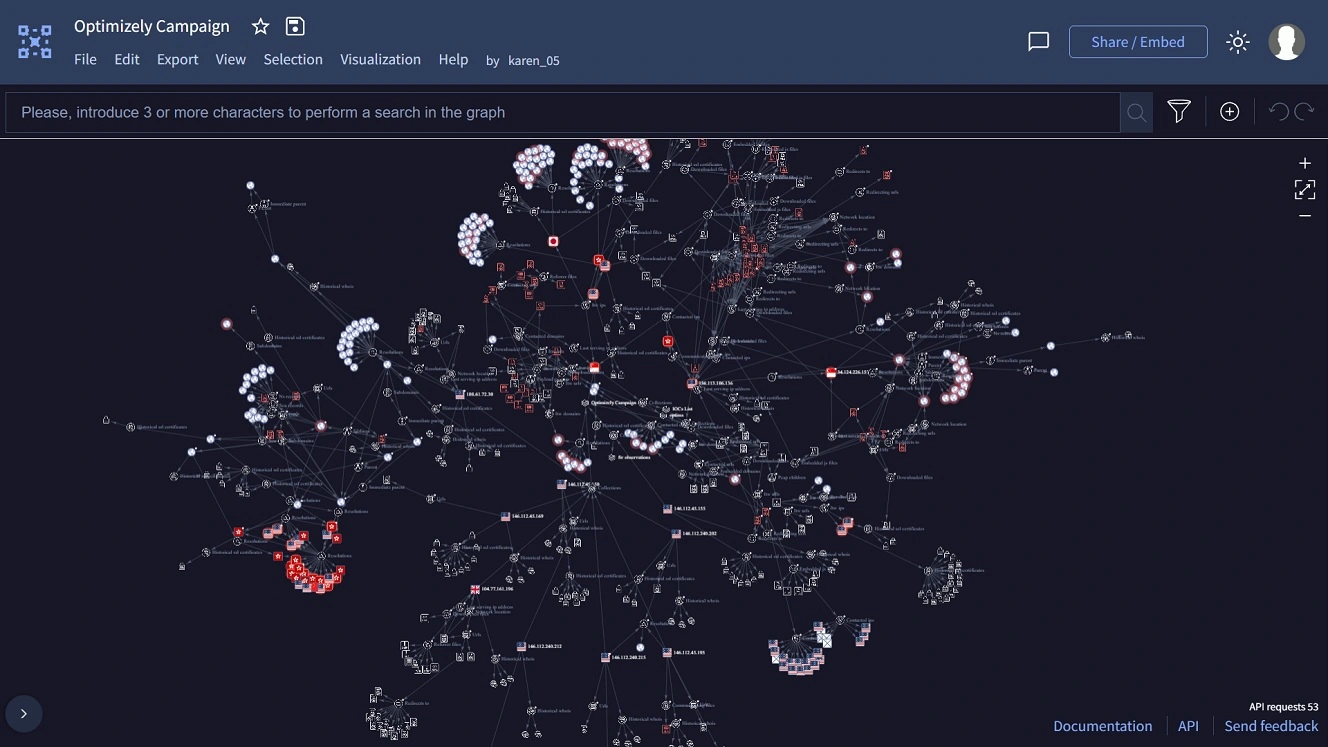
Optimizely says that on the same day the hack began, they detected it and blocked the delivery of the malicious tag. They state that they closed the vulnerability within 3 hours of detection.
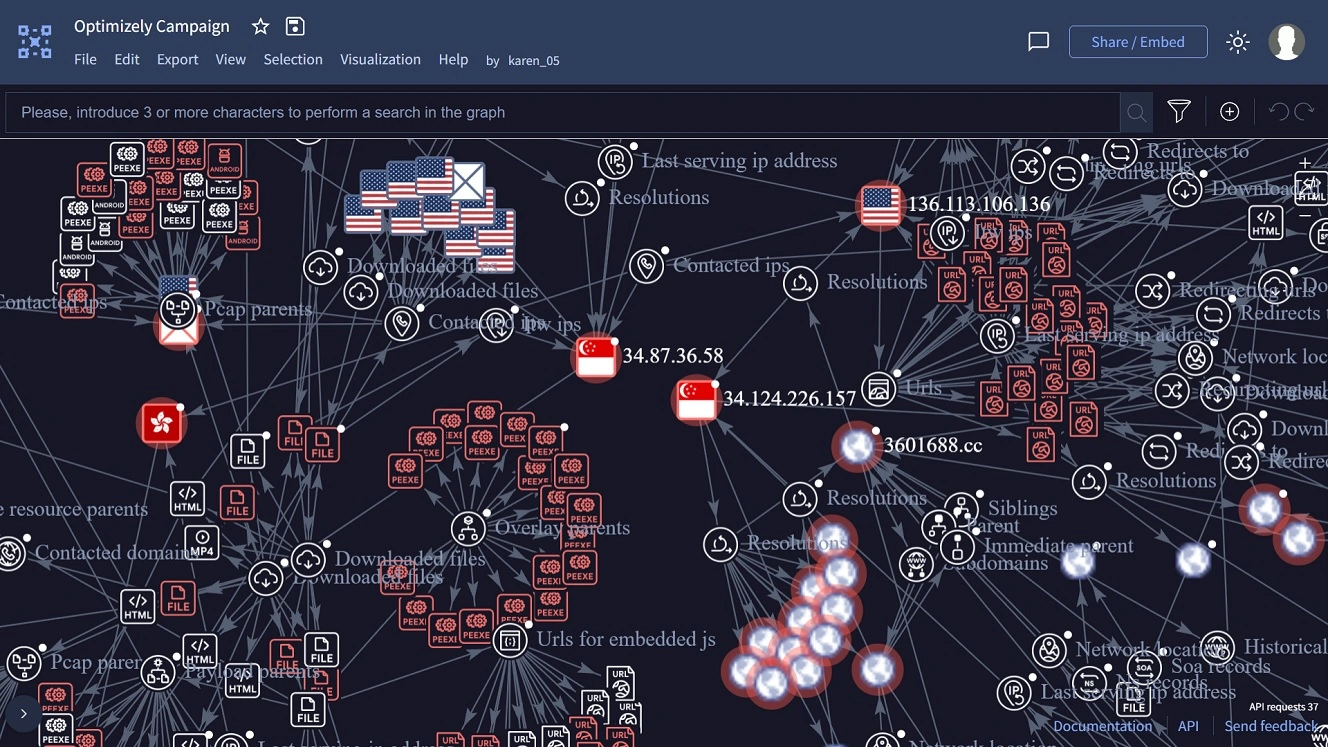
However, as mentioned, at the time this report was being written, the website of TalkTalk in the UK was still showing Optimizely tag errors.
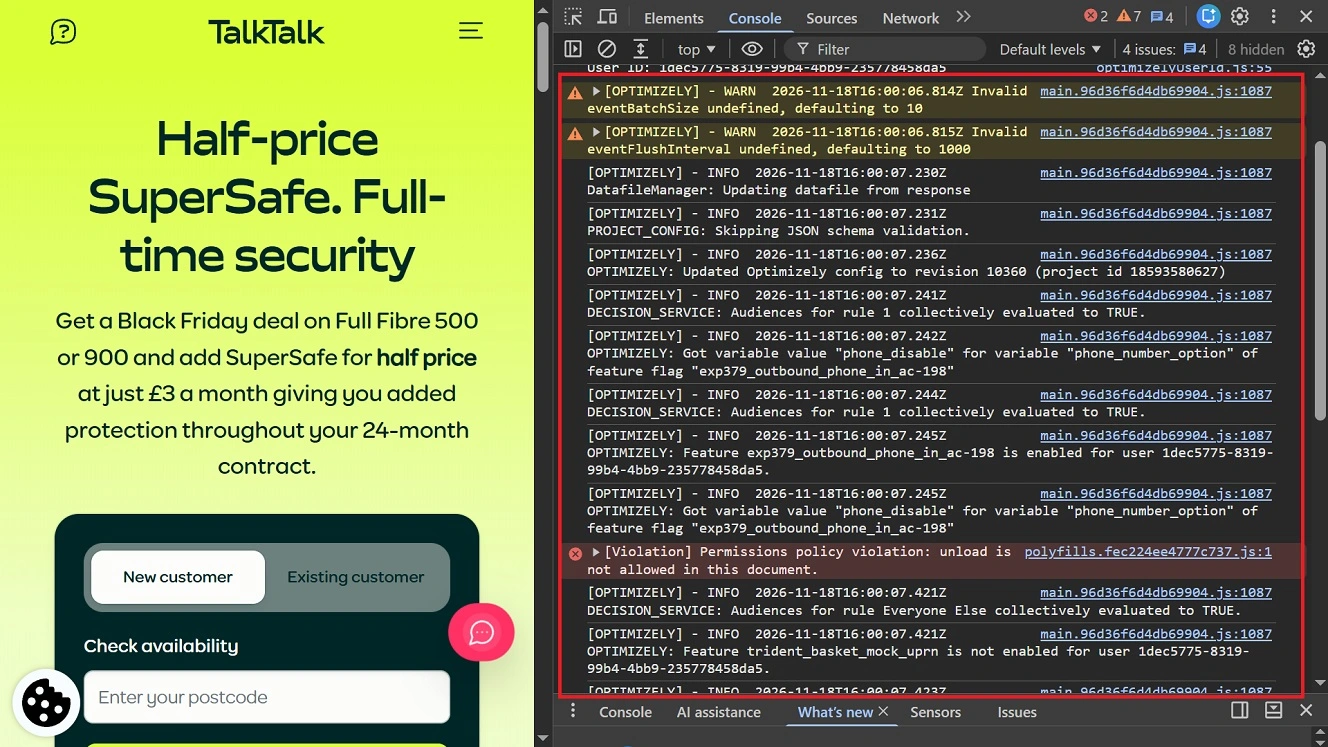
Optimizely adds that the event was not a credentials breach and was limited to Web Experimentation features. How hackers got in is still unknown.
Despite the large scale of the hack, Report URI says only about $7,000 was stolen using crypto address swappers, card skimmers, and iPhone spyware from those who visited the sites during the time of the incident.
How and why ad and marketing tags and systems are being used by cybercriminals
In the advertising industry, tags are embedded into the HTML body of a website and used for several purposes, from tracking visitors and analytics to serving ads. Lately, cybercriminals have been abusing the legitimate tag ecosystem of the industry.
Why tags? Because a tag is one line of code that is already embedded into websites. And that code can be modified. It can be used, for example, to redirect users to malicious sites or display zero-click crypto-stealing spyware ads that breach devices without any user action.
One group, known as the iPhone exploit crew, recently used a new dark web platform or tool called DeadTag to distribute Coruna and DarkSword crypto-stealing malware to iPhone users.
The way DeadTag abuses legitimate tags is by purchasing expired domains belonging to advertising and marketing service providers. This gives the attackers access to the tags those providers previously embedded in their customers’ websites, allowing them to exploit the functionality and permissions associated with those tags.
In the case of the Optimizely campaign, hackers “got their hands on the tags” by somehow accessing the Optimizely system. Then they used the legitimate Optimizely tags, modified and delivered by the legitimate Optimizely edge computer network (Content Delivery Network). This impacted high-volume visiting sites. The entire tag system is automated, so if a tag is modified from source, all sites downstream that are using that tag are impacted.
Mercenary spyware, used to target high-value organizations and individuals, has also recently turned to the online ad industry to distribute malware. For example, AdFection, as reported by Citizen Lab, recently leveraged the ad bidding marketplace to distribute spyware. While this does not involve tags, it does involve the use of a legitimate advertising system as a method to reach users.
Cybercriminals take the use of trusted sites to bold new levels
Impersonating, spoofing, or hacking trusted sites isn’t new. But lately, cybercriminals have taken this to a whole new level, abusing or hacking into sites that one would think are highly secure, given the organizations behind them.
For example, PasteSwitch this year hijacked the legitimate HBO Max Reddit account. They used it to serve hundreds of malicious ads and distribute stealer malware.
What the modified tags in the Optimizely campaign did and the malware “payload”
Researcher Scott Helme from Report URI, who looked into the threat campaign, says that most modified tags served by the Optimizely service to these high-volume web traffic sites pointed to https://1688360.cc/track.js. Helme then describes what the “payload” of the tag does.
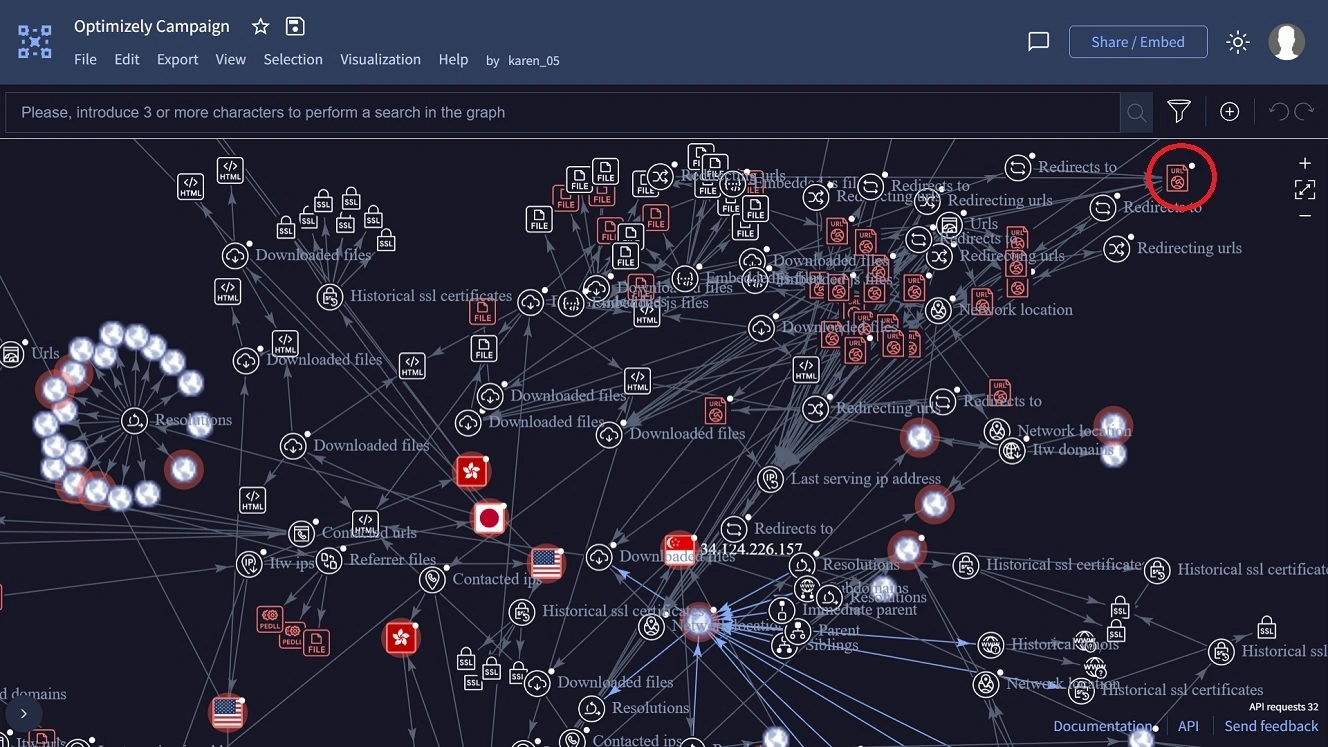
According to Helme, the modified Optimizely tags in this campaign did the following:
- Crypto address swapping
- Card skimming
- Cookie and screenshots theft
- Attempted to install crypto-stealing Coruna and DarkSword spyware on iPhones
In crypto address swapping, malicious code searches several locations on your device for your crypto address. For example, if you have a crypto wallet extension on your browser, your main crypto address is stored in your browser. While that data should be fully isolated, it can be accessed by malicious code.
Once crypto address swapping malware finds your crypto address, it replaces it wherever it finds it with an attacker’s crypto address. Because crypto addresses are long strings of random characters, it’s unlikely you’ll realize anything is wrong until it’s too late.
Helme says the maliciously modified Optimizely tags had a script coded to find and swap any valid wallet address. This included BTC, ETH and EVM chains, TRON, Solana, TON, Litecoin, Bitcoin Cash, and Dogecoin.
To find and swap crypto addresses, the script accessed page text, form fields, links and images, the clipboard, on copy and through navigator.clipboard, outgoing fetch/XHR requests, window.open, navigation and the iOS share sheet, says Helme.
“Copy an address from any affected page, or from anywhere else while that tab is open, and you may paste the attacker’s,” says Helme.
Regarding card skimming, this involves malware that looks for your bank card numbers to steal them. This usually occurs during online purchases on forms. So, for example, if you went online during the Optimizely campaign and bought a service using your card on an affected site, the modified tag may have read your card numbers and extracted them.
“The script watches form submissions and every fetch/XHR POST for a card number (Luhn-checked), expiry date, and CVV,” says Helme. “When it has all 3, it sends them to https://1688360.cc/card.php with navigator.sendBeacon.”
Cards entered in hosted payment iframes (Stripe, Adyen and similar) were out of its reach, Helme adds.
“Cards typed into a site’s own form fields were not,” Helme adds.
Besides cards and crypto address swapping, the payload of the tags also extracted browser cookies and screenshots.
The payload of the modified tag also picked up whether the user visiting the impacted sites was on an iPhone. And, depending on the version of iOS and whether this version had the recent security updates, it would attempt to breach the device with Coruna and DarkSword spyware, which has been customized for crypto theft.
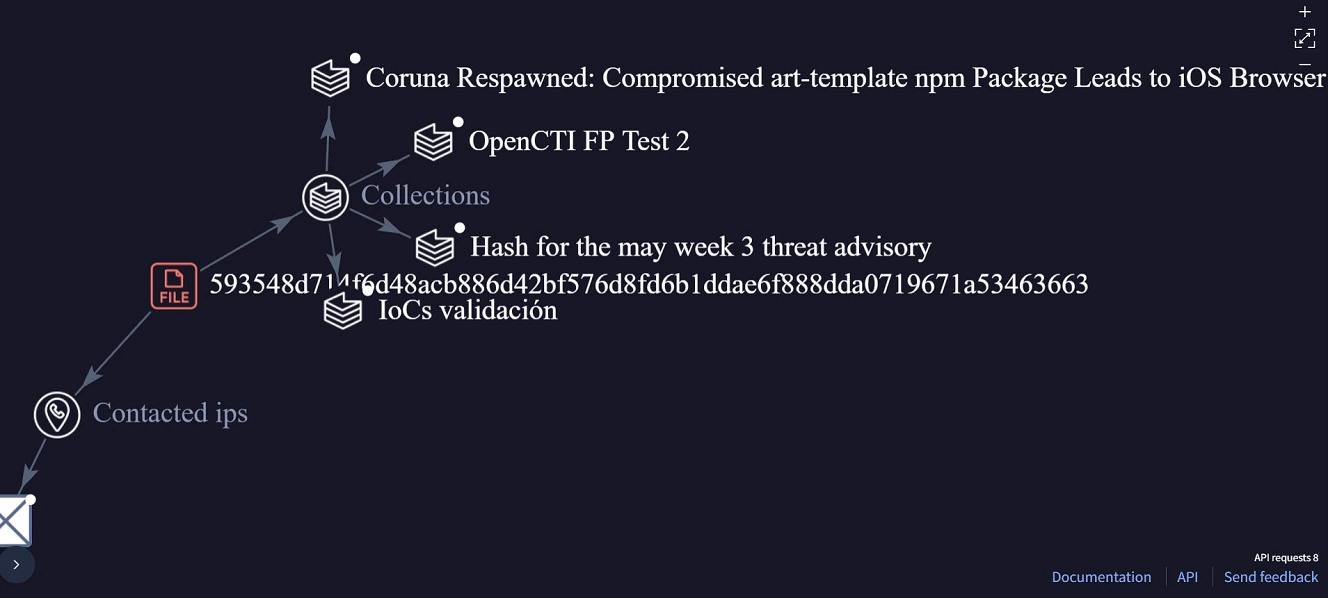
Cybercriminals are increasingly using zero-click spyware customized for theft because it “guarantees” a breach. That is, it’s supposed to be more successful than other malware, which needs to trick the user and the operating system to download and install.
For a full list of the affected sites and more technical information on the campaign, take a look at Scott Helme’s report.
How to keep safe from malicious tags, stealers, and crypto-stealing spyware
If tags on a site do not require any download or click, and can deploy sophisticated crypto-stealing and spyware payloads on your device, how can you stay safe? Below are some simple but highly effective tips to stay clear of malicious tags and related threats.
Update your iPhone and Apple devices
First things first: Keep your Apple devices up to date. The most sophisticated malware in these campaigns is Coruna and DarkSword spyware. These have been modified by cybercriminals to steal your crypto.
Apple is constantly working to mitigate the threat of spyware and does so through security updates. Keep your devices up to date to get the latest patches and protection.
Use ad blockers, VPNs, and privacy-first browsers
While it is not guaranteed that ad blockers, VPNs, and privacy-first browsers will block or flag every malicious resource on a website, they will catch at least some of them.
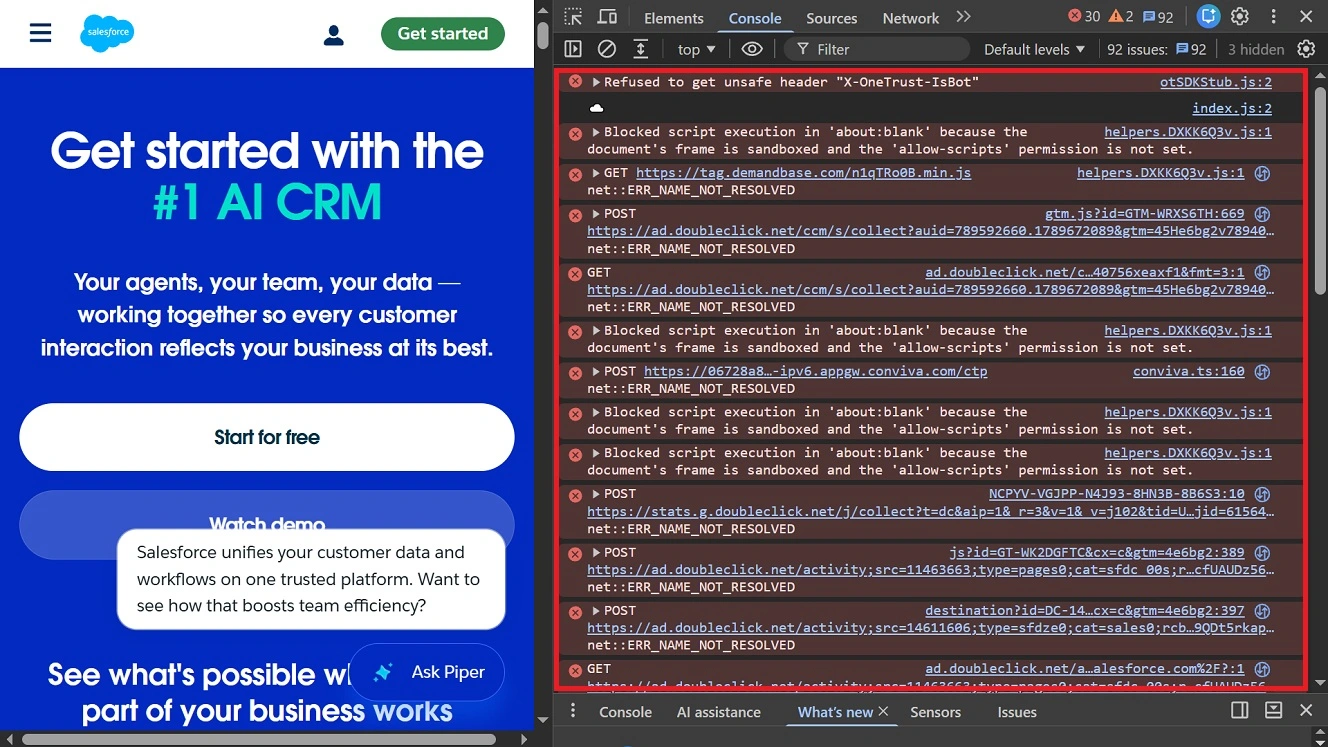
When using your browser, you can tap F12 to check if tags or anything else on a site you trust is being flagged by your browser.
Keep up to date with the news
Bitdefender’s recent 2026 threat report found that stealers appear in bursts. These bursts coincide with threat campaigns when stealers are distributed. Threat campaigns, especially the big ones, are always reported by cybersecurity media.
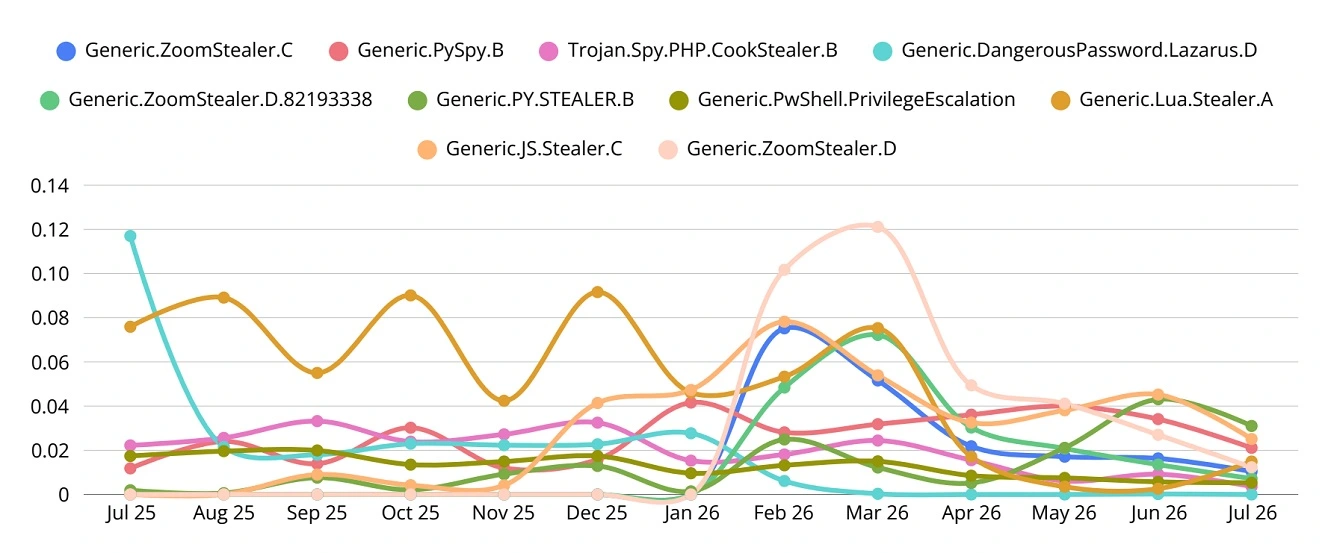
Read about cybersecurity news at least once a week for 15 minutes. Understanding how this relates to your technology can help you spot these bursts of threats as cybercriminals deploy them and flag the malicious pages and techniques so you can stay away from them.
Final thoughts
The most notable takeaway for Apple users in the Optimizely campaign is not the amount of money stolen (only about $7,000). It’s the scale of the attack. The new trend of using advertising industry tags can turn legitimate, trusted, high-volume sites into pipelines to distribute malware.
Instead of creating fake sites or hacking one at a time, in this campaign, hackers used a supply chain technique. By accessing the Optimizely system and modifying tags, they accessed hundreds of sites in just one go.
Follow the tips in this report to build up your cybersecurity and privacy posture. Learn more about how your technology works to live a calmer, safer, and more productive digital experience.