
As one of the largest social media platforms, Facebook is a scammer’s goldmine, giving attackers access to billions of potential targets. In 2025, 30% of the people reporting scams said it started on social media, with combined losses reaching $2.1 billion.
The prevalence of scams on social media might tempt some users to delete their Facebook accounts altogether. But don’t make any major decisions yet. Learning the signs of a scam is more important than ever.
So, what are Facebook scams?
Facebook scams aren’t a single type of scam. They range from deceptive profiles and posts to fake ads and product listings on Marketplace. They typically target 1 of 2 things: your personal information and credentials, or your money.
Among all social media platforms, Facebook came out as the top site for scam initiations, followed by WhatsApp and Instagram. Scams on Facebook often involve some level of impersonation and social engineering, whether it’s luring you toward a phishing website or faking payment and shipping receipts.
How do Facebook scammers find potential victims?
Scammers no longer waste their time targeting people at random; they’re becoming more strategic in their approach. Attackers often combine a user’s public activity with stolen or leaked data obtained through dark websites to identify prospective targets.
Some of their tactics include:
- Hacked contact lists: A single compromised account can reveal the names and details of a user’s contacts and friends list, allowing for better targeting and impersonation.
- Public profile data: This information includes a person’s workplace, birthday, location, and relationships.
- Public posts and comments: The feed and search visibility on Facebook helps scammers find users discussing specific needs or interests.
- AI-assisted targeting: AI is increasingly being used to personalize messages based on the interests and behavior of the target.
What happens during a Facebook scam?
While details may differ from scam to scam, most of them follow a predictable pattern:
- Contact: The scammer approaches you through a DM, comment, or ad.
- Trust: They impersonate a credible person, an authority figure, or someone you know and already trust.
- Pressure: They inject a sense of artificial urgency, like limited-time rewards or potential penalties.
- Exploitation: The victim sends the scammer money or clicks on a malicious ad or link.
- Disappearance: The scammer blocks you and deletes the account.
13 most common Facebook scams in 2026
In 2026, scams on Facebook range from phishing and fake Marketplace listings to impersonation and account takeovers. With the help of AI, many scammers are adding to the complexity of their scams, making it harder to identify.
Here are some common scams to watch out for.
Facebook phishing scams
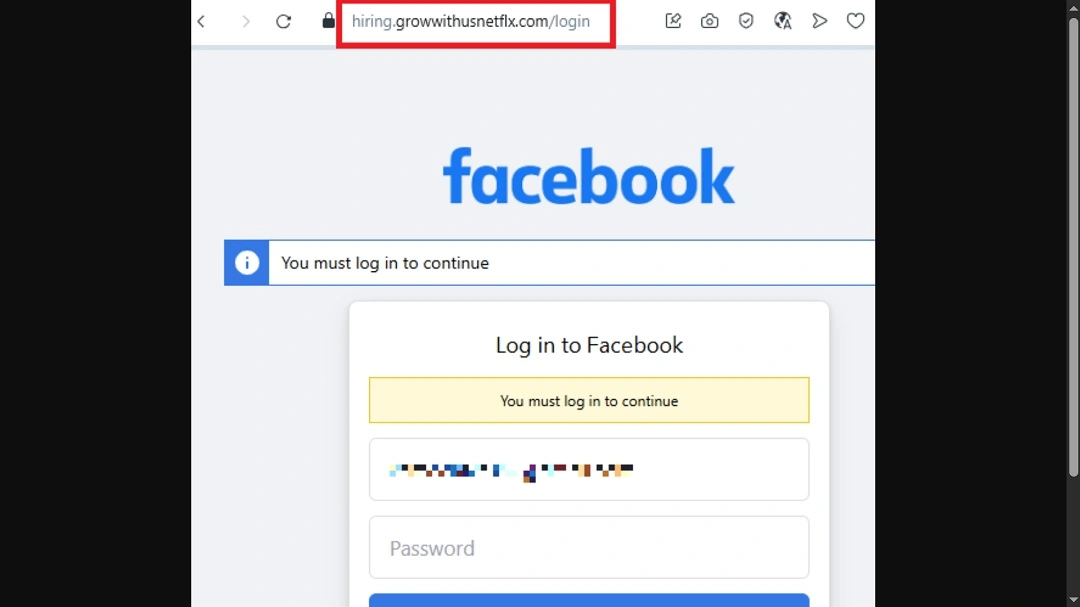
A phishing scam on Facebook aims to steal your login credentials or verification codes, typically by impersonating Meta.
You might receive fake warnings that your account will be disabled unless you “verify it” by signing in using the link they provide. In another tactic, scammers claim that their 2FA code was “accidentally” sent to your phone and ask you to share it, enabling a Facebook account takeover.
Facebook Messenger scams
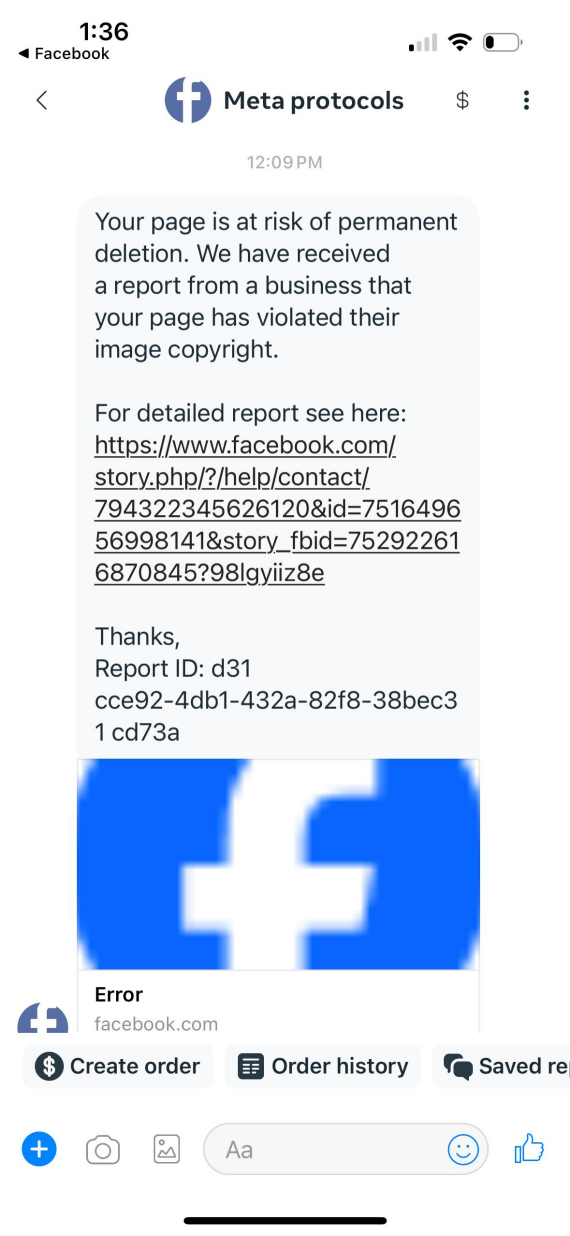
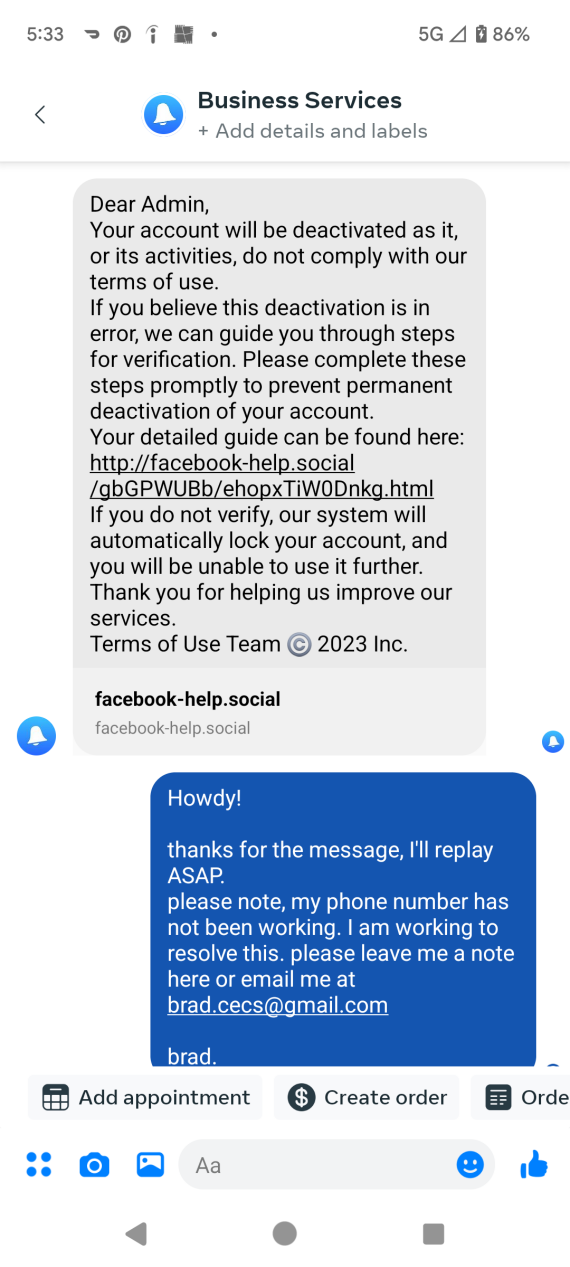
Scammy messages often open with phrases like “Is this you in the video?” sometimes sent from a compromised friend’s account. Other messages might include links to a fake Facebook login page designed to steal your credentials and spread the message further.
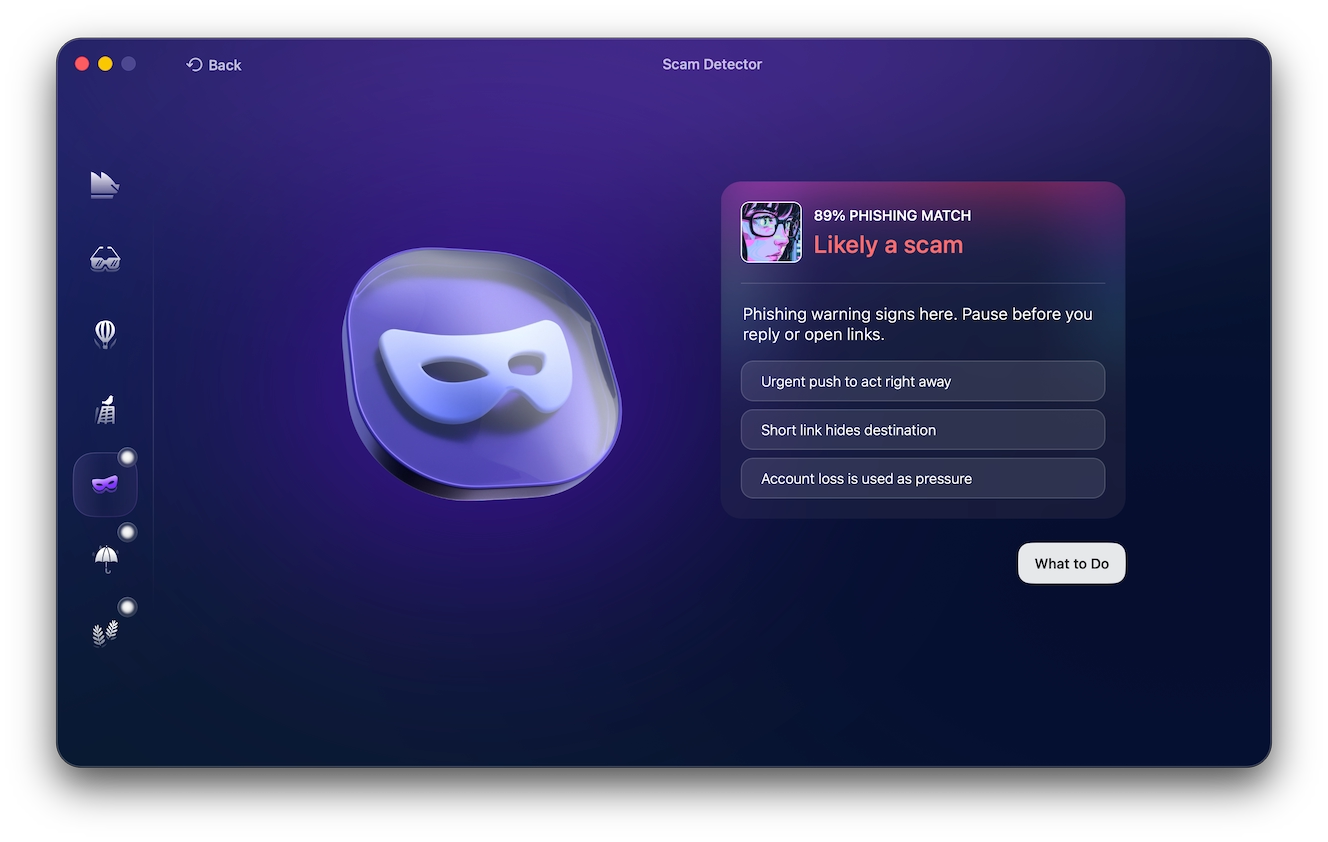
Hacked or cloned contacts may also invent emergencies and request money or gift cards on Facebook Messenger. Before replying to a suspicious-sounding message, copy and paste it into Moonlock’s Scam Detector and click Check. You can try it free, it compares the content of the message with common telltale signs associated with online scams and helps you determine if the message has malicious intent.
Facebook romance and catfishing scams
Romancing and catfishing on Facebook are nothing new. Scammers use fake identities and stolen photos to fabricate romantic relationships with their targets before requesting money.
Sextortion is a variant in which the victims are blackmailed with the threat of sharing intimate images and conversations with friends or family. In pig-butchering schemes, the romance is only a setup: The scammer gradually directs the victim to a fraudulent investment platform displaying fake profits before stealing larger deposits.
Investment and crypto scams

Scammers sometimes cast a wider net with their investment and crypto scams by using deepfake celebrity ads or impersonating experts to promise guaranteed returns.
Pig-butchering scams, meanwhile, are more targeted. The scammer builds trust directly with the victim before directing them to the fraudulent crypto investment platforms. The profits are fake, and when the victim attempts to withdraw their funds, they’re required to first pay “taxes” or “fees,” but after paying them, the platform disappears, along with the money.
AI-powered Facebook scams in 2026
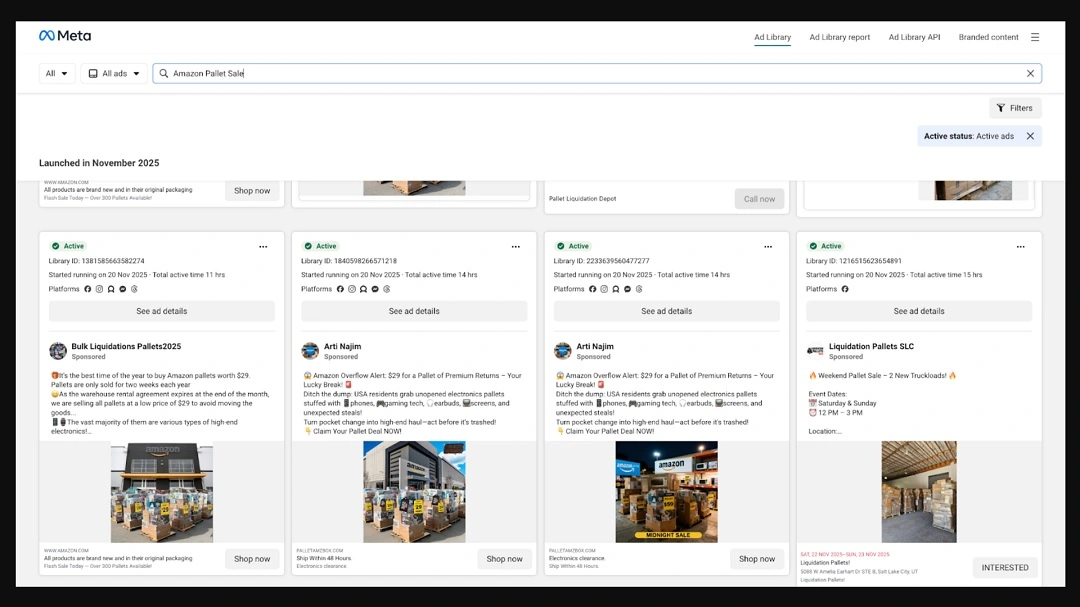
Scammers no longer need to manually fabricate their identities. Many have started using AI tools to create fake crypto schemes, build chatbots, and make deepfakes of celebrities and family members. They’re also impersonating Meta Support or Facebook’s Marketplace Assistant to lure users in with a false sense of security.
Voice cloning enables real-time emergency calls, demanding wire transfers or access to accounts. Meta says it removed over 159 million scam ads and 10.9 million scam-center accounts in 2025, then introduced new anti-scam tools and expanded AI-based enforcement in March 2026.
Fake job and work-from-home scams
Work-from-home jobs and high-paying roles that seem too good to be true are often fake jobs. Scammers reply quickly to your application, then request upfront “setup” fees, banking details, or identity documents. Legitimate employers don’t charge applicants to start work, even if they promise to reimburse you.
Fake charity and GoFundMe scams
Following a natural disaster or tragedy, fake charities and GoFundMe scams begin to pop up all over Facebook. They often use stolen images and made-up stories to gain people’s sympathy.
Before donating, always verify the organizer’s identity and relationship to the beneficiary. Reverse search the images used in the GoFundMe for duplicates. If something feels off, you can report suspicious GoFundMe campaigns through the official site on the “Report a fundraiser” page.
Fake giveaways and contest scams
Fake giveaways and contest scams offer large prizes for almost no participation fees. In fact, you may “win” something without having signed up for it in the first place.
These scams lure victims into clicking links to “claim the reward” and then urge them to share personal data or pay the “processing fees.” Warning signs include newly created pages, poor grammar, urgent deadlines, and requests for passwords or payment before a prize can be received.
Facebook ad and fake store scams
Fake Facebook ads and storefronts often showcase AI-generated or stolen images to advertise their products. More often than not, they’re selling counterfeit goods or nonexistent products.
In 2025, the FTC found that online shopping was the most reported type of social media scam, accounting for more th˚an 40% of social media scams. Additionally, Lloyds Banking says around 70% of scams begin on Facebook or Instagram.
Before you make a purchase online, check the seller and storefronts with ScamAdviser, and only pay using services that have built-in buyer protection like PayPal or Apple Pay, never Venmo or gift cards.
Account cloning and profile impersonation scams

Impersonation and identity theft don’t always require full-scale account takeovers. Scammers can create clones of your account, using your name, photos, and public details to make it look like the real one. Clones often send duplicate friend requests before messaging contacts for money or verification codes.
To make sure you’re not being impersonated on Facebook, search for your name periodically to spot duplicates. If you find any duplicate profiles, report them and warn your contacts. Clones are often recently created profiles with limited posts and few actual user interactions, so double-check with a friend or family member if you think you’re dealing with a clone of theirs.
Facebook quiz and survey scams
Quizzes and surveys are all over Facebook feeds. And while they may seem like harmless fun on the outside, they can collect personal details used for password guessing or targeted phishing. Others might redirect you to malicious sites or paid subscriptions.
Especially avoid quizzes that request birth dates, addresses, security answers, or login credentials.
Fake 2FA code and account recovery scams
Fake 2FA code scams often involve a “buyer,” “seller,” or “friend” requesting the verification code sent to your phone. This is usually the account-recovery code, and sharing it can lead to complete account loss. Also, be wary of scammers posing as account recovery experts. Only use Facebook’s official account recovery process.
Other times, the scammers aren’t targeting your Facebook accounts but are looking to impersonate you on Google Voice by registering your number on the service and then asking for the verification code sent to your phone to activate it.
Facebook Marketplace scams
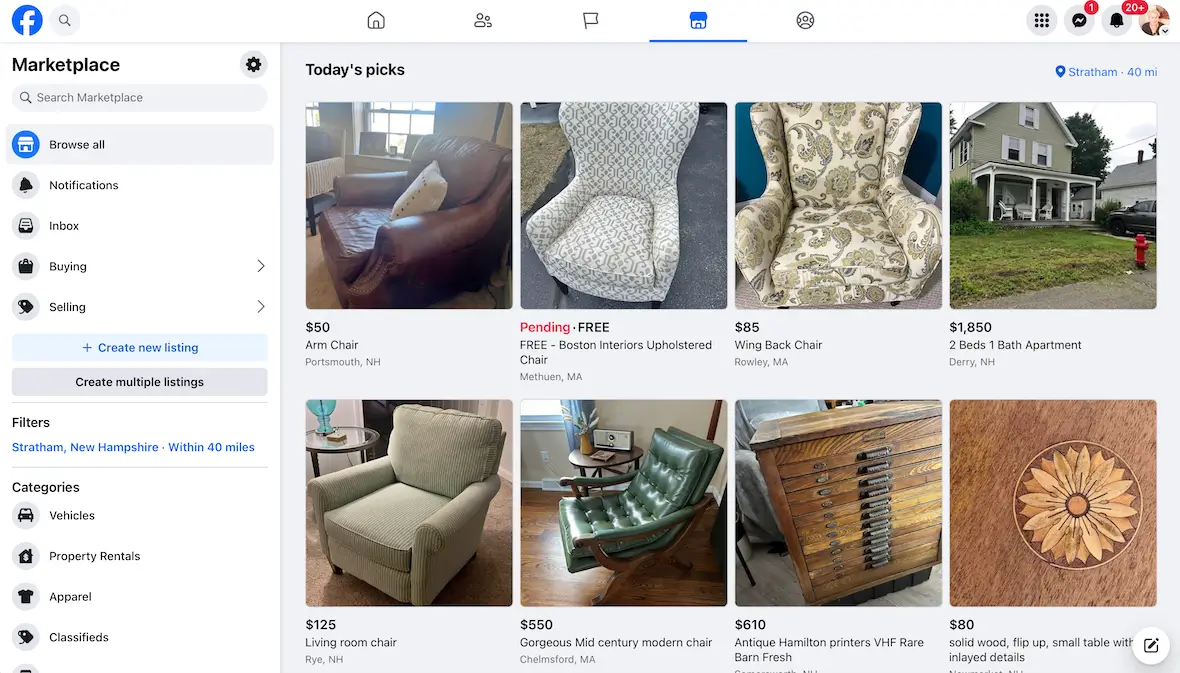
Facebook Marketplace scams can be anything from fake listings and counterfeit goods to overpayment tricks and shipping fraud. Only use protected payment methods when making a purchase and request brand new photos of the product to make sure the images aren’t AI-generated or stolen from somewhere else.
How to recognize a Facebook scam
Scammers are getting creative with their use of Facebook to scam people. However, there are still a few common warning signs of online scams that you need to look out for:
- Urgent threats: Claims that your account will be suspended immediately
- Unexpected links: Login pages that can steal passwords
- Unusual requests: Friends and family suddenly asking for money, gift cards, or codes, but only over Facebook Messenger
- Too-good-to-be-true offers: Extremely cheap products, prizes, or guaranteed investment returns
- Suspicious profiles: Limited posts, recent profile creation dates, copied photos, or altered usernames
- Poor communication: Inconsistent details, unnatural wording, or evasive answers
- Requests to leave Facebook: Scammers might try to move conversations to WhatsApp, Telegram, email, or SMS
- Verification code requests: Legitimate buyers, friends, and Meta representatives won’t ask for your 2FA codes
- Fake authority: Messages impersonating Meta Support, charities, employers, celebrities, or government agencies
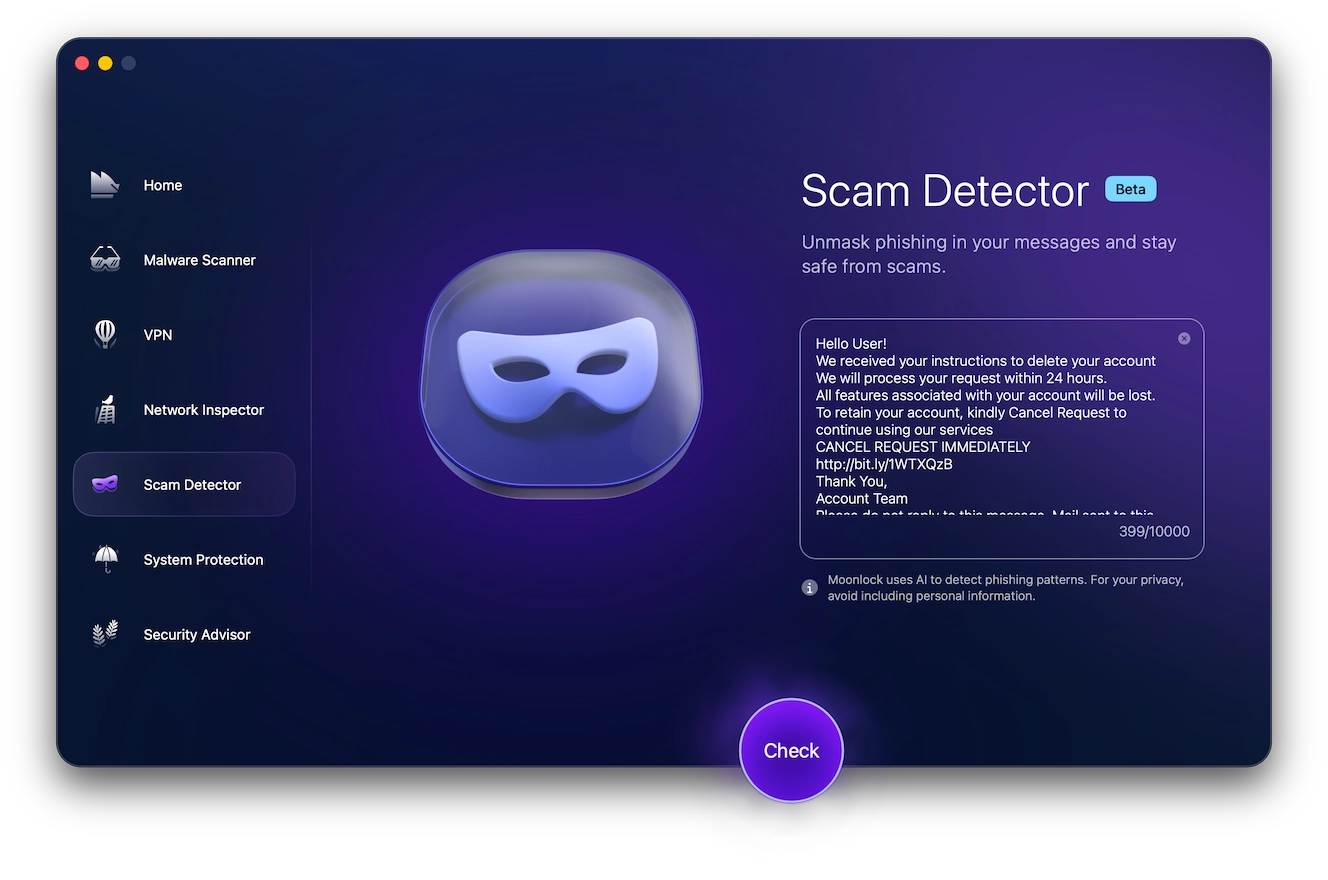
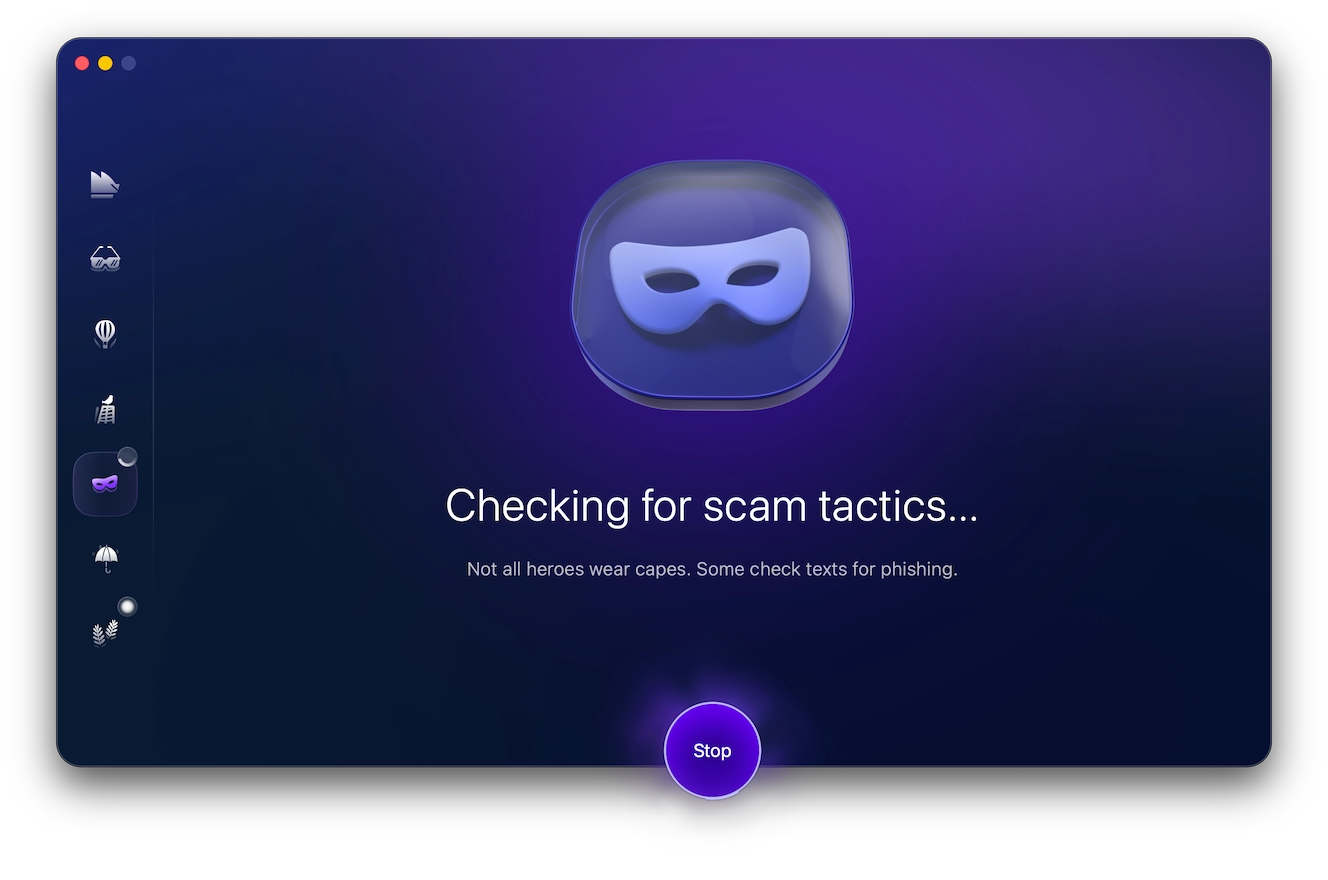
Not all scam messages are riddled with typos and grammatical mistakes. Even convincing messages can be phishing attempts. You can use Scam Detector to analyze suspicious Facebook messages and identify common scam tactics before you engage with them.
- Sign up for a free trial of Moonlock.
- Download Moonlock and open the Scam Detector tool.
- Copy the Facebook message text and paste it into the Scam Detector’s text box.
- Click Check, and allow Moonlock to review the content of the message.
The Scam Detector will return an evaluation of the message’s authenticity, as well as what you should do if it’s a likely scam.
What to do if you’ve been scammed on Facebook
If you find yourself the victim of a scam, it’s important to act quickly to limit financial loss, account takeover, and further misuse of your identity. Here are a few steps to take:
- Secure your account: Change your Facebook password and sign out of unfamiliar sessions.
- Enable 2FA: Use an authenticator app rather than SMS where possible.
- Report the scam: Report the profile, message, ad, listing, or fundraiser to Facebook.
- Use Facebook recovery: Visit facebook.com/hacked if you lost account access.
- Contact your bank: Freeze cards, dispute transactions, and stop unknown pending transfers.
- Warn your contacts: Tell friends and family to ignore suspicious messages sent from your account.
- Save evidence: Keep screenshots, usernames, receipts, URLs, and conversation records.
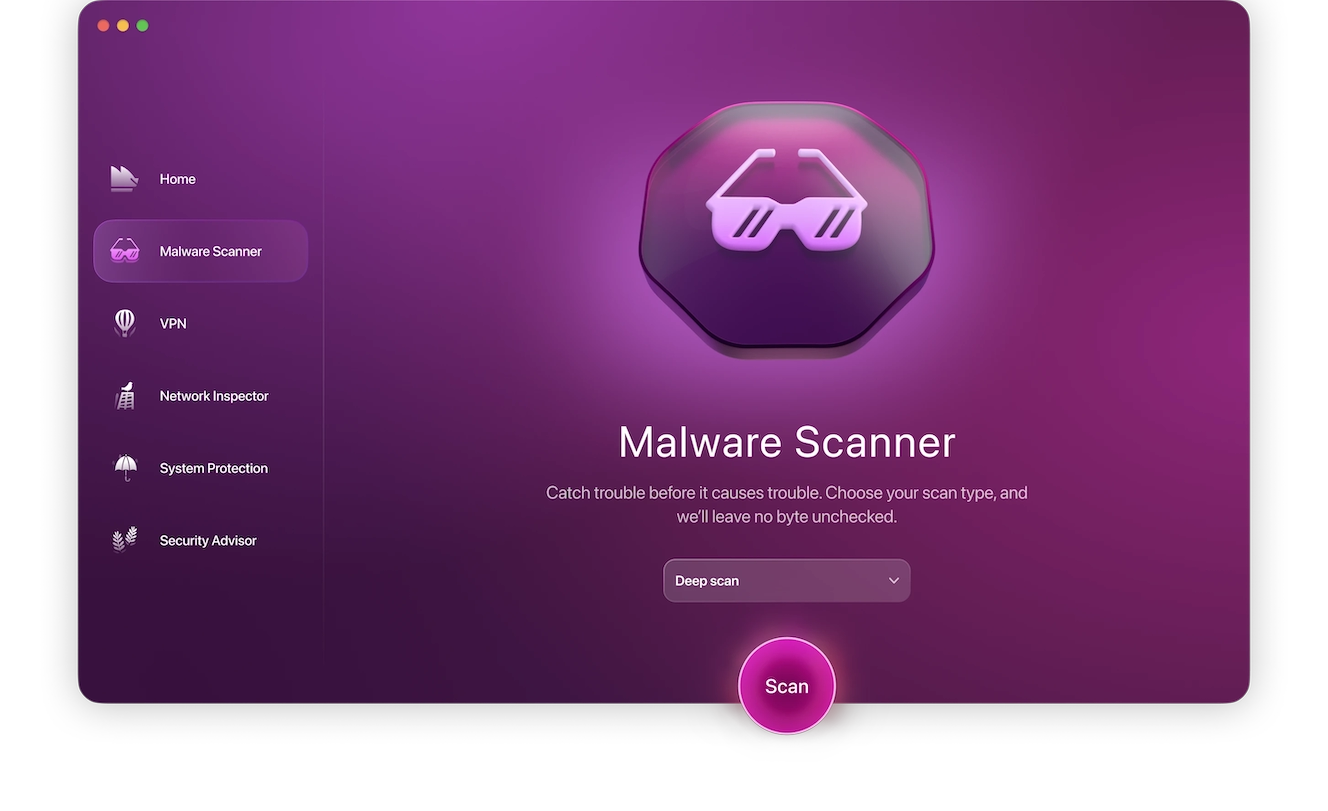
Any exposure to online scams puts you at risk of malware, so the next step is to check your device with a dedicated anti-malware tool. Here’s how to do it:
- Download the Moonlock app.
- Open Moonlock and navigate to the Malware Scanner tool.
- Choose your preferred scan type, and run a scan.
- If any threats are found, the app will move them to Quarantine, where you can review them at your own pace and delete them from your device.
Steps to report a Facebook scam
Reporting a scam on Facebook stops it from targeting other people and prevents the scammer from profiting. Here’s how you do it:
- Open the profile, message, post, ad, or listing.
- Select the 3-dot menu.
- Choose Report.
- Select Scam or Fraud.
- Follow the prompts and submit.
Block the account and preserve screenshots as evidence.
More answers about Facebook scams
As scammers’ techniques evolve, the threat landscape evolves, too. Here are a few common questions about Facebook scams in this rapidly changing cybersecurity climate.
Yes, if you click on a malicious link or download an app or an email attachment, you might infect your Mac with malware.
Scams can sometimes bypass Facebook’s checks, so always double-check the seller before paying.
Sometimes, but only if you used a payment method with buyer protection, like Apple Pay or PayPal.
Meta uses a combination of AI, human reviewers, and user reports to find and remove scams.
How to protect yourself from Facebook scams
Protecting yourself from Facebook scams requires a secure account and security-oriented online behavior.
To secure your account:
- Enable 2FA by opening Settings & Privacy > Settings > Accounts Center > Password and security. Then enable 2-factor authentication.
- Sign out of unfamiliar sessions. Go to “Password and security,” “Where you’re logged in,” and end unfamiliar sessions.
- Enable notifications for login attempts.
As for how you should act online:
- Don’t accept friend requests before checking the profile.
- Inspect links before clicking on them.
- Reject paying by crypto or gift cards.
- Use Security Advisor for guidance on online safety. It can offer helpful suggestions on how to increase your security posture and help you stay safe from threats.

Unfortunately, there’s no one change that you can implement to fully protect yourself from Facebook scams. As scammers get more creative, you need to learn to detect the warning signs of a scam in order to avoid them.
This is an independent publication, and it has not been authorized, sponsored, or otherwise approved by Meta Platforms, Inc. Facebook is a trademark of Meta Platforms, Inc.