
By now, you surely know that macOS stealers can steal your files, browser data, passwords, and crypto data. But exactly how cybercriminals use that stolen data to hack into your cold or soft crypto wallets and take over your accounts is rarely reported.
In search of that answer, researchers from MistEye reverse-engineered a Mac stealer cyberattack in an isolated environment. What they found is quite impressive. Knowing how this works could save your crypto account from being emptied and better protect your data.
What really happens after a stealer breaches your Mac and steals your data? A security team dove into the other end.
If you have a cold or soft crypto wallet on your Mac, you will want to read this report. The SlowMist security team from MistEye recently explored what happens after a stealer breaches your Mac and how cybercriminals piece together data they steal from your computer to hack into your accounts and take over your crypto wallets.
The SlowMist security team analyzed a macOS stealer that behaves like numerous other macOS stealers; specifically, it behaves a lot like a fork of AMOS, known as the Odyssey Stealer. This stealer will take your personal data, your browser data, and your crypto wallet data.
Like Odyssey, this stealer can steal your Telegram session data (not the same as your Telegram password). It can also replace Mac cold wallet desktop apps like Trezor or Ledger with malicious web loaders that look like your wallet but most certainly are not.
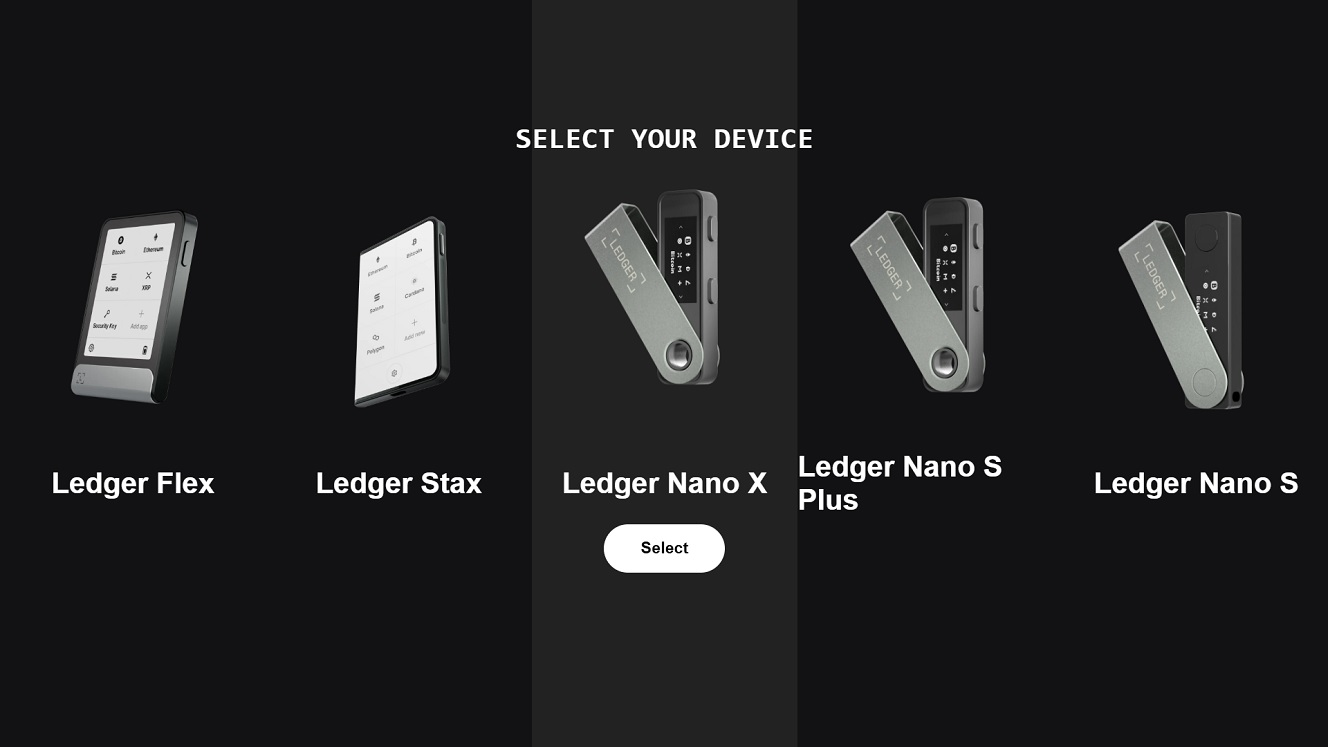
The SlowMist security team explained that the stealer they analyzed targets macOS Keychain, Safari cookies, Apple Notes, Telegram Desktop local data, and the databases of more than a dozen cryptocurrency wallets.
This is nothing new for stealers, but what stands out is how cybercriminals use that data to access your wallets.
Stealing your Telegram Session (not your Telegram password)
Before diving into crypto wallets, as an interesting note, this stealer will breach your Telegram account by stealing data from the folders where Telegram is installed on your Mac. This Telegram session data allows cybercriminals to open your Telegram account on another device without needing to log in, meaning they don’t need a password or 2FA verification.
To steal your Telegram session data, cybercriminals can simply copy and paste the bundle of Telegram files that they took from your Mac Telegram folder onto their own computer. When they open Telegram on their computer, your account shows right up.
On your side, if you open Telegram, you wouldn’t even find any unknown devices connected to your account if something like this happens to you.
Although Telegram will catch on to the fact that there are 2 active logins and eventually ask someone to log out, during that short period of time, cybercriminals can access your Telegram account in full. The technique works on Macs that have Telegram Desktop or Telegram for Mac.
As the SlowMist security team explained, this is a perfect example of how data that a stealer can grab from your computer is put to use on the other side.
Cybercriminals doing their homework: How stolen data is combined with wallet databases
Similarly, the stealer goes after crypto wallet databases and goes through your files and notes to steal as many passwords and unlocking data as it can find. The cybercriminals will later, on their own devices, combine the stolen user data with stolen crypto wallet databases to decrypt resources and take over your accounts.
So, while it may seem that stealers are just grabbing random files and data, there is a method to the madness.
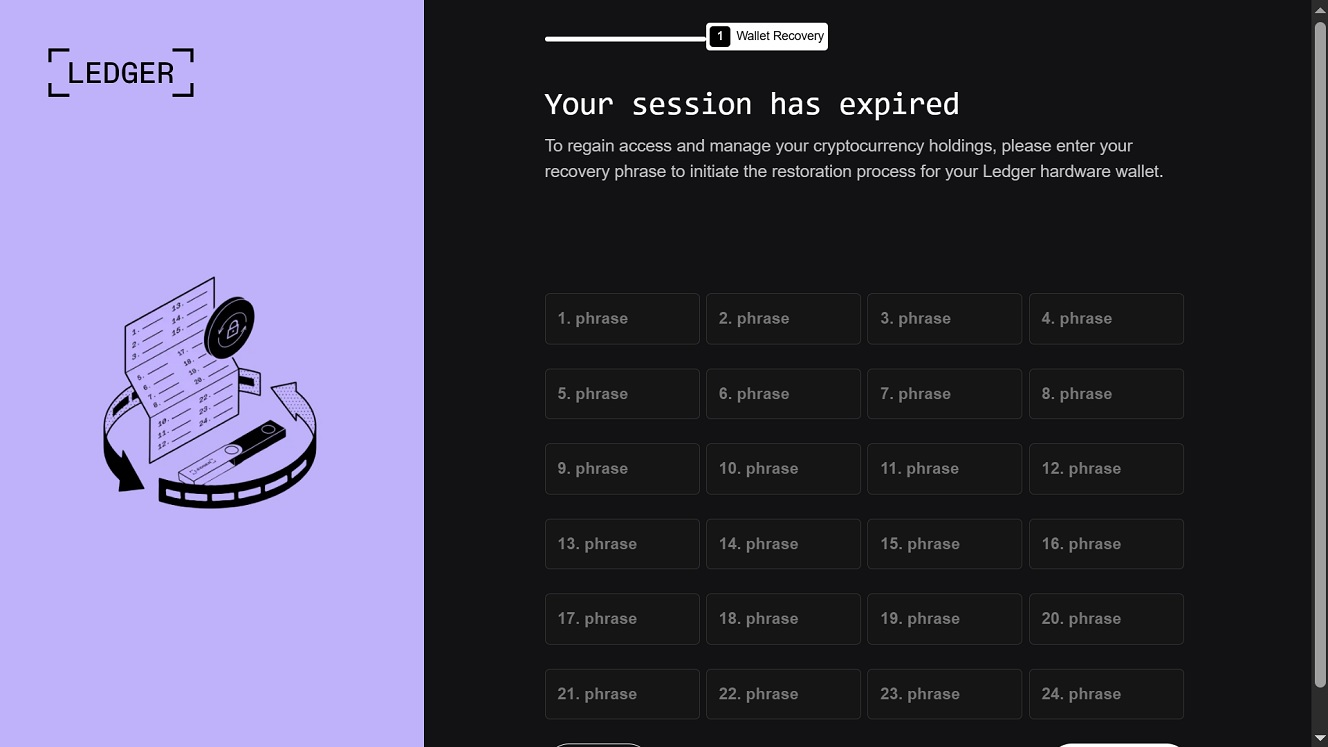
“Although these (data gathering) capabilities may appear unrelated, together they form a complete account takeover chain,” the SlowMist security team explained.
According to SlowMist, this stealer copies as many wallet databases as it can, searching for 16 local wallet applications and wallet management clients, as well as software wallets like Electrum, Coinomi, Exodus, Atomic, Wasabi, Monero, Electrum LTC, Electron Dogecoin Core, and many others. It also searches for wallet databases of cold desktop crypto apps, including Ledger Live and Trezor Suite.
How cybercriminals use these details to take over your crypto
Given the abundance of crypto-grabbing macOS stealers, the technique of combining stolen user data with encrypted crypto wallet databases appears to be successful.
The SlowMist security team tried to replicate this cybercriminal process of decrypting wallet databases using user data and managed to pull it off. They said the passwords that unlocked the wallets were collected specifically from “the macOS Keychain, browser password managers, Apple Notes, and other sources.”
Why is this important? Because cybercriminals are not hacking into crypto wallets or hacking Telegram. They are using specific data, sometimes in combination, to take over sessions or log in through legitimate processes.
“They only need to steal 2things at the same time: an encrypted wallet database, and a collection of passwords that may belong to the user,” the SlowMist security team explained.
Swapping cold wallet apps on your Mac with bogus login web loaders
What stealers do with cold crypto wallet apps on your Mac is also shocking from a user’s perspective. A stealer like the one SlowMist analyzed will breach into your Mac, and once inside, it will replace your cold crypto wallet app with a fake bogus-login “app” that isn’t an app at all.
This is a feature that has caught on among those developing macOS stealers in the dark market, with many stealers, including AMOS, being able to replace your cold wallet application with a fake phishing app that attempts to pass for the real thing. When you open this fake cold wallet app that the stealer installed, you immediately get a message asking you for your passwords or keyphrases.
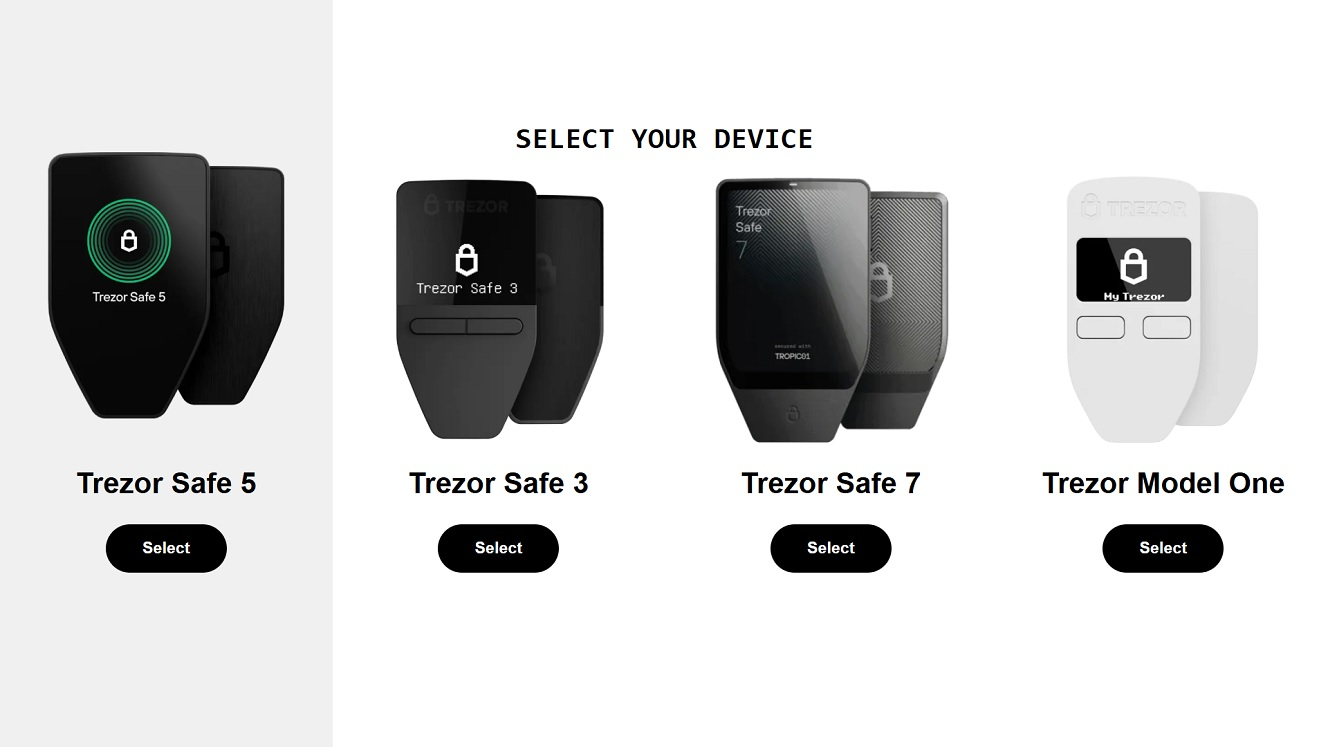
Interestingly, as mentioned, these fake apps are not apps, but web loaders. So, you might think you are opening your cold wallet app, but the app is a web loader, something that looks like an app but is simply connecting to an online website that attackers designed to steal your passwords or keyphrases.
Again, this is a cybercriminal phishing technique that simplifies an attack. Instead of coding a fake crypto app, they create a bogus login page that looks like an app.
This stealer can swap Ledger Live, Ledger Wallet, and Trezor Suite, removing the original app and replacing it with web wrappers.
IP address and other details about this stealer
We checked out the IPs and other online malicious infrastructure linked to this stealer and found that the web wrapper designs, as well as what appears to be the Command Panel for those operating the stealer, were live. This means this stealer is active.
![What appears to be a Command Panel for this stealer at IP 186[.]54[.]25[.]213.](https://moonlock.com/2026/07/command-panel-at-IP-86.54.25.213-question-mark.webp)
While IP attribution by itself is weak, ThreatFox found that the same IP, 192.253.248.181:80, was last seen a couple of weeks before SlowMist released their report, on June 21, distributing the Odyssey Stealer, as the screenshot below shows.
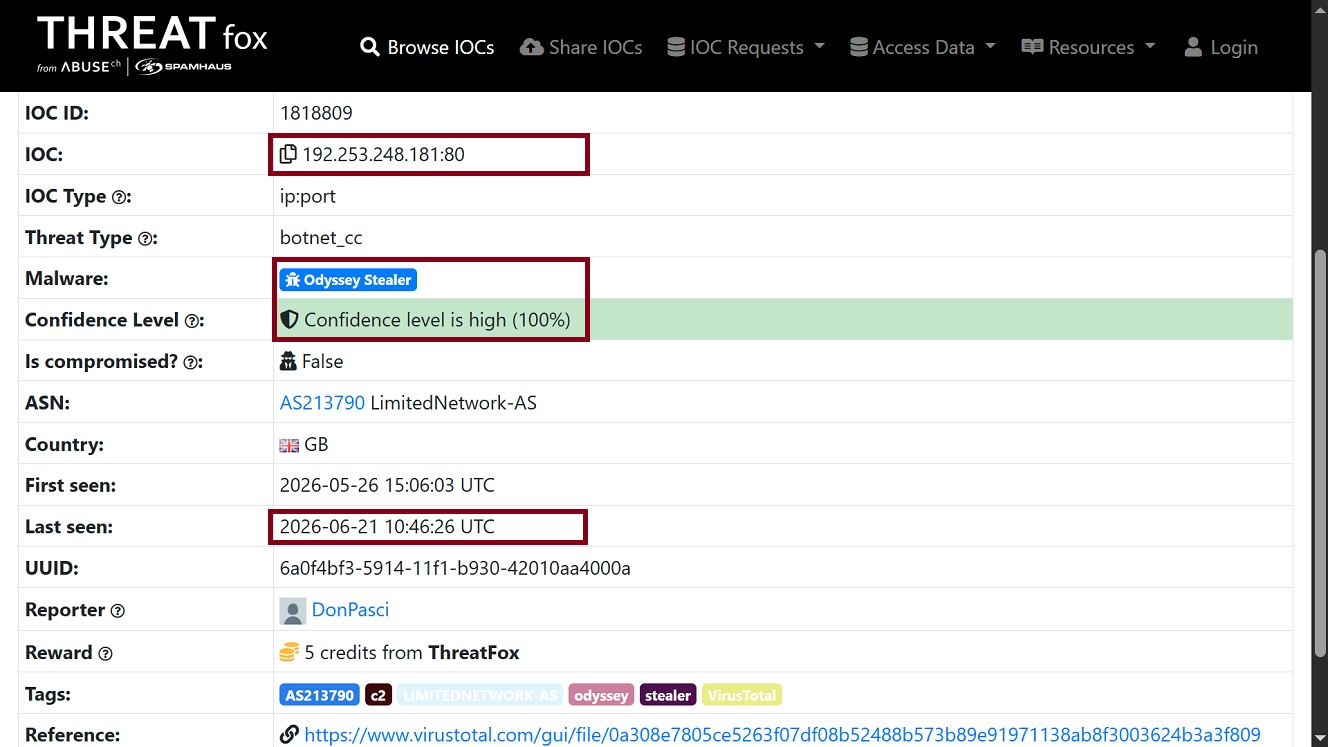
Notably, as we reported in a fake ChatGPT site stealer campaign back in June last year, the Odyssey Stealer, which is a fork of AMOS, behaves quite similarly. It, too, goes after Telegram sessions (not Telegram passwords) and replaces cold wallet apps with web loaders.
Several other users and security companies linked the same IP that SlowMist flagged to Odyssey Stealer distribution campaigns in recent weeks.
![A screenshot of VirusTotal Google results showing recent distribution of Odyssey Stealer activity on IP 192[.]253[.]243[.]181.](https://moonlock.com/2026/07/VirusTotal-Google-results-show-recent-distribution-of-Odyssey-Stealer-activity-on-IP-192.253.243.181.webp)
To sum it up, this stealer, like many others, will steal your Keychain, cookies, Apple Notes, Telegram, and wallet files to access accounts and take over your wallets. Once that data leaves your Mac, even if it is password-protected or encrypted, cybercriminals can use it to hack into your accounts.
How to keep your crypto wallets and data safe from Mac stealers
There is nothing novel in the techniques of this stealer. However, this doesn’t mean it should be underestimated. Here are some tips on how to stay safe from stealers and emerging variants.
Get Moonlock. It offers the layers of security you need to stay safe from stealers.
The Moonlock security app is built to offer you security layers. Combined, these layers will dramatically increase your security posture.
The Malware Scanner and Real-Time Protection (which runs silently in the background, checking everything you interact with for malware) utilize a constantly updated malware database. This means the Moonlock app will flag and shut down new — and old — stealer attacks before they can do any harm.

To add layers of security, the Moonlock app ships with a built-in VPN for safe browsing and a Scam Detector that will flag email and text phishing. Plus, through the Security Advisor, the Moonlock app will offer you tips on how to build safe digital habits that counter social engineering and new hacking tricks.
You can check out and test-drive Moonlock for free for 7 days.
Besides leveling up your Mac cybersecurity tech stack, the following are some other things you can do to keep yourself safe from stealers.
Do not type in your passwords lightly.
Like all stealers, this one will ask you for your password using a fake password request notification. In this case, the password request impersonates a Google API connector request and says “GAPI_Update requires administrator access to update Google API connector. Enter your password to allow this.” Fake password request pop-ups are common behavior for all stealers today.
Without your password, stealers cannot access specific locations on your Mac, nor can cybercriminals use your password later to decrypt files and take over accounts.
Bottom line: Anytime you see a password request on your Mac, don’t take it lightly. Only type your password if you are 100% sure it’s a safe password request.
Note that legitimate software installs, updates, and other similar app processes do NOT ask you for your Mac password or for your full disk access password.
The fix for social engineering is cybersecurity awareness
From ClickFix installations that allow stealers to bypass your built-in Mac security features to fake password requests, the fix to many of the key steps in a stealer attack chain is cybersecurity awareness.
Staying up to date with evolving cybercriminal techniques will raise your cybersecurity awareness and give you an edge out in the wild.
Keep your main crypto holding account off your Mac.
If your main account is a cold wallet, it’s a good idea not to connect it to your Mac; the same goes for soft wallets. Keep your main crypto wallet account off your Mac and on a separate device like your iPhone. Enable that account and device with biometrics for enhanced protection.
If you must use crypto on your Mac, only fund those wallets as secondary wallets with the bare minimum amounts. This way, if your Mac is breached, the cybercriminals can take little to nothing.
Final thoughts
In its report, the SlowMist security team presents a new perspective on how stealer malware actually operates on the other end: the cybercriminal side. While the team only analyzed one stealer, the one they analyzed behaves like many out there. Therefore, it seems valid to assume this scenario where stolen data is combined to breach accounts and wallets is likely replicated across the board.
For you, this report presents an interesting opportunity to learn more about how your tech works and to build new security layers that will keep your data and crypto safe — cold or hot.
This is an independent publication, and it has not been authorized, sponsored, or otherwise approved by Apple Inc. Mac and macOS are trademarks of Apple Inc.