To define whale phishing we must understand the phases of a whaling attack and how it works. In this case, it starts with a cybercriminal, or a group of them, searching for a target. But it’s not just any target.
Criminal whaling groups that are financially motivated will go after a rich target — often executives, CEOs, businessmen, corporate leaders, and so on. In contrast, whaling campaigns that are politically motivated will look for targets that have large public platforms. Politicians, NGOs, world leaders, big event organizers, and governments are among the top targets of these types of whaling attacks.
But the work for the criminals does not end there. To convince these targets, whaling groups spend a lot of time researching the victim. Who the target is, what they do, who they work with, and all of their public and private information, including their social media channels, are used to create the most persuasive email the criminals can muster to trick the victim. Once the email is sent, the target only has to respond, click on a link, or download a file for the attack to begin.

Catch whaling scams early
What is whaling in cybersecurity?
Whaling is a type of phishing in which an attacker designs an attack with a specific victim in mind. Common targets are celebrities, public figures, senior-level employees and C-suite executives in the workplace, and other high-level individuals.
This type of attack is more complicated to produce than ordinary phishing attacks. Still, the benefit for hackers is that if they succeed, the reward is much higher. Through these kinds of attacks, cybercriminals can gain access to precious data, large financial assets, or trade secrets.
Notorious examples of whaling attacks
Whaling is becoming increasingly difficult for corporations to counteract, even with extensive staff training. The schemes no longer use emails to trick employees. Rather, they’re employing AI to generate deepfake video and voice calls to trick high-ranking corporate officers.
In 2024, IBM put the cost of the average data breach at $4.9 million, with Deepfake-enabled whaling attacks increasing by 1,600% in the first quarter of 2025. Some more recent high-profile cases of successful whaling attacks include:
- Arup (2024): The British design and engineering company lost $25.6 million in a whaling attack after one of its Hong Kong-based employees joined a video conference where the CFO and colleagues were faked using AI and wired the amount directly to the attackers.
- WPP CEO Impersonation (2024): Attackers targeted the CEO of WPP, Mark Read, in an elaborate deepfake scam, where they used YouTube footage to set up a fake Microsoft Teams meeting with other senior executives, tricking them into starting “new business ventures.”
- Ferrari (2024): An executive of the luxury sports car manufacturer received several messages and emails that appear to have been sent by the company’s CEO, Benedetto Vigna, for a confidential acquisition. The executive, however, grew suspicious and was able to confirm the impersonation when they couldn’t answer a specific security question only Vigna would know: which book he’d recently recommended.
Types of whaling attacks
“Whaling” only refers to attacks with ambitious targets, but like many online scams, whaling attacks take a wide variety of types and execution methods, the most common being:
- CEO fraud: Attackers may impersonate a company’s CEO or high-ranking executive over email to pressure the finance staff into sending urgent transfers of large sums of money, sometimes through quishing or smishing.
- Deepfake video impersonations: AI-generated executives appear in fake staff meetings to authorize transfers of large sums of money.
- Voice cloning (vishing): Attackers will clone an executive’s voice from publicly available appearances to make convincing calls or WhatsApp voice notes.
- Credential harvesting: More similar to traditional phishing attempts, the attackers try to lure executives to fake login pages to steal their login credentials.
- Supply chain whaling: Instead of the company itself, compromised executive accounts are used to attack business partners or subsidiaries in the supply chain.
How does a whaling attack work?
A whaling attack works just like an executive phishing attack. A victim is contacted (usually via email) by an attacker or attackers. The message the attacker sends is designed to appear legitimate. To do this, bad actors use a wide range of techniques, from impersonating a known contact, a government agency, or a brand to offering deals or redirecting victims to fake and malicious websites.
If the victim does not engage with the message attackers might change tactics. In whale phishing, as they have devoted a lot of time researching the victim, it is unlikely that the attackers will give up on the first try.
While in phishing the message or email itself usually contains a file to download or a link to click, in whaling the attackers will first try to establish some level of basic trust. This means a victim might talk to a whaling attacker several times, or email back and forth, without any problem. However, once the attacker feels they got the target reeled in, they will send a link, ask for data, or send an attachment with spyware or malware.
Depending on what the motive of the attacker is, the final phase might end with the attacker taking over accounts, stealing sensitive or financial data, leaking confidential data, installing malware such as spyware or ransomware, and much more. Attackers may even persist in the victim’s devices if their end game is to gain long-term information about a valuable target.

Who are the targets of whale phishing attacks?
Whaling attack go after the “big fish” within an organization, those with the most access and potential for damage. Here’s a breakdown of the typical targets:
C-Suite executives (CEO, CFO, COO): These top-level individuals have the authority to approve large financial transactions, access sensitive data, and influence company decisions.
Senior executives: High-ranking executives like vice presidents, directors, and heads of departments may also be targeted by whaling due to their access to valuable information and potential to authorize transactions.
Public spokespeople: Individuals who represent the company publicly can be targeted to damage the company’s reputation through leaked information or manipulated statements.
Anyone with high-level access: Whaling attacks can target anyone within a company who has access to critical systems, sensitive data, or the ability to authorize financial transfers.
These targets are attractive to attackers because a successful whaling attempt can yield a much bigger payoff than a standard phishing attack. Additionally, as mentioned, when whaling attacks are politically motivated the targets may include international organizations, NGOs, human rights groups, journalists, special event organizers, and so on.
What do whaling attacks aim to achieve?
Whaling attacks that are financially motivated seek to make illegal gains. In contrast, espionage whaling attacks are designed to gain confidential or sensitive information — military, defense contractors, or corporate secret projects are common targets of espionage.
Additionally, a whaling attack may only be the tip of the iceberg when attackers are looking to escalate privileges across a supply chain or connected partners. In this case, the gain of the attack is to get the data needed to breach into another system. Finally, other factors such as political agenda, hacktivist messages, or extortion, can be what attackers are looking to achieve through executive phishing.

How to spot a whaling attack
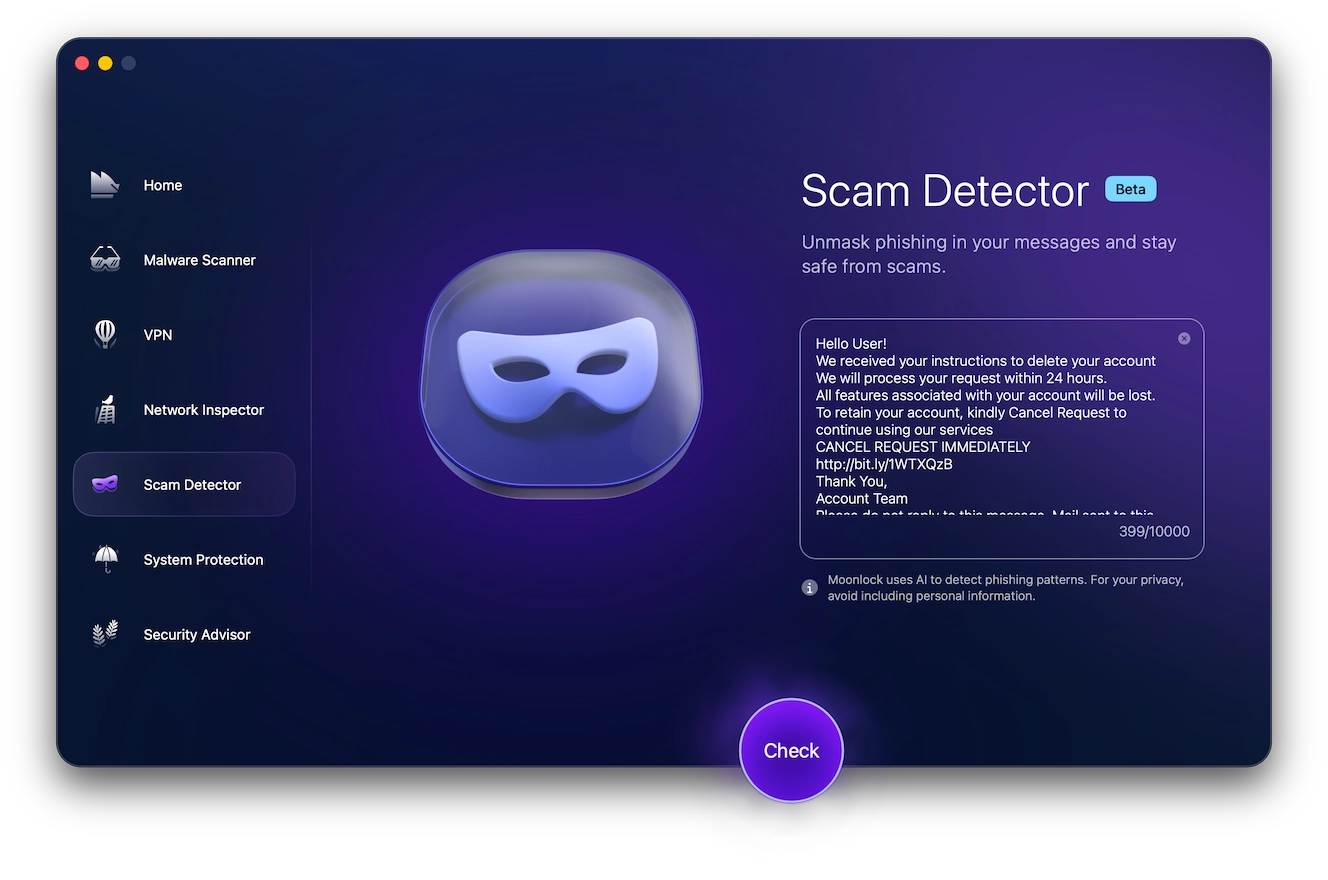
Use Moonlock’s built-in Scam Detector to analyze texts and emails for potential AI-generated executive phishing patterns, signs of social engineering, and potential whaling techniques. Here’s what to do:
- Sign up for free and install Moonlock.
- Open the app and click on Scam Detector from the left-hand sidebar.
- Copy and paste the message into the box, and click Check.
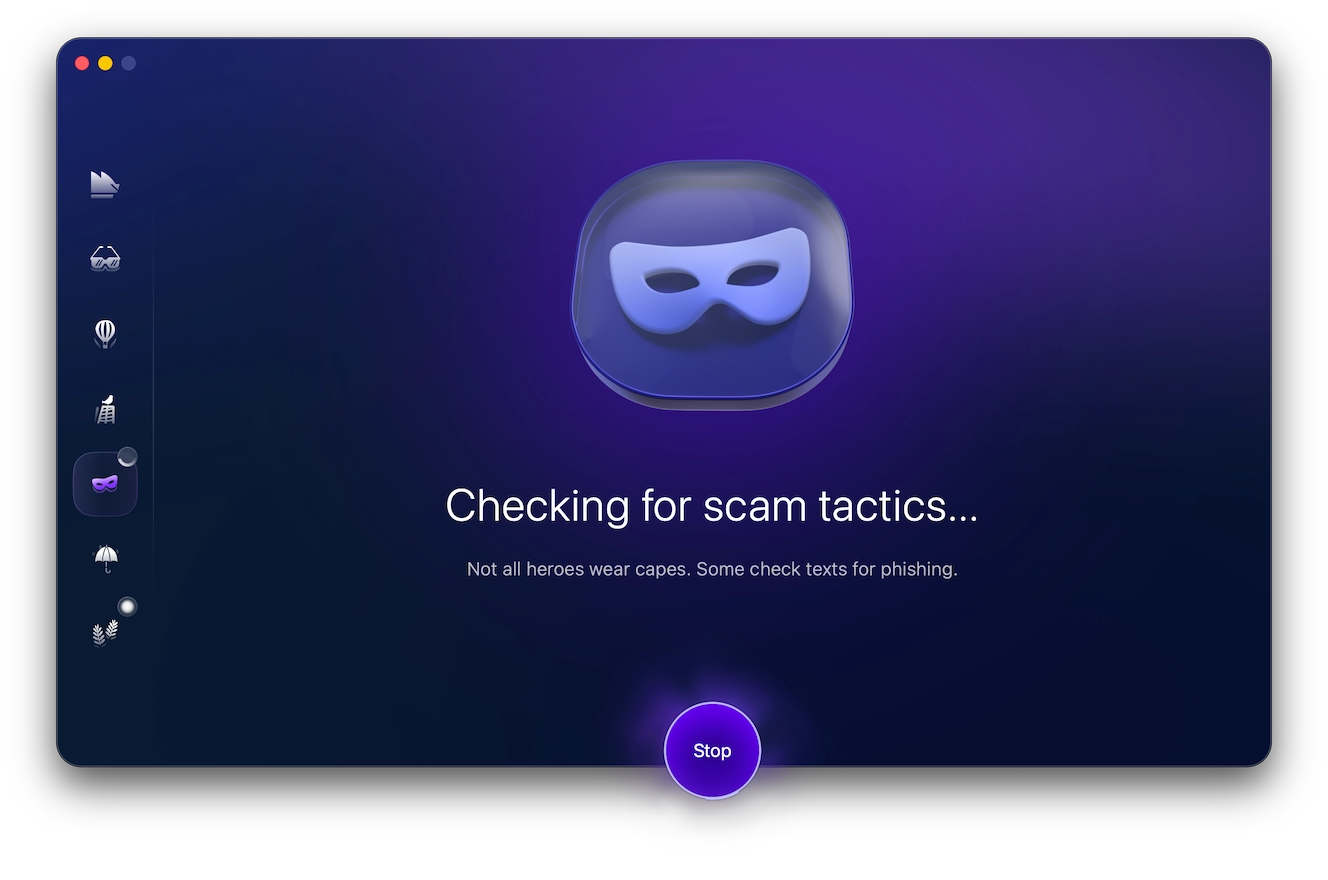
- The Scam Detector will share its results, including the probability that the content is associated with a scam, and a guide suggesting what to do next.
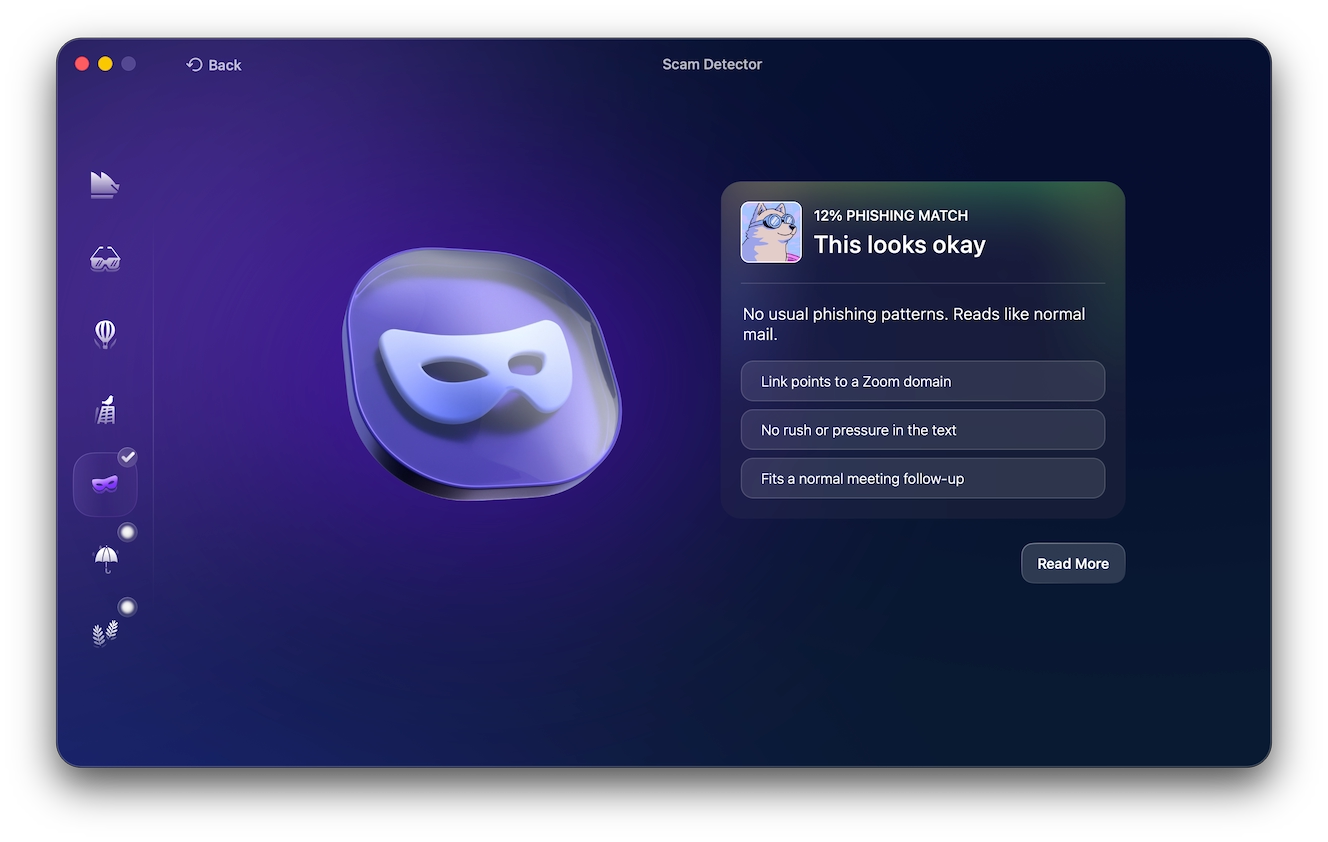
For links, double-check the spelling and domain name for any inconsistencies. You can also use dedicated URL previewing tools like previewer.to to see where a link is taking you.
However, whaling attacks can be tricky, but vigilance can help you avoid becoming a victim.
Here are 5 signs to watch out for.
Sender impersonation
The sender’s email address may appear legitimate, but look closely for subtle typos or mismatches with the sender’s actual domain (e.g., bisiness.com instead of business.com).
Urgency and pressure
The email may create a sense of urgency or pressure, demanding immediate action on a critical task or financial transaction.
Unusual requests
Be wary of emails requesting sensitive information, financial transfers to unknown accounts, or actions outside of normal procedures.
Personalized information
Attackers may use information gleaned from social media or previous breaches to personalize their message and gain trust.
Suspicious links and attachments
Don’t click on links or open attachments from unknown senders, even if the email appears legitimate.
Phishing vs. whale phishing vs. spear phishing
While phishing attacks aim broadly, spear phishing and whaling refine their targets. Let’s see how they differ in who they hook.
Phishing
Phishing is a broad attack that casts a wide net with generic emails hoping to trick anyone into revealing personal information or clicking malicious links.
Spear phishing
Spear phishing is a more targeted attack where emails are crafted to appear relevant to a specific person or group within an organization, increasing the chance the recipient will be fooled.
Whale phishing
The most targeted attack, focusing on high-level executives and key decision-makers within an organization to steal sensitive data or manipulate financial transactions.
How AI is making whaling attacks harder to detect
With the rewards of successful whaling attacks ranging in the hundreds of thousands or even millions of dollars, attackers put a lot of effort into making sure their schemes are flawless. In recent years, AI has made phishing schemes much more elaborate and has eliminated almost all the classic red flags, like poor grammar or generic requests.
Voice cloning needs no more than 20–30 seconds of audio to make a convincing replica, a recent trick that was used to target multiple Italian business leaders by cloning the voice of Italy’s defense minister in 2025. Deepfake video conferences now allow attackers to bypass face-to-face verification entirely, with many of them relying on deepfake-as-a-service kits to create seamless clones even without the technical knowledge.
With the prevalence of such advanced techniques, it’s important to use tools to help you detect scams rather than relying solely on your intuition. Moonlock can help flag phishy language, giving you a heads-up before you interact with the email or message.
What should you do during a whaling attack?
If you are a victim of whaling phishing, follow these steps:
- Notify your workplace’s security team immediately.
- Contact your bank or payment app to report and cancel any fraudulent transactions.
- Go offline. Hackers use breached devices to spread through the network. Go offline if your device has been breached.
- Find a secure computer where you can reset your passwords and back up your data.
- Keep in touch with your company’s security team and follow their instructions.
- Report the attack to the FBI’S Internet Crime Complaint Center (IC3) directly on their website as soon as possible, and notify the FTC of the scam.
- Notify the relevant authorities, your board, or coworkers.
- Run malware scans and launch contingency security plans.

How to protect yourself from whale phishing
Due to the advanced nature of these threats and the high risks involved, awareness is essential to preventing breaches. And workshops and training sessions on general phishing scams aren’t enough. High-level workers must be educated on the specifics of whaling attacks. This requires added security tips and technologies.
Level-up anti-malware and support
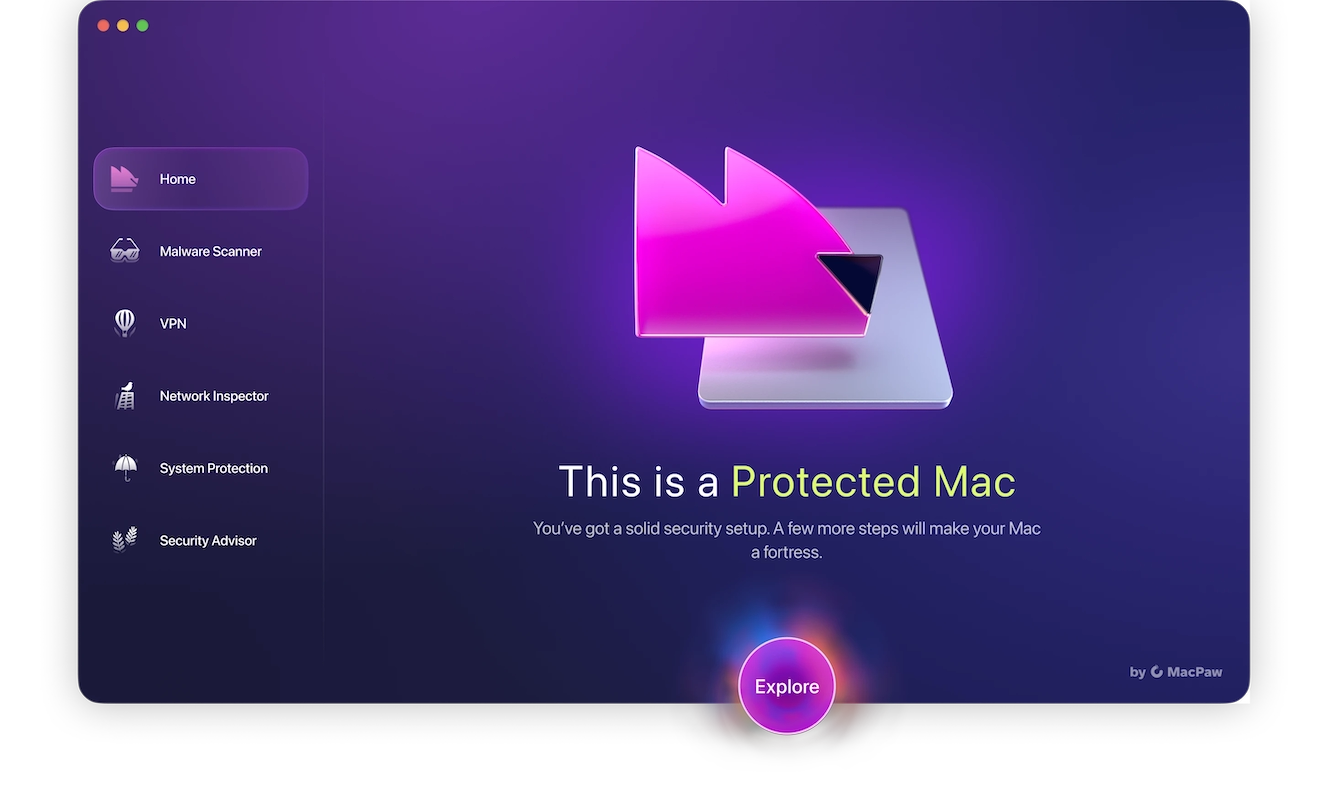
Organizations must ensure that they have support and security solutions in place to shut down an attacker before the real damage is done.
Automated phishing and whaling simulations can help security and executives alike understand what they are up against. Running penetration tests, where white hat hackers simulate attacks, is also very useful.
Additionally, it’s critical to keep business and personal devices up to date with the latest protection. A great app for personal protection of Mac computers is Moonlock. It complements Apple’s built-in security tools, fights Mac-specific malware, and makes browsing private. With Moonlock, personal devices of high-profile individuals will be less vulnerable to spyware and illicit data collection.
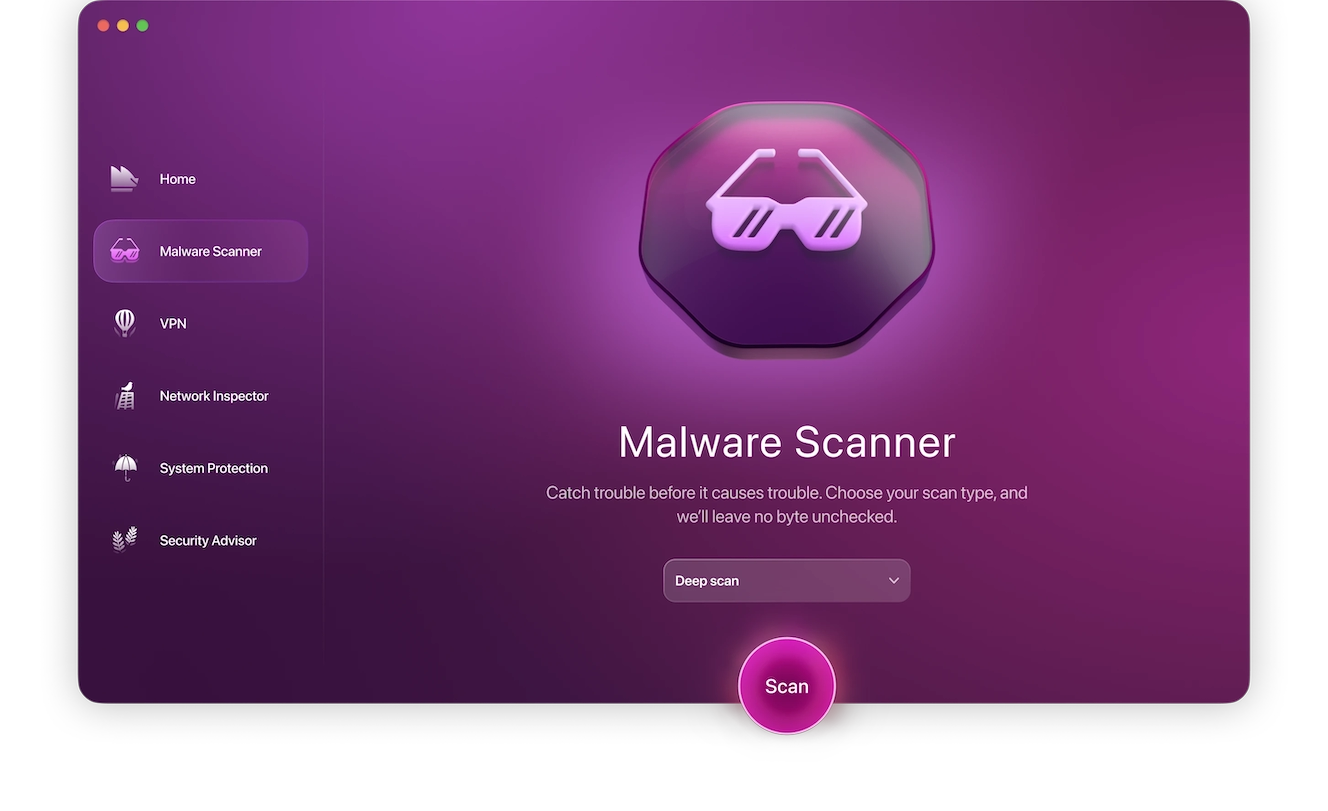
Here’s how you can use Moonlock to find hidden spyware on a Mac:
- Start your free trial and install Moonlock.
- Moonlock’s real-time protection can spot active spyware right after the installation, so don’t be alarmed if it tells you it found malware before you go looking for it yourself.
- To make sure there’s no hidden malware on a Mac, open Moonlock and click Malware Scanner in the sidebar.
- Set up the scan type to Deep and hit the Scan button.
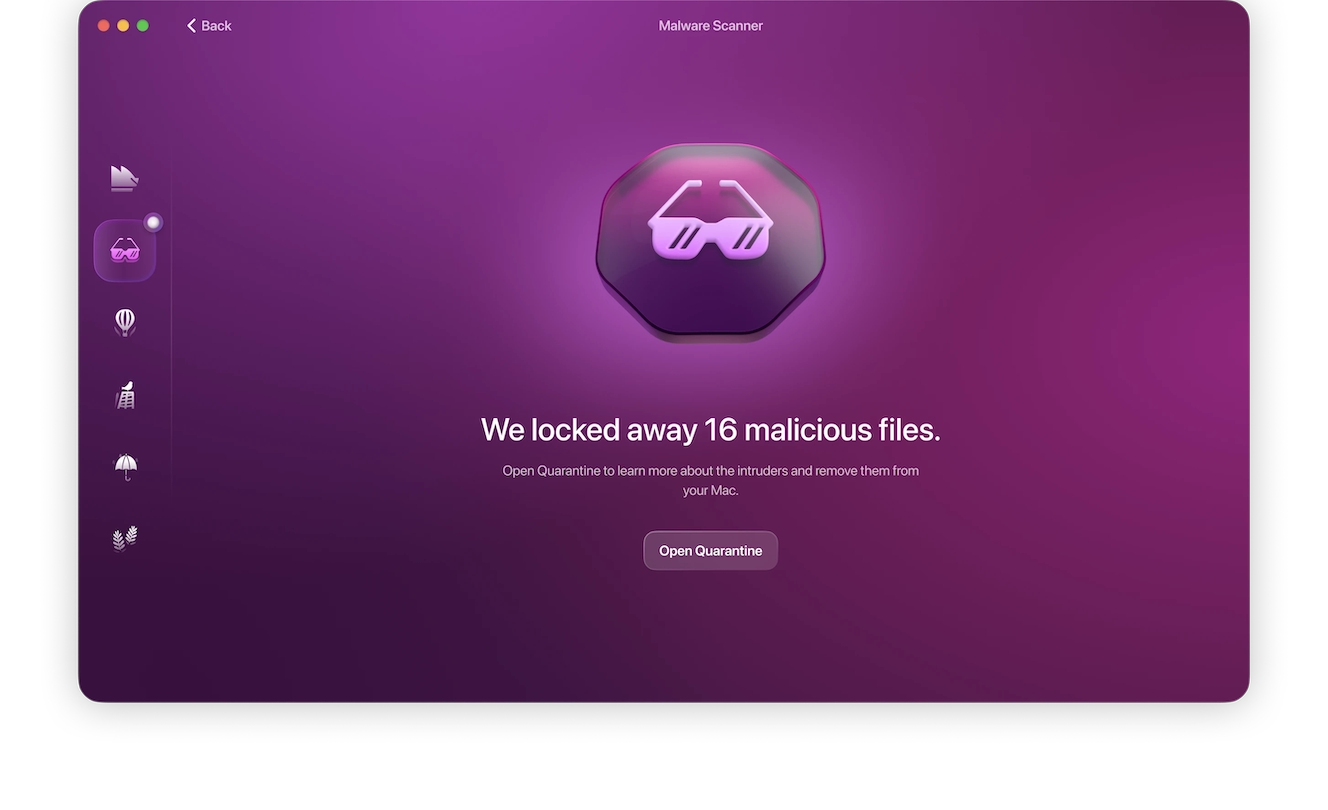
- If Moonlock finds anything sketchy, it’ll isolate it in Quarantine. Open it and remove all the malware that’s kept there. All intruders will be gone for good.
Train top executives
Executives in the workplace who operate with the support of dedicated security teams may feel like they can skip cybersecurity trainings. However, it’s essential that they are educated on this issue. Whaling cyber awareness involves training and workshops that are designed to give C-suite executives and high-level workers the security tools they need to fight this rising trend.
At-risk individuals need to know how to verify a message’s source, links, and the sender’s address. Additionally, they must know how to identify fake websites and detect suspicious activity. Training sessions should also include outlines on how to keep up to date with security software and when to update.
Executives must also know how to protect their personal information and keep their private life private. Because whaling phishing involves research on the target, the knowledge of how to handle personal information with care is essential. And top-level workers must know what to do before, during, and after an attack.
Implement 2FA and MFA
Phishing might compromise your login credentials, but attackers are less likely to have access to your MFA codes and hardware access keys. Avoid using SMS codes, as those can be accessed through SIM swaps or intercepted messages.
Use third-party QR scanners
With QR codes, it can be harder to determine whether they’re legitimate or malicious, especially if they’re regularly used in your corporate setting. Use tools like QR Scanner to preview the URL before clicking.
Deploy email authentication protocols
Use security protocols like SPF, DKIM, and DMARC, and set them to “reject” spoofed senders or emails from unverified or non-corporate domains. This stops lookalike domains from reaching inboxes in the first place.
Enforce dual approval on large transfers
Set a requirement of 2 signers before sending a wire transaction above a certain amount, and have it verified through a separate corporate channel, like a phone callback to a known number.
Run regular whaling simulations and drills
Test executives and finance staff with realistic whaling scenarios, including deepfake and video lures. Security training programs have been found to reduce employee susceptibility to phishing by up to 86%.
Enforce data and social media policies
Companies should have strict data and social media policies for their workers, especially those who lead the organization. Who can access data? What data can they access? There are questions that leaders must be able to answer. More importantly, data policies should consider data encryption in rest, use, or transit. Encryption prevents data exfiltration and theft, even when an organization is breached.
Finally, what gets posted online is also very important. Hackers behind attacks do most of their research on their targets on social media, so it´s wise for workers to know the good practices for posting content online.
The knowledge that cybercriminals could specifically target you may feel overwhelming and scary if you are a top-level executive or a very well-known figure. However, simple security steps can help you prevent attacks and understand the steps to follow during and after. Overall, prevention and proactive defensive security are the answer for whaling.