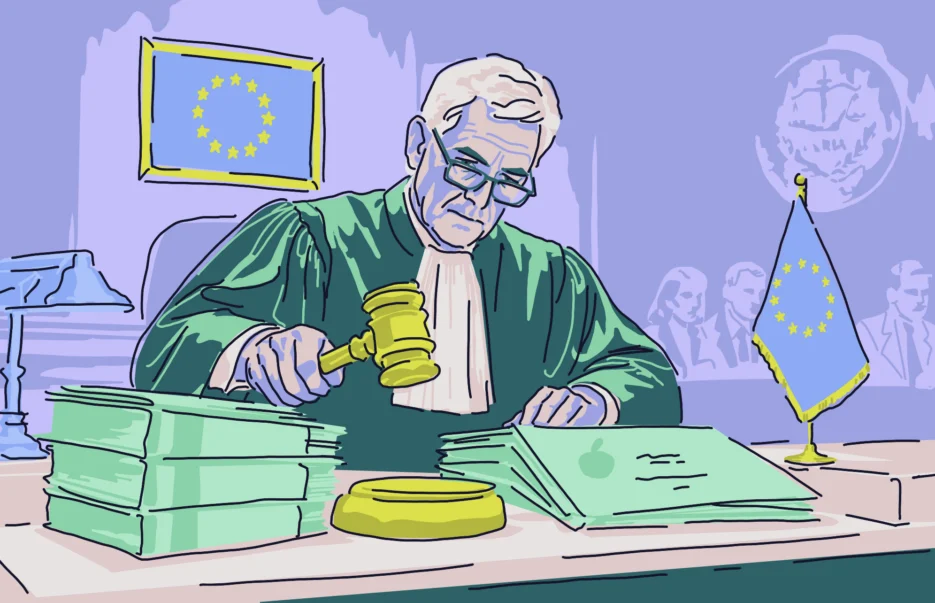
If you care about how apps use your data, this report is for you. After years of proceedings, Apple has made commitments to change the way you consent to apps using your data for personalized advertising in the EU.
The proceedings that are driving this change reveal that the way you consent to apps using your data for personalized advertising is a complex issue, not a straightforward one. And how data consent on Apple devices works involves all regions, not just the EU.
In this report, we’ll look at what data consent looks like on the screen of your Apple device, what changes are coming to Europe, the data consent risks that exist, and what you can do about all of this.
A European proceeding pulls back the curtain on how you consent to your data being used on your Apple devices
On August 17, the Bundeskartellamt, the most important competition authority in Germany, announced that Apple will change its rules on how app providers can use user data on iPhones and iPads for personalized advertising.
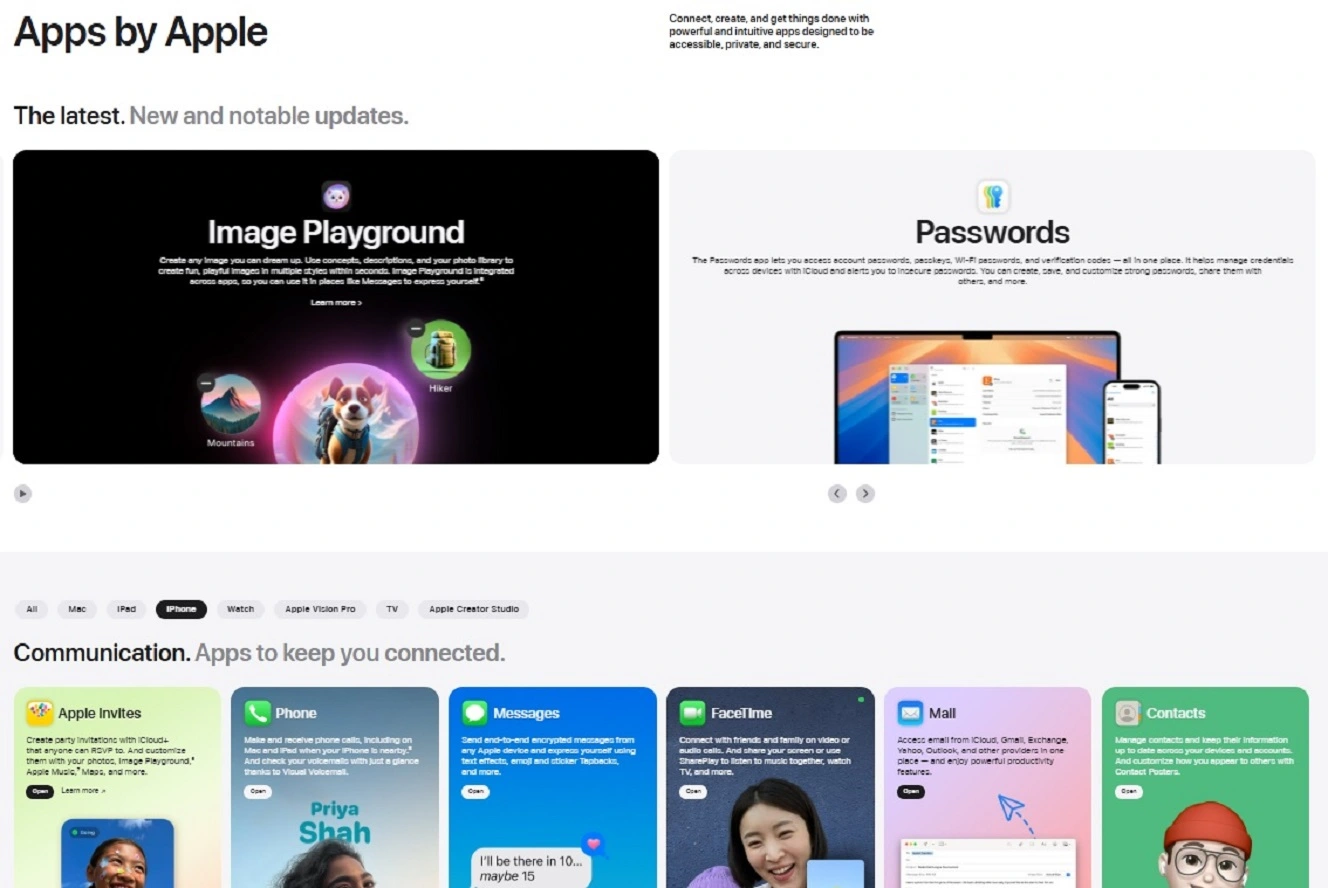
The Bundeskartellamt initiated proceedings against Apple back in 2022 because it objected to the way in which Apple had designed user data consent requests. The German authority said Apple was in breach of European competition laws because Apple’s app user data consent was designed to encourage users to give consent easily, while the user data consent design for third-party apps on iPhones and iPads discouraged users from giving this consent.
The Bundeskartellamt said this violated competition laws and impacted third-party apps, especially those that make their revenue from personalized advertising.
Apple said the entire system falls under the Apple Tracking Transparency Framework (ATTF). The company stated that ATTF is compliant with EU laws, but offered to make changes anyway.
Some test changes already took place in 2025, and after some additional amendments, Apple now has 4 months to roll out the new rules in Europe.
What you see when you consent to data use on Apple apps is not the same as for third-party apps
This case is more about what you see on your screen on your Apple device when you give consent to an app to use your data for personalized advertising, rather than the never-ending battle between Apple and European authorities.
“Apple has been asked to change the way these consent screens work because its own apps and third-party apps currently show users different types of requests in different circumstances,” Mudita Khurana, a security expert with over 10 years of experience in application security, security tooling, vulnerability management and AI security, told us. Khurana formerly worked with Meta and is currently a staff security engineer at Airbnb.
“For users in Europe, this could mean clearer and more equal privacy choices when an app asks to use their data for personalized ads,” said Khurana.
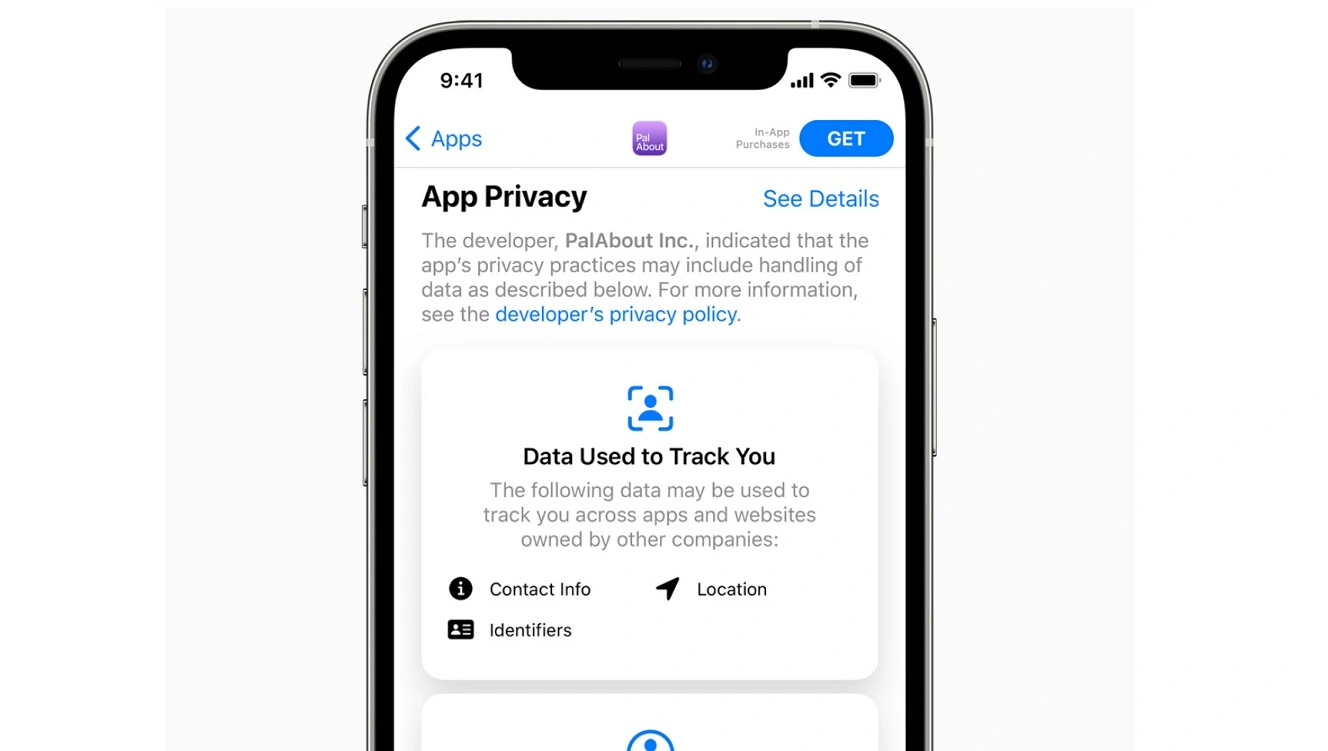
Khurana told us the main concern is that Apple and third-party apps do not ask users for consent in the same way. But what exactly does this look like for you? How different are these data consents on your screen?
When a person opens a third-party app, they see the app’s own privacy request, followed by another Apple pop-up asking if the app can track activity across other apps and websites, Khurana explained. However, Apple’s own apps show fewer pop-ups and use simpler language.
“Since the third-party apps show more prompts, a user may get tired of the pop-ups and refuse permission,” Khurana said. However, when the same user opens Apple’s own apps that ask for consent through a shorter and simpler request, the same user may be more likely to agree.
Breaking the habit of automatically tapping “Allow”
“Twenty years in UK school IT taught me one thing: Nobody reads consent screens, and it is a habit that people developed over the years and instantly tap ‘Allow’,” Mark Richard Friend, School ICT Strategy and Cybersecurity Specialist at Classroom365, a London-based IT and cybersecurity company for schools, told us.
“This ruling makes Apple play by the same rules it set for everyone else,” said Friend.
From your point of view, data consent for Apple apps works as a single tap with limited text to request permission. Meanwhile, to give third-party apps consent, you must go through more extensive screens and several more steps to seek user permission, Friend explained.
While highlighting the slow and bureaucratic nature of these types of proceedings, and how delays in the implementation of changes have happened before, Friend said that the main issue is: fewer taps, more automatic consent for ‘Yes, use my data for personalized ads.’
Breaking this pattern is fundamental.
What other data consent risks should you be aware of?
The Bundeskartellamt versus Apple proceedings are solely focused on European and German competition law and not on user data privacy, data protection, or cybersecurity. However, how you give consent to apps to use your data extends into those areas.
With cybercriminals creating fake Mac apps to steal your data and crypto, hundreds of apps found on the Apple App Store and Google Play Store that put you at risk, reports revealing that databrokers’ data is used for mass surveillance, and some apps even tied to nation-state threat actors, data consent risks today cannot be underestimated.
“The risk is not with ads, but the amount of data that is collected behind a single click, location history, browsing habits, and device signals that are often all included in a blanket allow request,” said Friend from Classroom365.
“Most users will never get to see the complete list of what they agreed to, and I believe it’s by design, not a coincidence,” Friend said.
“Regardless of the screen experience, users must know what they are allowing access to,” Khurana from Airbnb told us.
Personalized ads can use information from app activity, device identifiers, account activity, and interactions across services to build a profile about a user’s interests and habits, Khurana explained.
“Therefore, users should read these pop-ups carefully, review their personalized ad settings, and change their choices if they no longer feel comfortable sharing that data,” Khurana said.
How to stay safe from data consent risks
This report only scratches the surface of the risks tied to data consents. However, it serves as a solid stepping stone to help you take some action on your end to prevent these risks.
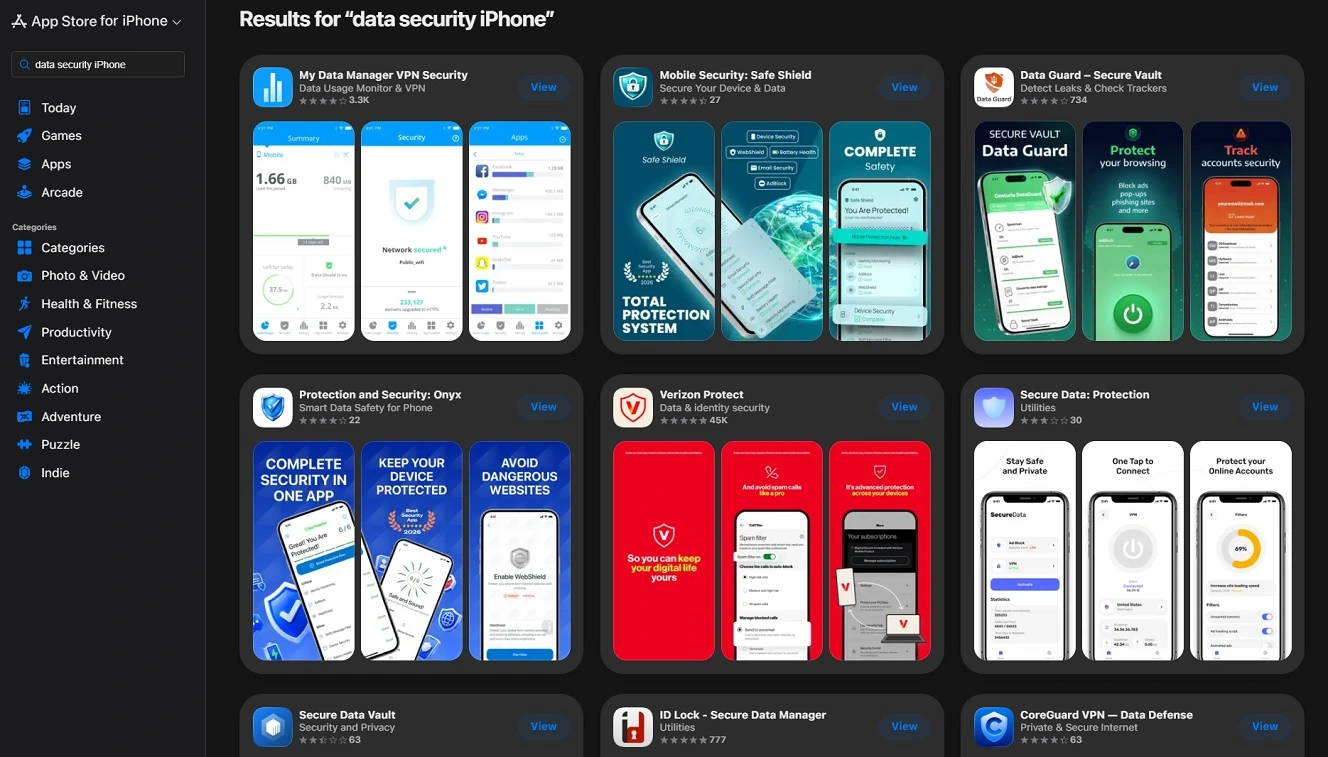
Check app download sites, scroll all the way down, and read the Privacy Policy to stay on the safe side
Verifying the safety and legitimacy of an app before downloading it from official sites — and doing so after scrolling all the way down to the Privacy Policy to understand how an app will use your data — should become a mandatory habit if you want to stay on the safe side of things.
Get Moonlock. It builds layers of defense that mitigate the risks tied to data consent.
To build a stronger layer of security on your Mac, the Moonlock security app builds multiple layers of defense across your entire Mac digital surface, from emails to files to online browsing.
Once you download Moonlock, Real-Time Protection will run in the background, silently checking everything you interact with to detect malware threats.

To add more layers of protection, Moonlock’s VPN offers secure browsing, while the Network Inspector blocks servers in countries where you are concerned about data misuse. Meanwhile, Moonlock’s built-in Scam Detector will flag scams and phishing in any email or text with just a couple of clicks, and the Security Advisor will help you build safe digital habits at your own pace.
You can run a full malware scan after downloading the Moonlock app to make sure your Mac is clear of malware and threats. If Moonlock finds anything, it will tell you exactly what it is and why it is dangerous.
Check out and test-drive Moonlock for free for 7 days.
Final thoughts
As Apple continues to clash with European law, which is considered a blueprint for legislation in countless countries and the most user-protective legal environment in the world, how you consent to apps using your data is critical.
Whether you are in the affected region or anywhere else in the world, data consent requires that you tap on your screen to allow it. Understanding the risks before tapping can help you make more informed decisions and better protect your security and privacy.
This is an independent publication, and it has not been authorized, sponsored, or otherwise approved by Apple Inc. Mac and macOS are trademarks of Apple Inc.