In recent years, online privacy has become synonymous with the Tor Browser. People use it to hide their IP addresses when browsing the web in order to stay safe from trackers, surveillance, and censorship, but you might be wondering, is the Tor Browser safe? Here’s everything you need to know about the Tor Browser in 2026.
Is Tor Browser safe to use in 2026?
While far from the most popular web browser, Tor (short for The Onion Router) averages around 2 million daily active users, so it’s far from being a niche solution reserved for hardcore privacy purists.
Many people associate Tor with illegal online activity, but in reality, the dark web only accounts for 3% of the browser’s traffic. Not to mention, the vast majority of users are only after the additional boost in privacy and anonymity.
How Tor Browser works and what it does
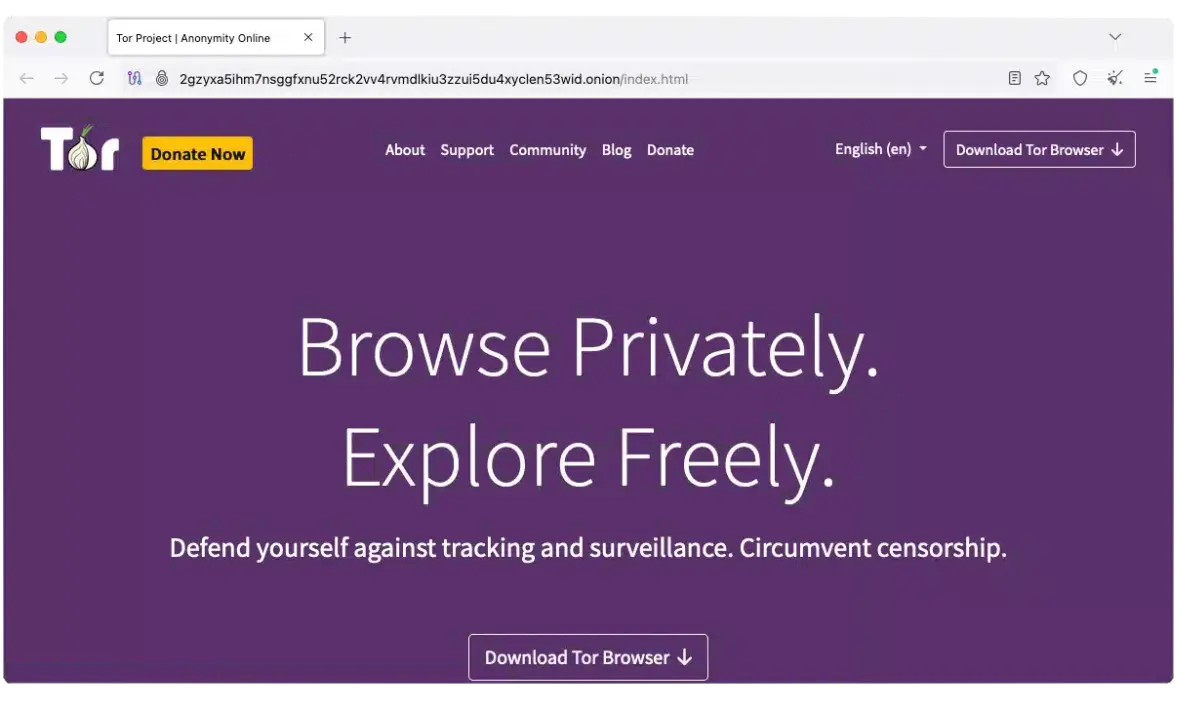
So, is Tor safe? First off, it’s important to note the difference between the Tor Browser, also known as the Onion Browser, and the Tor Network.
The Tor Browser is a piece of software or an application that connects you to the internet, much like Safari or Chrome. It connects its users to the Tor Network, which is a network of servers that reroutes web traffic over multiple “nodes.”
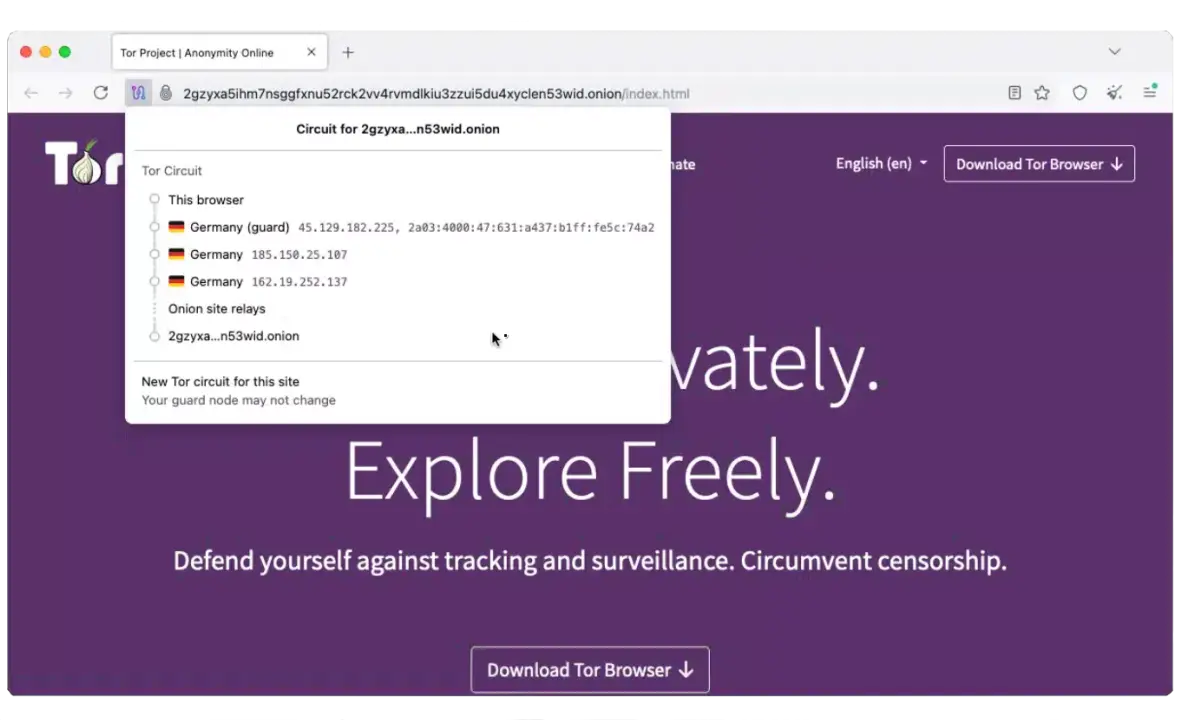
These node servers are volunteer-owned and run, so no one corporation or organization has centralized access to user data. This makes your true IP address and identity virtually impossible to track.
Can Tor Browser keep you truly anonymous online?
Despite admitting on their website that Tor “cannot guarantee perfect anonymity,” it’s still one of the best options out there if you’re serious about your online anonymity.
That said, the Tor Browser can’t protect your anonymity if you log into accounts connected to your in-person identity. The website will be able to recognize that it’s you using your account.
Is using Tor Browser legal?
It’s important to check your local laws for any Tor restrictions, as countries like China, Iran, and Russia have measures set in place to block or penalize residents from using the browser.
Generally speaking, the Tor Browser is legal to use in most countries around the world. As long as you don’t use it to break the law, you should be good to go!
What is Tor Browser used for and why?
At the end of the day, Tor is just an internet browser with some added functionality. At the same time, there are many reasons why someone might opt to use it over the alternatives, including:
- Bypassing censorship: Rerouting to servers outside your current country or region would enable you to access blocked or restricted websites.
- Privacy and anonymity: Many journalists and political activists use Tor to maintain their privacy and anonymity online for safety reasons.
- Sensitive research: The Tor Browser provides the ability to safely investigate sensitive topics without exposing your identity through your IP address.
- Accessing .onion sites: These “deep web” sites can’t be accessed by using normal browsers and search engines, but only with specialized browsers like Tor.
Can using Tor Browser give you viruses or malware?
The Tor Browser doesn’t include any built-in antivirus protection. Any files you download while using the browser could be infected, depending on the website of origin. You are still responsible for scanning your own files and checking links.
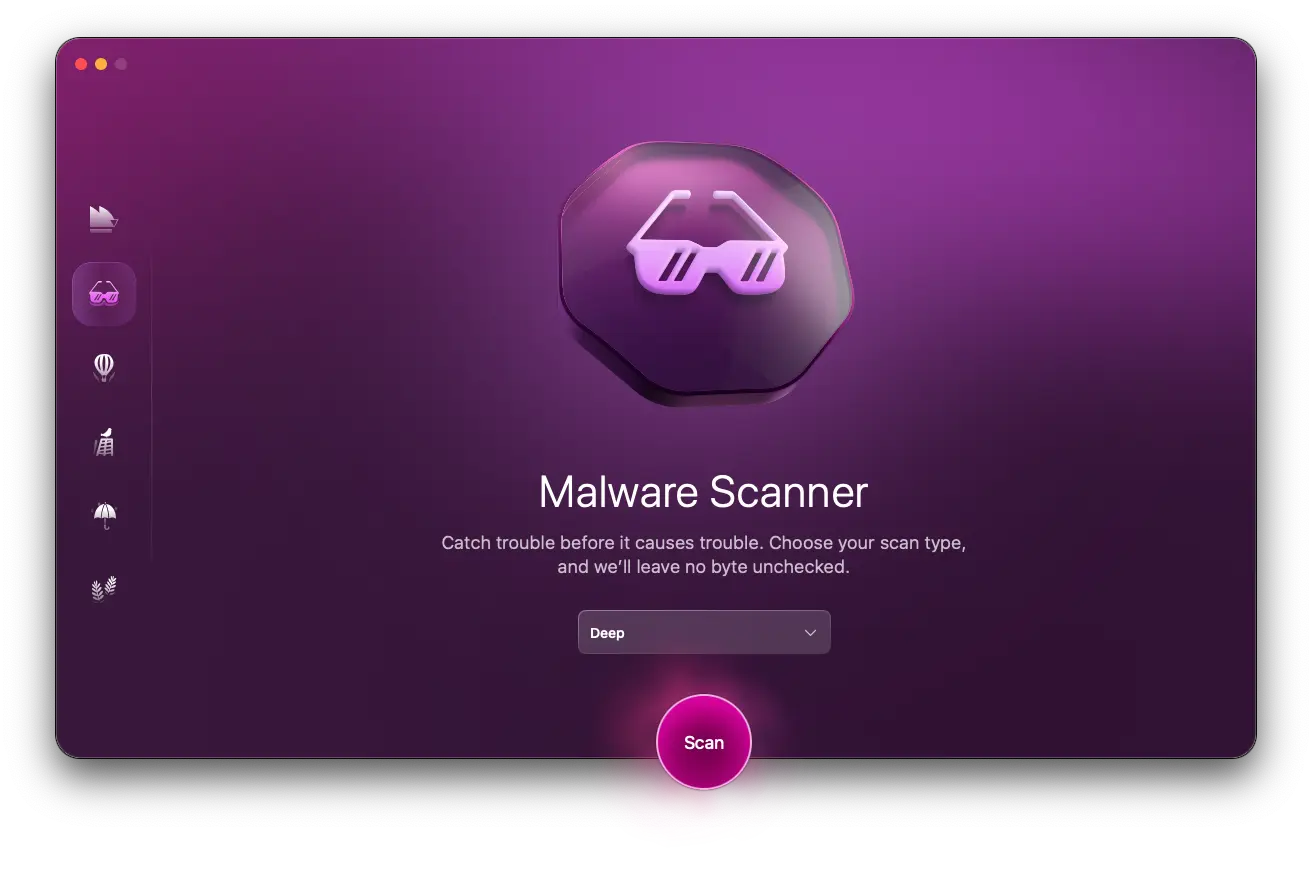
Just because a browser promises privacy and anonymity doesn’t mean it guarantees security. For that, you need to already have an antivirus you can trust installed on your Mac.
We recommend Moonlock antivirus and using it to run regular malware scans. You can also set up real-time protection to keep an eye on all files as soon as they set foot on your device.
How to browse safely with Tor
While the Tor Browser can help you with staying safe online, you’re still responsible for your own online safety. So, before installing the Onion browser and surfing a new part of the web, there are a few best practices and safety tips you should keep in mind.
Logging in to personal accounts
Be careful about the websites you log in to and any forms you fill out while using the Tor network, especially if you include personal information. While the browser can mask your location, as soon as you log in, the website will know it’s you, and it will continue to associate activity during that session with you.
VPN over or under Tor
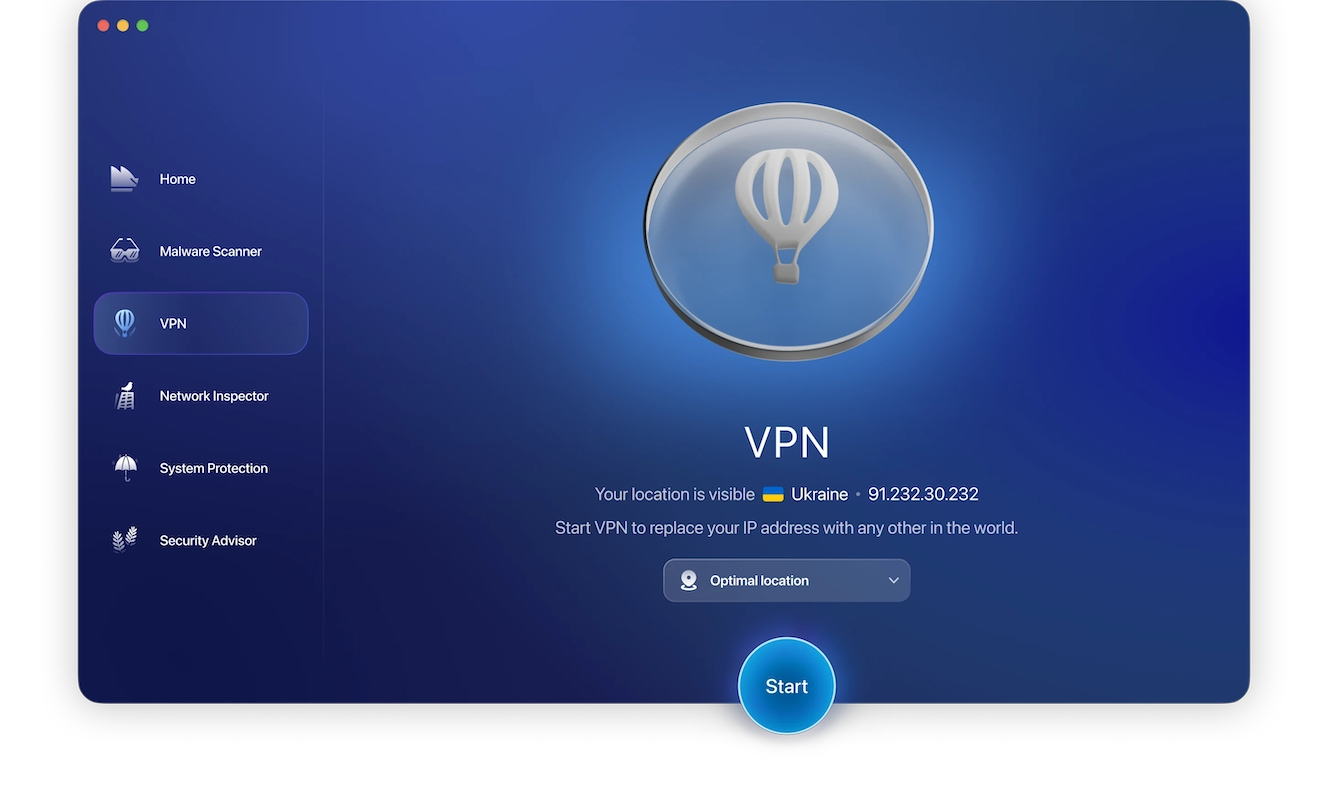
There are some cases where using a VPN in combination with Tor browsing might be beneficial. For example, accessing websites that block Tor traffic or being able to control which region you’re browsing from can be beneficial to your overall cybersecurity.
However, if not configured properly, using a VPN could compromise the anonymity gained by using the Tor Network. After all, you’re routing your traffic through a commercial server, not the volunteer-run and anonymized Tor servers.
Opening documents you downloaded
Unless you’re using Tor’s built-in PDF viewer, opening DOC and PDF files through third-party apps sometimes downloads resources outside of your Tor connection. This will reveal your non-Tor IP address and void all the precautions you took to preserve your anonymity.
Torrenting over Tor
Most torrenting and peer-to-peer file-sharing applications ignore the configurations set up by the Tor Browser when making a connection. Often, they connect you directly to your exchange peers, revealing your real IP address and compromising your anonymity in the process.
Another issue is an ethical one regarding the free use of the Tor network. Torrenting takes up a lot of resources and puts unnecessary strain on the volunteer-run servers. This makes them less available to other users looking to connect through the Tor network.
The hidden dangers of using Tor Browser
Just because Tor is a widely used and highly praised browser for privacy and anonymity doesn’t mean it’s completely risk-free. Before you jump in without any knowledge or precautions, consider the following.
Malicious exit nodes
Currently, there are approximately 8,000 active Tor nodes that you could be routed to when connecting through Tor. This number fluctuates based on volunteer participation.
However, any one of these nodes could be owned and controlled by a malicious individual. If that happens to be your exit node (i.e., the one you used to connect you to the web), that individual could potentially see all of your non-HTTPS website traffic.
False sense of security and anonymity
Tor is just added armor; it doesn’t give you protective superpowers when browsing the web any more than Safari or Firefox.
It’s important not to become overconfident in your sense of security when browsing the web or downloading files. Your inflated sense of security could increase your risk of stumbling upon a malicious link or file. You’d then have to act quickly to remove the malware from your device.
Targeted government surveillance
While no one can see what you’re doing through a legitimate Tor connection, your ISP can still tell when you’re routing your traffic through Tor. Depending on the popularity of the browser in your local area, this might single out your traffic compared to others.
Normally, this shouldn’t be a problem as long as you’re not doing anything illegal, but it could lead to increased suspicion. Depending on your country of residence, you might find your online activity subject to government surveillance.
Exposure to illegal or harmful content
If you venture towards .onion sites without really knowing what you’re doing, you risk exposing yourself to harmful or illegal content.
Stumbling upon deep web content is highly unlikely if you’re sticking to surface web browsers or avoiding any untrustworthy .onion sites. That’s because .onion sites are much harder for authorities to track and shut down compared to normal websites.
FAQs: Tor Browser safety, VPN use, and tracking risks
Before installing the Tor Browser on your Mac and making the switch full-time, it’s important to have someknowledge of the technology in order to navigate your way around its negative aspects.
You can certainly use Tor without a VPN, as long as you stick to known and trustworthy websites. However, if you’re venturing out or visiting sites where Tor traffic isn’t welcome, you might want to consider pairing it with a VPN.
When properly configured, using a VPN with Tor can help keep you safe from compromised entry or exit nodes in the Tor network.
The Tor protocol is designed to keep you safe and anonymous even when browsing dark web websites. However, your safety will still depend on the proper use of the technology, such as not downloading untrustworthy files and refraining from sharing personal information.
Downloading files from the internet carries a degree of inherent risk, no matter what browser you use. The Tor Browser doesn’t have any built-in antivirus or antimalware functionality, so you need to be selective about which sites you download files or documents from.
Tor stands for The Onion Router, in reference to the multiple layers of routing your connection goes through. The onion network, meanwhile, is the collection of available entry, bridge, and exit nodes available for connection.
Tor hides your IP address behind 3 nodes before connecting you to the internet. Only the first node has access to your real IP address. This means anyone trying to track you down would have to go through 2 separate servers before reaching your entry node.
Getting hacked when browsing the web is always a possibility. Even using Tor, you could still download a malicious file or get caught up in a phishing scheme. All Tor does is protect your identity and keep you from getting doxxed.
It’s highly unlikely that anyone can trace an exit node’s IP address back to your real IP address.
Should you use Tor Browser for everyday browsing?
There’s a reason Tor continues to rise in popularity among the privacy-conscious crowd online. If all the tracking enabled by regular browsers has been bothering you lately, switching to Tor for your everyday browsing is worth your consideration.
There are many benefits to being a daily Tor user, including:
- It’s a free and open-source browser not owned by any commercial corporation.
- The Tor Network makes it nearly impossible for websites to track you with cookies and build a profile of you.
- You’re virtually immune to doxxing, even if you use it to log in to your social media accounts.
- You gain easy access to non-indexed .onion websites.
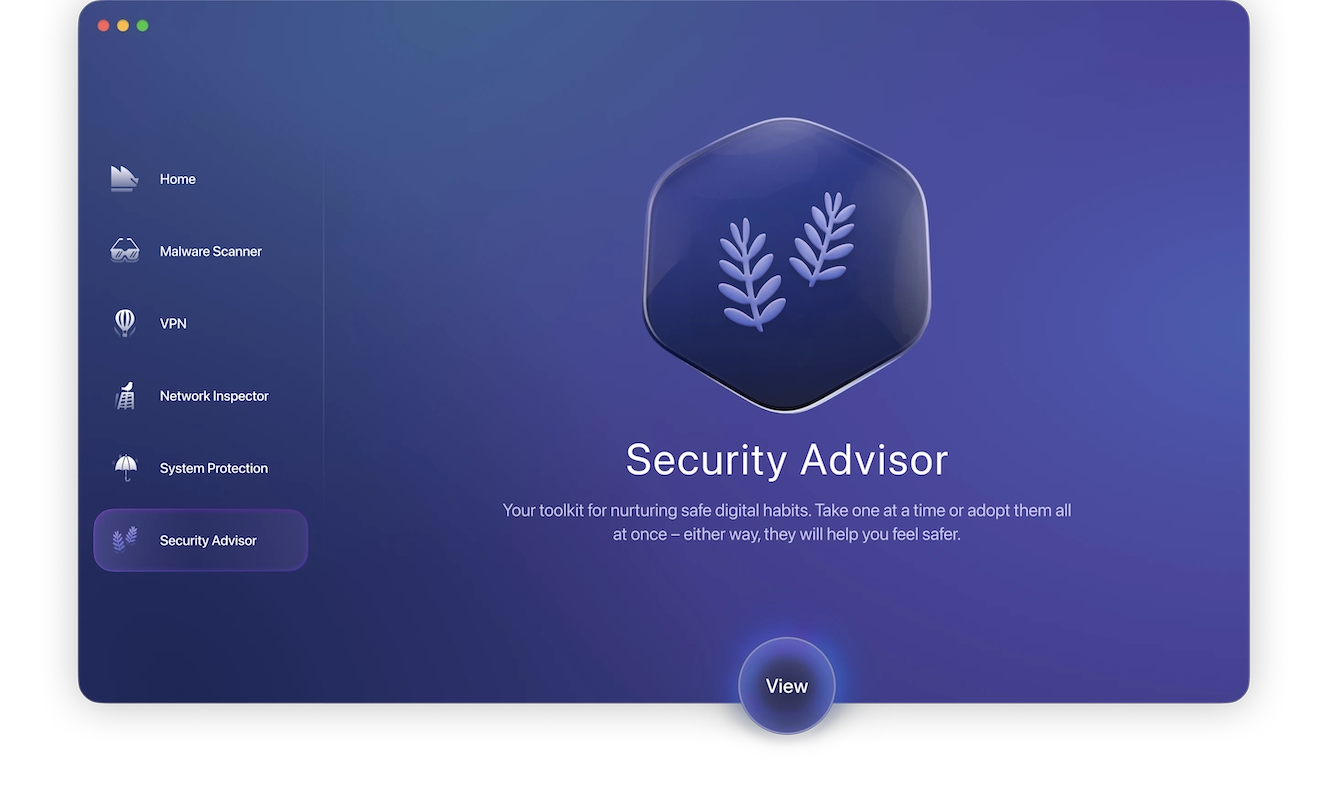
Regardless of whether you decide to make the switch to Tor or not, you should still take your digital hygiene seriously anytime you’re online.
Moonlock Security Advisor helps you build the habits needed to become more mindful of your online security and privacy. Even without the Tor Browser, you can protect yourself and browse more securely with the help of Moonlock.