
As concerns over online privacy and hidden trackers continue to grow, so does the popularity of the search engine and web browser DuckDuckGo. Launched in 2008, it’s now the third most-used mobile search engine in the United States, with a 1.99% user share for 2026, right after Google and Yahoo.
A key factor that appeals to many users is that DuckDuckGo’s private browser blocks many third-party trackers by default. But before you switch to DuckDuckGo as your preferred search engine, you should know what it can and can’t do for you in terms of privacy, security, and online safety.
Is DuckDuckGo safe? Separating myths from reality
Yes, DuckDuckGo is legit and perfectly safe to use both as a browser and search engine if you’re looking for a bit more privacy in your day-to-day browsing. That said, cybersecurity experts warn against browsing with a false sense of security, no matter the added privacy benefits, as the browser won’t protect you from clicking on phishing links or downloading malicious files.
DuckDuckGo is better by default than other browsers and search engines on the market, but it still doesn’t guarantee total privacy or security online. For one, it can’t make you anonymous, hide your IP address, or prevent a malware infection on your Mac.
If you’re considering switching to DuckDuckGo, here are a few of its key features:
- No search history or profile tracking
- Uses HTTPS connections by default
- Doesn’t hide your IP address
- Doesn’t block all malware or online scams
- Reduces third-party tracking across websites
- Best when combined with an antimalware and VPN

Single-click VPN connection
Is DuckDuckGo really private? What US laws mean for your data
DuckDuckGo is a US-incorporated company, meaning it answers to state and federal laws governing the collection and processing of user data. This also means it’s subject to American legal processes, including subpoenas, court orders, National Security Letters (NSLs), and data requests made under the Foreign Intelligence Surveillance Act (FISA).
However, DuckDuckGo can reduce the risk of having to hand over user data to law enforcement by minimizing data collection. Such concerns mainly matter to people with strong anti-surveillance requirements, like journalists and activists, who often opt for more advanced solutions like the Tor browser.
For most people, DuckDuckGo’s privacy protections are sufficient to avoid third-party tracking.
What happened in the 2022 Microsoft tracker controversy?
So, does DuckDuckGo track you? In 2022, security researchers uncovered internal emails that the DuckDuckGo privacy browser was allowing Microsoft-owned third-party trackers to operate, while still blocking competitors like Google or Amazon.
DuckDuckGo’s founder, Gabriel Weinberg, claimed that allowing Microsoft trackers was necessary to avoid breaking delivery from Bing searches. This incident highlights the drawbacks of relying entirely on a single tool for your online privacy and the need to layer on your protections.
What is DuckDuckGo: A search engine or a browser?
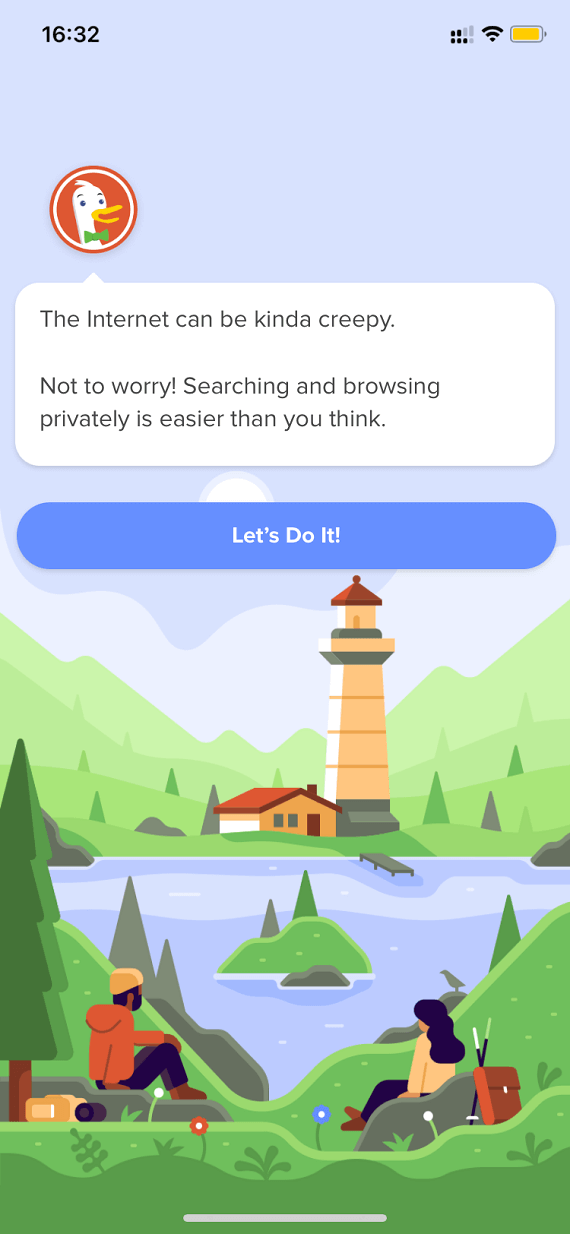
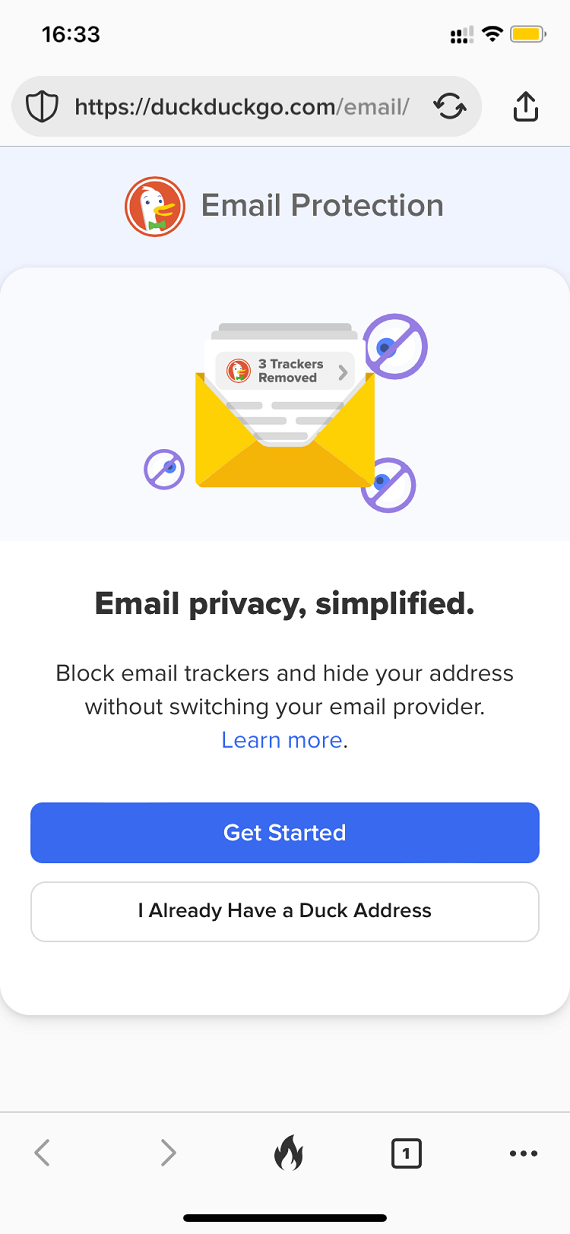
DuckDuckGo is a privacy-focused technology company with multiple products. While it’s best known for its orange duck-themed search engine, the company has long expanded into a broader privacy ecosystem that includes the DuckDuckGo Browser, available on Mac, Windows, Android, and iPhone, as well as a free browser extension to block web-tracking, an email service, and, more recently, its own AI, Duck.ai.
The products, available for free or at a small subscription fee for extra features, work best as a part of an integrated ecosystem. But you can also use them independently, mixing and matching with other security and privacy products you already like.
Who owns DuckDuckGo?
Since its founding in 2008, DuckDuckGo has continued to be a privately held company, owned by its founder and CEO, Gabriel Weinberg. While it’s raised funding from investors like Union Square Ventures, its main source of income continues to be user subscriptions and ads.
How does DuckDuckGo protect your privacy?
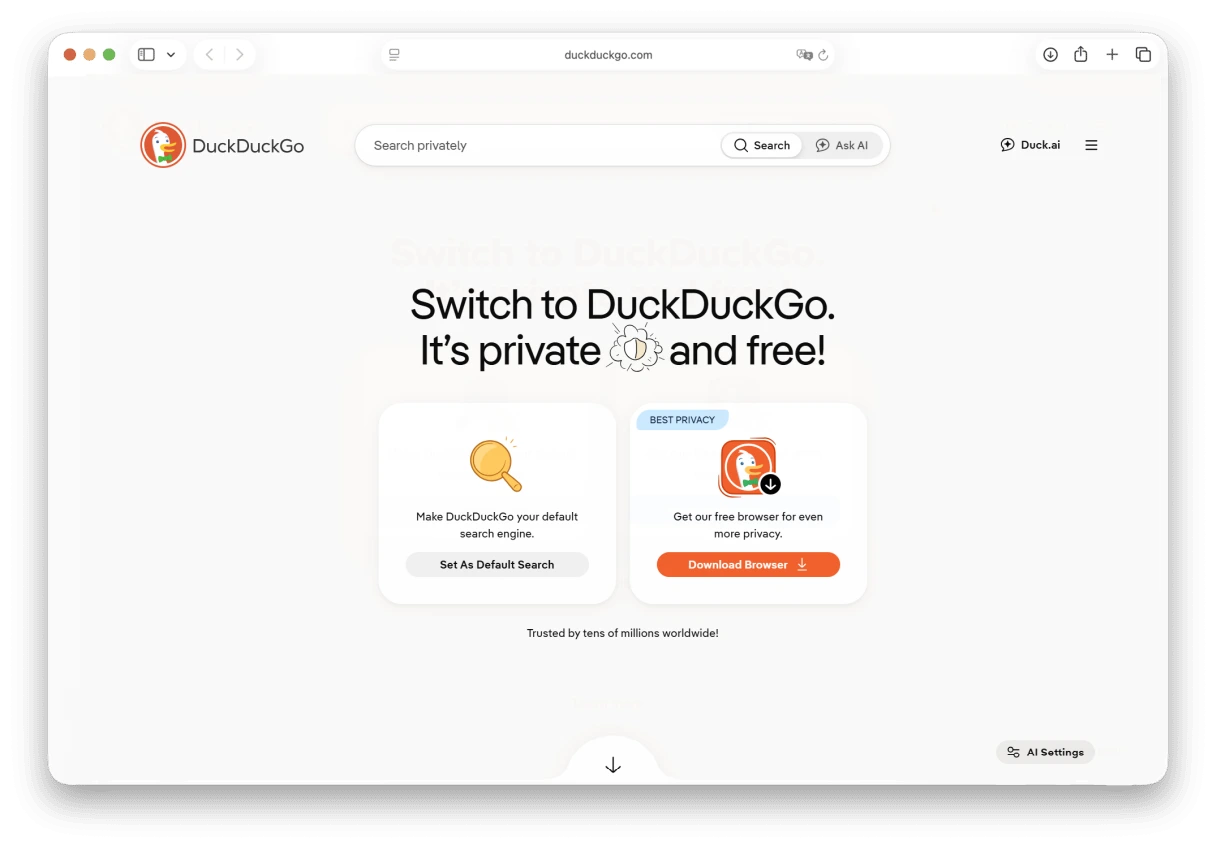
DuckDuckGo protects your privacy by blocking and minimizing data collection, giving you more control over your online footprint.
DuckDuckGo Search
The DuckDuckGo search engine was built around private searching, with its core privacy mechanisms including:
- No search history storage: Searches are only saved locally on your browser and not kept by DuckDuckGo.
- No personal tracking: Your searches aren’t linked to an individual identity that can be traced back to you.
- Anonymous advertising: Ads are not targeted. They’re based on keywords, not personal behavior.
- Encrypted connections: HTTPS is used by default to protect your data in transit.
- Tracker reduction: Limits exposure to third-party trackers.
DuckDuckGo Browser
Using the DuckDuckGo Browser alongside the search engine extends search privacy into everyday browsing outside DuckDuckGo sites:
- Tracker blocking: Trackers are blocked on third-party sites before they load.
- Cookie protection: Cross-site cookie tracking is limited.
- HTTPS: Encrypted website connections are prioritized.
- Fire Button: You can quickly clear up your browsing data.
- Email protection: The browser automatically removes hidden email trackers.
What DuckDuckGo doesn’t protect you from
While DuckDuckGo can greatly improve your privacy, it doesn’t eliminate all online risks. Understanding what it can and can’t do allows you to fill in the gaps and ensure your own safety online.
DuckDuckGo Search
DuckDuckGo Search drastically reduces online tracking, but it’s not an all-in-one security solution. Its limitations include:
- No malware detection or removal
- No phishing prevention
- Your ISP still sees your IP address
- No device protection
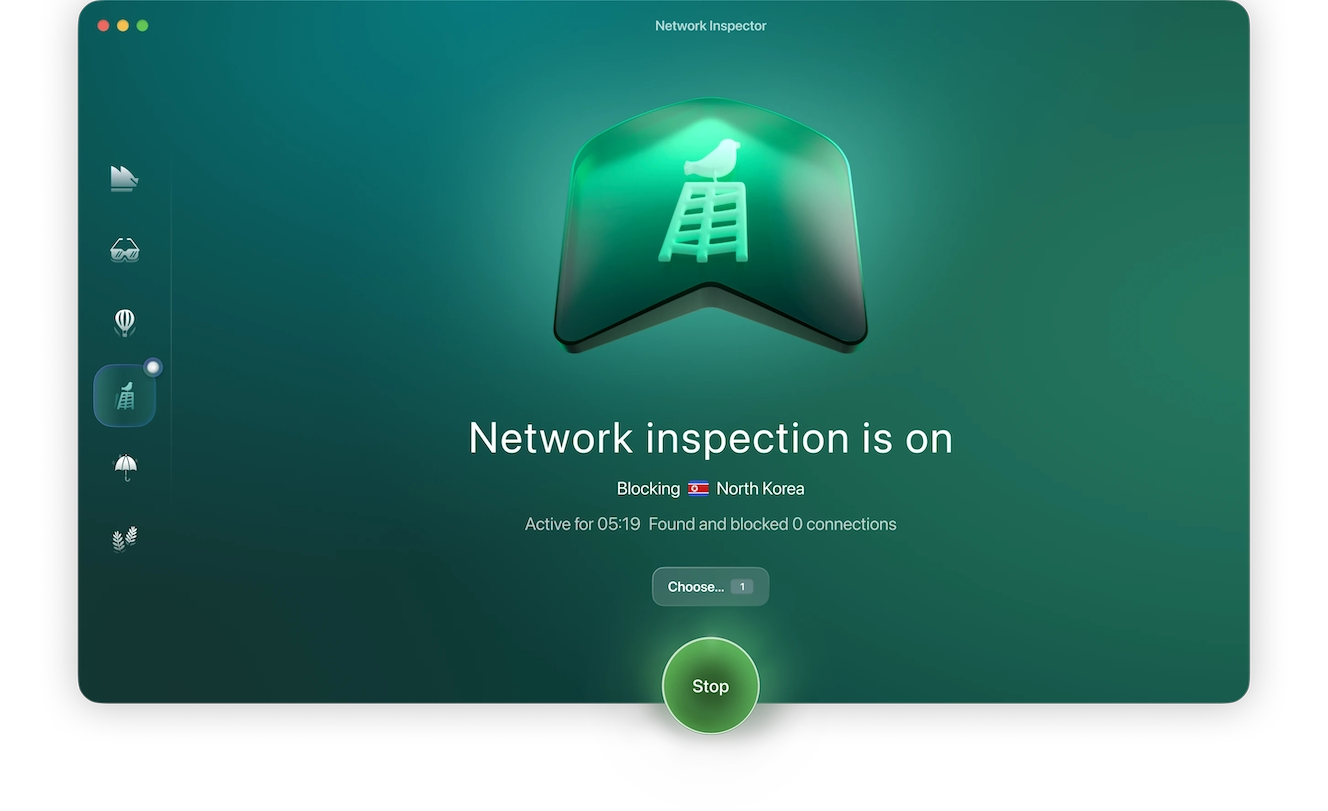
For well-rounded protection, you need to layer DuckDuckGo with specialized security tools like Network Inspector. You can set Moonlock to block traffic originating from high-risk countries or regions, limiting the risk of scams or drive-by malware downloads.
Here’s how you use it:
- Sign up for a free trial.
- Open Moonlock.
- Navigate to the Network Inspector tab from the left-hand sidebar.
- Click on “Choose…” to select countries to block.
- Click Start.
DuckDuckGo Browser
Switching to the DuckDuckGo Browser adds another layer of privacy protection, but it still doesn’t replace full security software. Its limitations include:
- No built-in malware protection
- No defenses against phishing
- No anonymity
- No device security
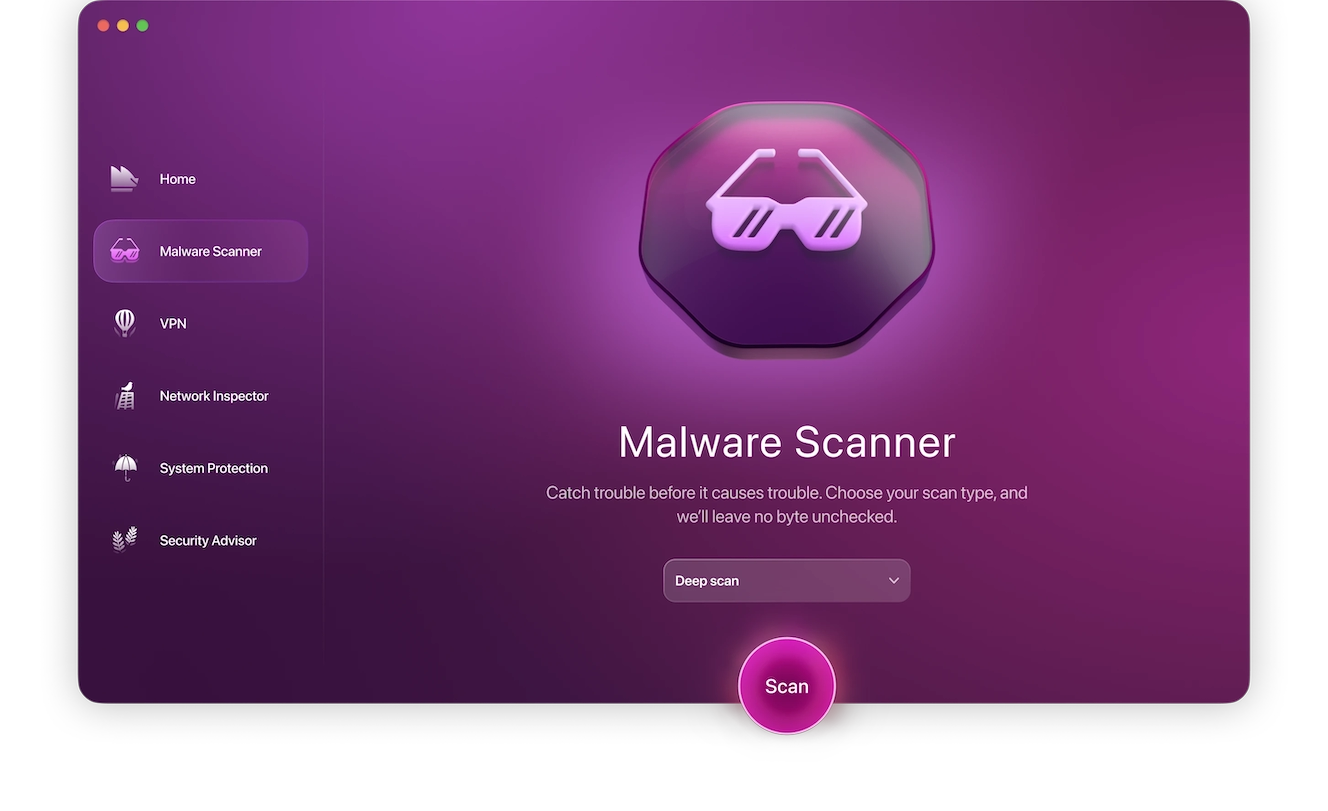
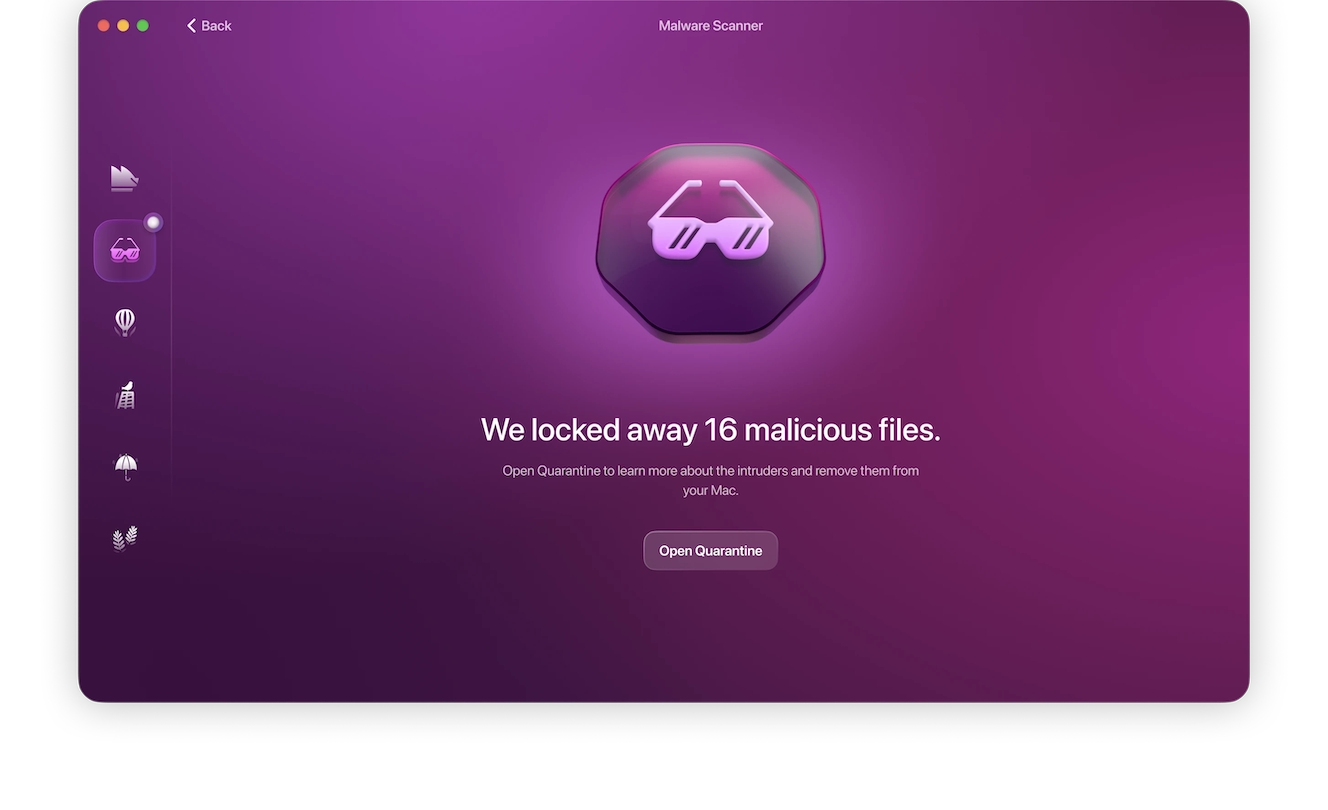
The browser itself could get infected with a browser hijacker that could open the door to many other risks. To close the final gap, you can use Malware Scanner to run regular scans on your device and remove malware from your Mac:
- Open Moonlock antivirus.
- Click on Malware Scanner on the left.
- From the drop-down menu, select Deep.
- Click Scan.
DuckDuckGo: Pros, cons, and key trade-offs
The DuckDuckGo search engine prioritizes privacy over personalization. It aims to create a balance between a pleasant browsing experience for the user and online privacy. However, this approach comes with its own advantages and limitations alike, including the following.
Pros:
- Private searches: DuckDuckGo doesn’t keep or share your searches.
- Reduced tracking: DuckDuckGo limits targeted ads based on your online behavior and activity.
- Keyword-based ads: DuckDuckGo shows ads based on search terms, not past user activity.
- Less data collection: DuckDuckGo stores less information that can be used for profiling or requested by law enforcement.
Cons:
- Less personalized results: Not using personal data can reduce the relevance of the search results.
- Fewer integrated services: The DuckDuckGo ecosystem is smaller than others offered by Google or Microsoft.
- Limited protection: DuckDuckGo doesn’t hide your IP address or stop malware infection.
- Smaller index: Pulling results from Bing, it may miss some results compared to larger search engines like Google or Yahoo.
DuckDuckGo vs. Google, Bing, and Yahoo: Which is more private?
In terms of privacy, each search engine offers a different set of benefits and drawbacks.
DuckDuckGo:
- Avoids personal search profiles and limits tracking
- Uses Bing’s index, which may limit results quantity and quality
Google:
- Highly personalized search results
- Stronger ecosystem integration
- Heavy on third-party tracking and targeted advertising
Bing:
- Offers the same search results as DuckDuckGo but collects user data
- Access to the broader Microsoft ecosystem
Yahoo:
- Search results powered by Bing algorithms
- Includes personalized services, but fewer than Google and Microsoft
DuckDuckGo offers more privacy at the expense of more customization and convenience, which might limit results depth and relevance for some users.
Common questions about DuckDuckGo’s privacy and security
To quickly answer some questions you might still have about DuckDuckGo’s security features, advantages, and limitations, take a look at the following FAQs:
DuckDuckGo improves privacy, not security. It won’t prevent malware, phishing, or hacking. You still need to use a strong antivirus and practice proper online hygiene.
The DuckDuckGo Browser is perfectly safe for online browsing as it uses HTTPS by default for connections.
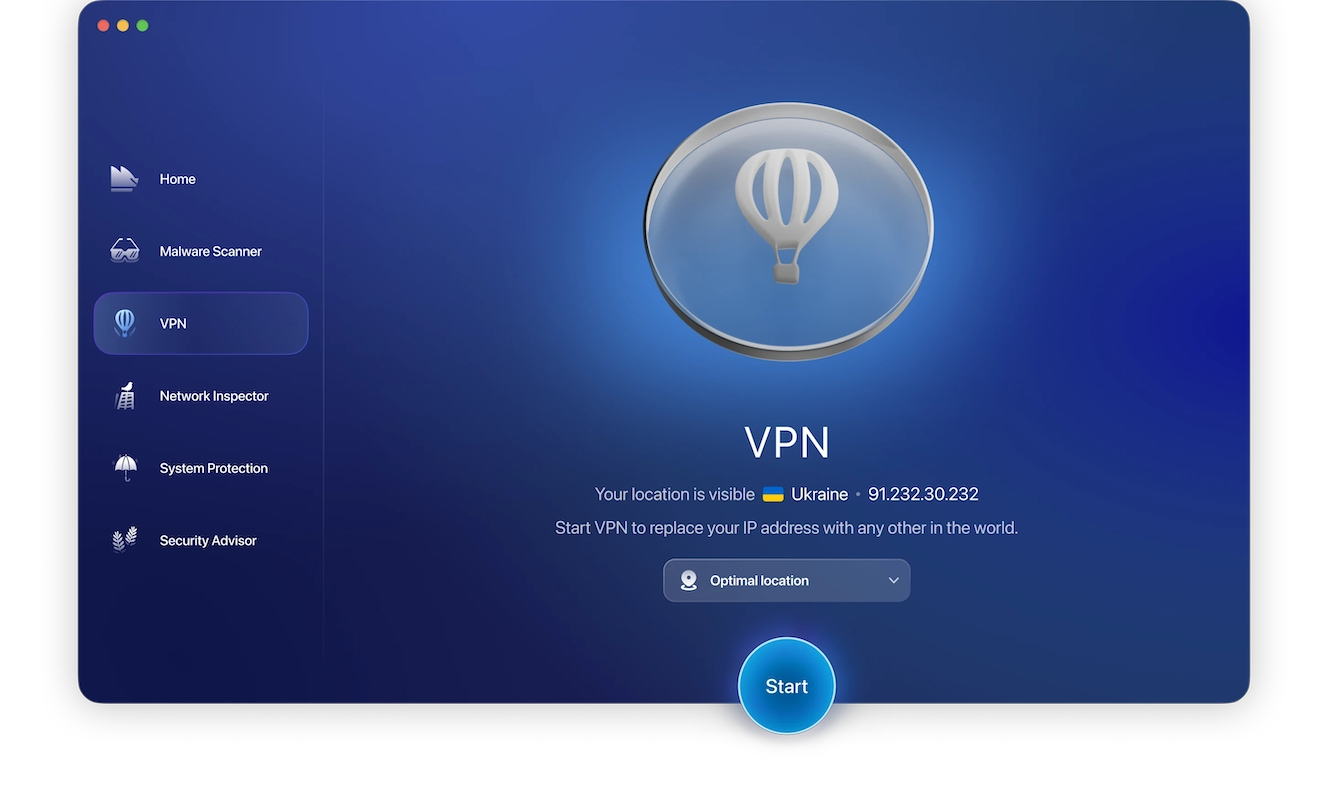
No, DuckDuckGo doesn’t hide your IP address from your ISP or third-party websites. You need to use a VPN to hide your IP address online.
Critics often cite the weaker search results provided by Bing, the privacy and security limitations, and the small ecosystem integrations.
Duck.ai provides AI-powered chats with limited data exposure and processing. However, you should still avoid sharing personal or financial information in-chat.
DuckDuckGo is free to use and earns its revenue through privacy-friendly keyword ads, affiliate partnerships, and user subscriptions.
How to make DuckDuckGo even safer and more private
While DuckDuckGo is more private by default than other browsers and search engines, you can make it even safer and more private by combining it with other solutions:
- Enable 2FA on your accounts.
- Avoid suspicious links and downloads from non-trusted sites.
- Use Network Inspector to block traffic from potentially risky regions.
- Keep your OS, apps, and software updated.
- Use a password manager outside of your browser.
- Review browser permissions, limiting them to necessary data access only.
- Use Moonlock VPN to encrypt your web traffic.
DuckDuckGo is the safest choice of browser and search engine for privacy out there, but complete protection requires a layered approach to security tools and online habits.
This is an independent publication, and it has not been authorized, sponsored, or otherwise approved by Duck Duck Go, Inc. DuckDuckGo is a trademark of Duck Duck Go, Inc.